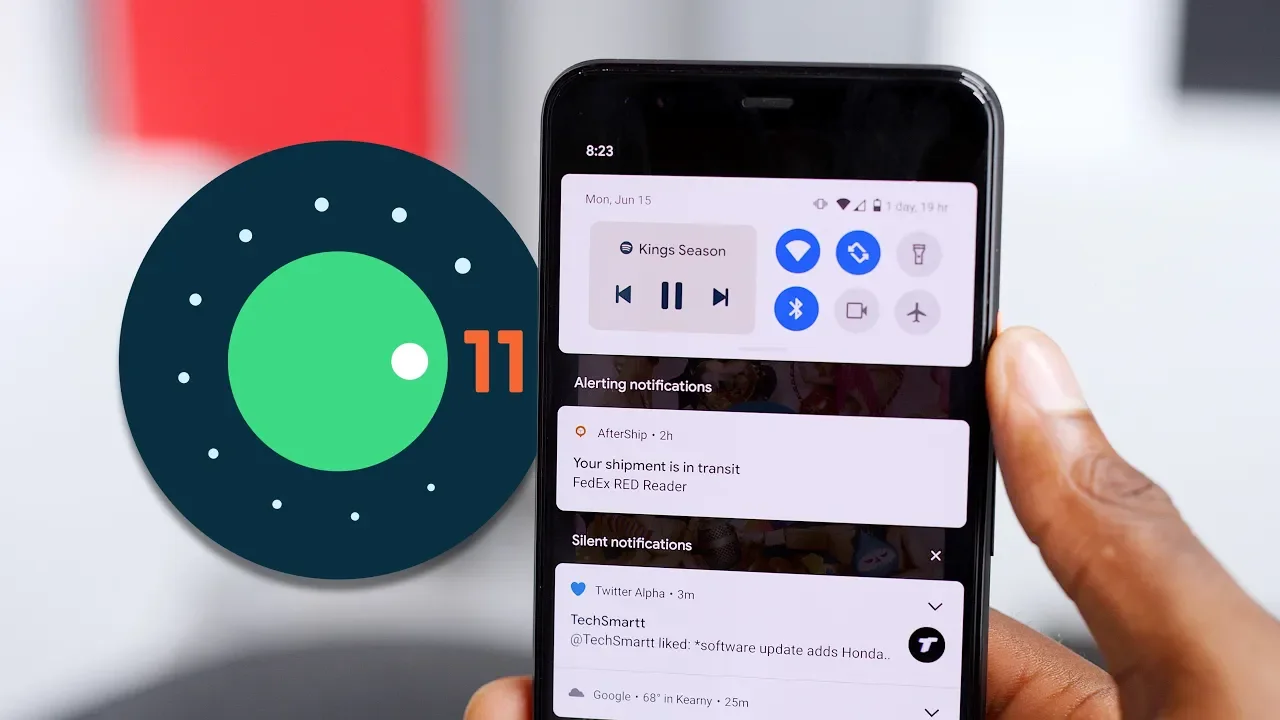
Top 5 Android 11 Features: Big Tweaks!
0 up · 0 down · 0 ratings
Promos
Android 11's best features! Also... where's Pixel 4a? Dieter's tweet: twitter.com MKBHD Merch: shop.mkbhd.com Video Gear I use: kit.co Tech I'm using right now: amazon.com Intro Track: youtube.com Playlist of MKBHD Intro music: goo.gl ~ twitter.com @MKBHD @MKBHD
Android 11 is framed here as a mature update that emphasizes refinements rather than a drastic visual overhaul. The video opens with a candid assessment of the beta’s progress, noting that early alpha builds felt underwhelming but the beta has started to feel closer to final. The host then walks through the top five new features, starting with the updated Pixel launcher. He highlights practical tweaks like enabling auto-rotation on the home screen, a new bottom app row with suggested apps, and the ability to pin or block suggested apps, explaining how these changes affect day-to-day navigation and home screen personalization. He also observes subtle UI animations that accompany pulling down the notification shade and accessing the app drawer, calling them small but pleasant polish. The discussion then moves to the new top-of-quick-settings media controls, which offer a color-matched mini player and quick device toggles, albeit noting some bugs and incomplete behavior on the beta. Next, voice access is showcased as an accessibility feature that can control the phone by voice, with the host demonstrating spoken commands like “open chrome” or “go home,” and praising the significant accessibility gains when the feature responds reliably. The power button long-press gets expanded to include Google Pay, smart home controls, and other passes, with a caveat that not all devices and cards may display perfectly in the beta. Finally, the revamped notification shade is laid out with three categories for notifications: conversations, alerting, and silent, plus optional chat heads and a refined animation style, all aimed at improving messaging workflows and notification management. The host wraps up by comparing Android 11’s emphasis on tweaks to the broader Android evolution, inviting viewers to share their favorite feature and clarifying that availability depends on device, carrier, and pixel lineage. Overall, the video combines practical feature demonstrations with candid notes about beta stability and future expectations, ending with a call to discuss what users value most in this update.
Topics · technology · mobile · software_updates · android · accessibility
Questions answered
- What is the #1 feature highlighted in the video as the major change in Android 11?
- The redesigned notification shade with three categories for notifications (conversations, alerting, and silent) and the option to use chat heads is presented as the major change.
- Which feature did the creator demonstrate using spoken commands like open chrome or go home?
- Voice access, an accessibility feature that allows controlling the phone by voice, including naming actions rather than just pressing numbers.