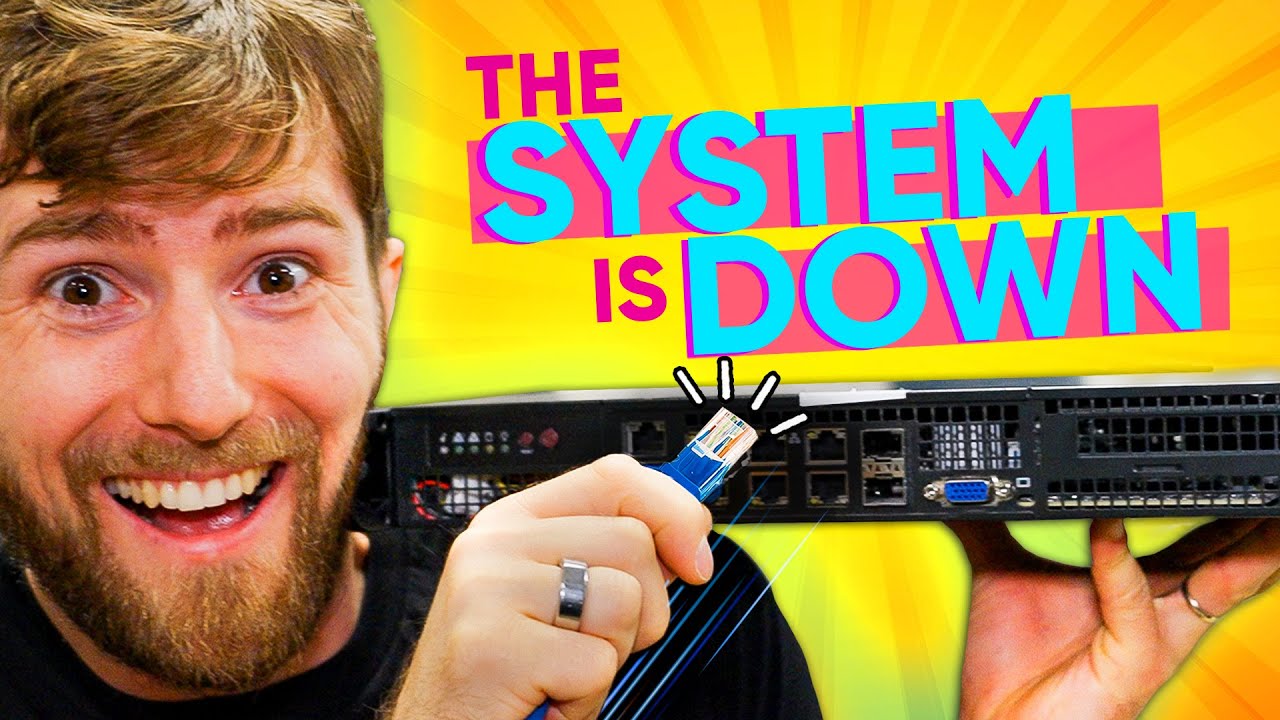
I hope you don't need internet.... - PfSense Router Update
0 up · 0 down · 0 ratings
Description
Get Exclusive NordSecurity deals here ➼ nordsecurity.com All products are risk-free with Nord's 30-day money-back guarantee! Go to privacy.com to get $5 off your first purchase! We're upgrading our internet and figured it was the perfect time to upgrade our router too! I just hope no one at the office needs internet because there's gonna be a smidge of downtime... :P Discuss on the forum: linustechtips.com
Check out the SuperMicro IoT SuperServer: lmg.gg
Check out Ubiquiti UniFi Network Switches: lmg.gg
Promos
Check out OPNsense: lmg.gg Purchases made through some store links may provide some compensation to Linus Media Group. ► GET MERCH: lttstore.com ► SUPPORT US ON FLOATPLANE: floatplane.com ► AFFILIATES, SPONSORS & REFERRALS: lmg.gg ► PODCAST GEAR: lmg.gg FOLLOW US --------------------------------------------------- Twitter: twitter.com Facebook: @LinusTech Instagram: @linustech TikTok: @linustech Twitch: twitch.tv MUSIC CREDIT --------------------------------------------------- Intro: Laszlo - Supernova Video Link: youtube.com iTunes Download Link: itunes.apple.com Artist Link: soundcloud.com Outro: Approaching Nirvana - Sugar High Video Link: youtube.com Listen on Spotify: spoti.fi Artist Link: youtube.com Intro animation by MBarek Abdelwassaa @mbarek_abdel Monitor And Keyboard by vadimmihalkevich / CC BY 4.0 geni.us Mechanical RGB Keyboard by BigBrotherECE / CC BY 4.0 geni.us Mouse Gamer free Model By Oscar Creativo / CC BY 4.0 geni.us CHAPTERS --------------------------------------------------- 0:00 Intro 1:07 UNBOXING 2:12 Linus breaks the internet & mini rack tour 6:45 Upgrading the new router 14:35 Booting & Installing 16:52 Configuration 18:49 Cable Hell 22:51 SPEED TEST 23:47 We switched to OPNSense
The video opens with the hosts joking about taking a professional approach to a major network upgrade, setting the tone for a hands-on, slightly chaotic router replacement in a busy office environment. They reveal plans to move from an aging, high power Supermicro router to a newer, more capable box intended to handle a future 10 gigabit internet plan, while acknowledging the downtime this entails. The unboxing segment confirms the hardware, including the Supermicro pfSense box, and the team debates the practicality of upgrading the router versus simply scaling the current setup. The atmosphere is light, with banter about power usage and the physical challenges of accessing a tightly packed rack, as well as a playful race to physically relocate equipment within the server room. Throughout, they emphasize the goal of improving performance while balancing power consumption and reliability, all under the umbrella of a real world office upgrade.
Topics · technology · networking · server_infrastructure · hardware · internet_connectivity · pfsense · opnsense
Questions answered
- What was the main upgrade focus for the pfSense setup in the video?
- The main focus was upgrading the router hardware to support higher speeds, moving from older gear to a more capable pfSense box with plans for faster WAN/LAN performance and better redundancy.
- Why did the team consider using OPNsense in addition to pfSense?
- OPNsense offered faster updates, more plugins, and driver support for newer NIC hardware, which helped address issues with the Intel 25 gig NIC not having drivers in pfSense at the time.
- What was the rationale behind adding redundant drives and cooling?
- Redundant drives and enhanced cooling improve reliability and uptime, reducing the risk of data loss and hardware failure in a high-availability router deployment.
- How did the team approach migrating from pfSense to OPNsense?
- They rebuilt the new box with OPNsense, then manually copied over the configuration, using a script to help convert DHCP reservations between the two systems.
- What issue did they encounter with internet uptime during the upgrade?
- During the upgrade, there was a moment where power or connectivity was interrupted as they relocated hardware, leading to an unintended downtime that they joked about.