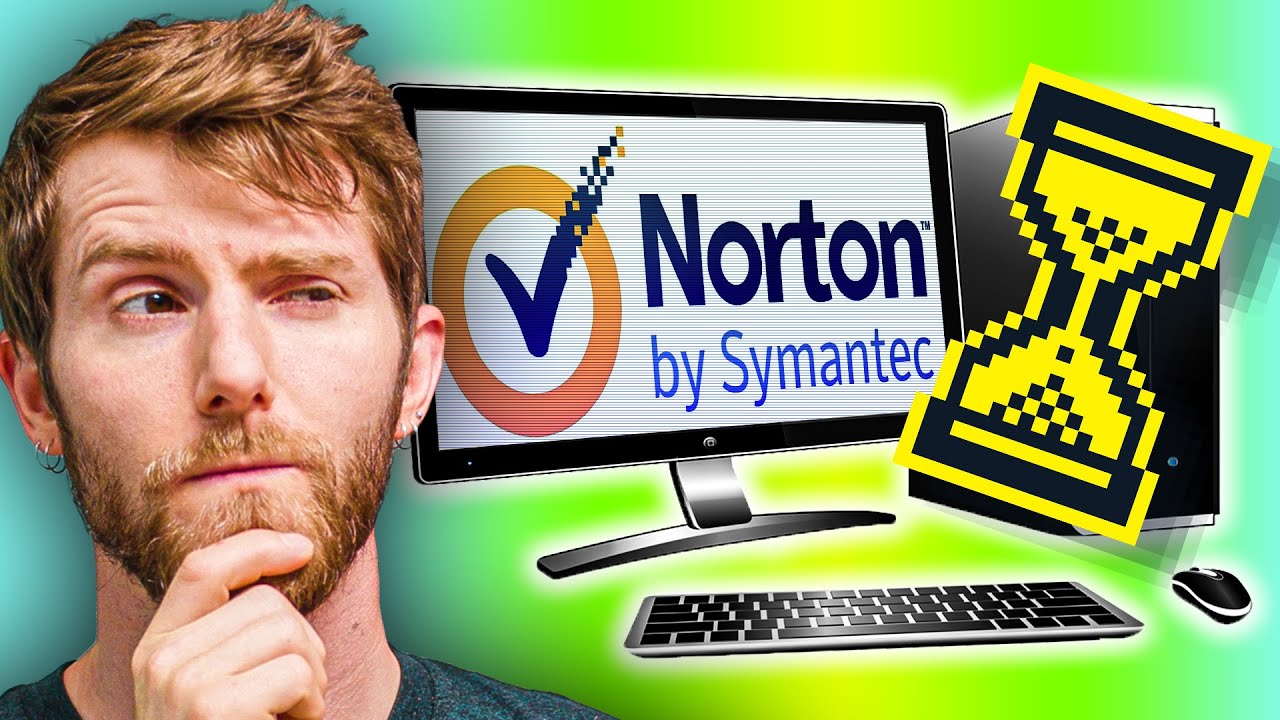
Do Antiviruses Still Slow You Down? (2020)
0 up · 0 down · 0 ratings
Promos
Sign up for Private Internet Access VPN at lmg.gg Thanks to Thermal Grizzly for sponsoring today's episode! Buy Thermal Grizzly Conductonaut on Amazon (PAID LINK) at lmg.gg Norton, McAfee and other anti-malware programs used to hold our PCs back. But in 2020, do security apps still slow down your computer? Some in-depth Anti-malware roundups: av-test.org Purchases made through some store links may provide some compensation to Linus Media Group. Discuss on the forum: linustechtips.com GET MERCH: lttstore.com SUPPORT US ON FLOATPLANE: floatplane.com LTX EXPO: ltxexpo.com AFFILIATES & REFERRALS --------------------------------------------------- Affiliates, Sponsors & Referrals: lmg.gg Get Private Internet Access VPN at lmg.gg Get a Mech Keyboard: geni.us Get a Displate Metal Print at lmg.gg Use code LINUSMEDIAGROUP on Epic Games Store: lmg.gg Get a 30-day free trial of Amazon Prime at lmg.gg Our Gear on Amazon: geni.us FOLLOW US ELSEWHERE --------------------------------------------------- Twitter: twitter.com Facebook: @LinusTech Instagram: @linustech Twitch: twitch.tv FOLLOW OUR OTHER CHANNELS --------------------------------------------------- Techquickie: lmg.gg TechLinked: lmg.gg ShortCircuit: lmg.gg LMG Clips: lmg.gg Channel Super Fun: lmg.gg Carpool Critics: lmg.gg MUSIC CREDIT --------------------------------------------------- Title: Laszlo - Supernova Video Link: youtube.com iTunes Download Link: itunes.apple.com Artist Link: soundcloud.com Outro Screen Music Credit: Approaching Nirvana - Sugar High youtube.com Monitor And Keyboard by vadimmihalkevich / CC BY 4.0 lmg.gg Mechanical RGB Keyboard by BigBrotherECE / CC BY 4.0 lmg.gg Mouse Gamer free Model By Oscar Creativo / CC BY 4.0 lmg.gg
In Do Antiviruses Still Slow You Down? (2020) Linus Tech Tips investigates whether modern security software continues to sap system performance. The video begins by framing antivirus and anti-malware as two related but distinct approaches, explaining how traditional antivirus runs in the background to block known threats while anti-malware performs periodic deep scans to identify suspicious behavior. The host recalls how past generations of security tools were notorious for hogging CPU and disk resources, especially on older mechanical drives, and explains that threat databases grew over time, contributing to performance penalties. The discussion then moves to a hands-on testing setup designed to resemble a mid-range gaming PC from a few years prior, with and without Windows Defender, plus two heavyweights McAfee and Norton. The team measures everyday tasks such as downloading, installing, zipping, transferring files, and booting Windows, alongside more demanding benchmarks like Cinebench and real-world applications like Adobe Premiere Pro, to quantify the impact. The results reveal that modern CPUs can handle background scanning, and in many cases the performance delta remains small, but notable exceptions show meaningful slowdowns under certain conditions, especially with third-party anti-malware suites. The hosts highlight surprising findings where anti-malware tools still caused slower application launches and file transfers compared to a baseline, with Norton and McAfee generally exhibiting higher overhead than Windows Defender. The video emphasizes that cloud-based threat databases and smarter first-run scans help mitigate performance penalties, though the effect can be noticeable on some tasks, particularly on entry-level systems. The discussion concludes by acknowledging the importance of security while encouraging viewers to balance protection with performance, and it points to independent anti-malware testing resources for deeper dives. The episode also includes sponsor mentions and practical tips for optimizing a security toolkit, such as considering VPN usage for privacy, and reinforces the idea that keeping background tasks in check is still worthwhile for maintaining snappy system performance.
Topics · technology · computer_hardware · cybersecurity · science_and_tech