HD Tutorial: Non-Ultimate Dreamscene
0 up · 0 down · 0 ratings
Description
***WATCH IN HD*** This tutorial will show you how I got Windows Vista's "Dreamscene" function in Windows Vista Home Premium. Sorry I showed no proof, but I actually do have Vista Home Premium, and this actually is legit! Here's the link I promised: mydigitallife.info Enjoy - SUBSCRIBE
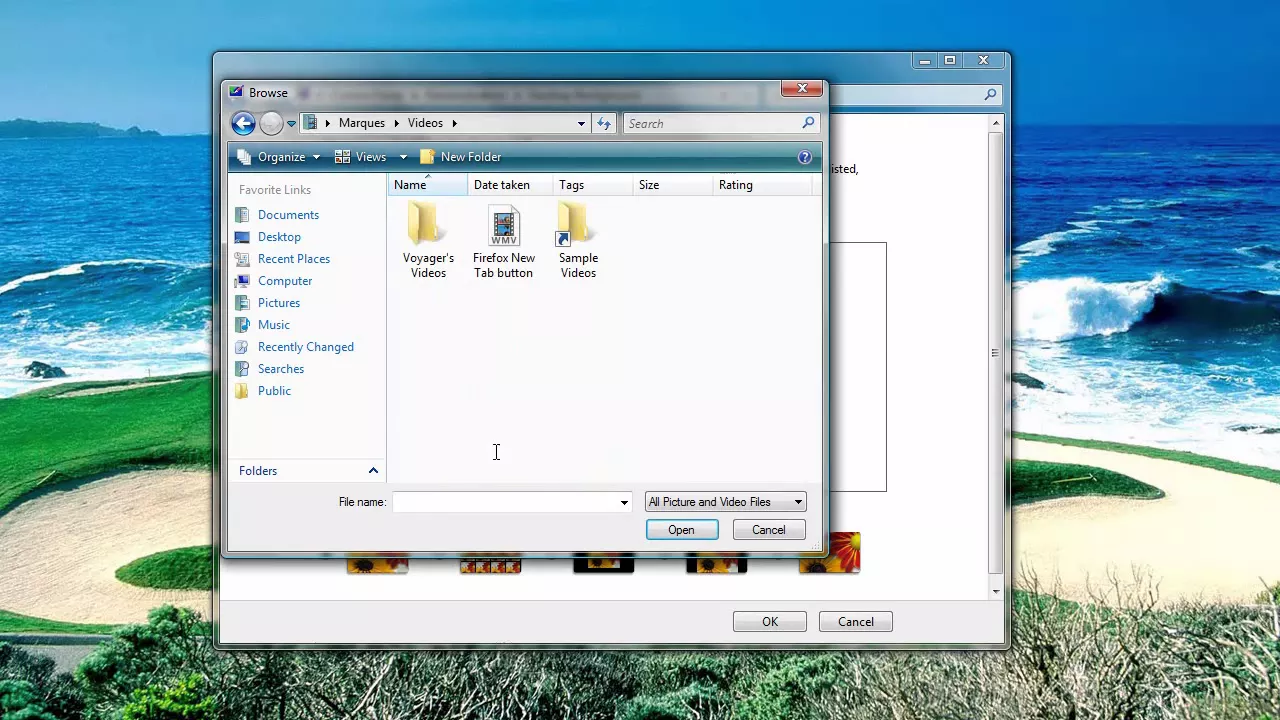
In this 3 minute and 39 second tutorial, the creator explains how to enable Windows Vista's Dreamscene feature on editions that are not Ultimate, effectively turning a video into a live desktop wallpaper. The video walks through using Google to locate a non-Ultimate Dreamscene download, then directs viewers to a My Digital Life page where the download link is provided. The presenter demonstrates the installation process by extracting the downloaded package to the desktop and following on-screen instructions, noting that the website also offers installation guidance. Once installed, the user shows how to set a video as the desktop background via the Personalize options, selecting a video from the user’s Videos folder and applying it as the wallpaper. The demonstration also highlights the performance benefits, mentioning that RAM usage remains modest and that multiple apps can run simultaneously while the video plays in the background. Finally, the video provides a quick reminder on how to revert to a static image by restoring the previous desktop background from the Personalize menu and closes with a call to action to subscribe for more content.
Topics · technology · tutorial · windows operating system · visual customization
Questions answered
- How do I extract the Dreamscene download and begin installation?
- Extract the downloaded package to your desktop and follow the installation instructions provided on the My Digital Life page linked in the video description.
- How can I enable Dreamscene on Windows Vista Home Premium or other non-Ultimate editions?
- Download the non-Ultimate Dreamscene package as shown, then use the desktop personalization options to set a video as your background after installation.
- Where do I select the video to use as the wallpaper?
- Open Personalize on the desktop, choose Desktop Background, and browse to a video file on your computer to apply it as the background.