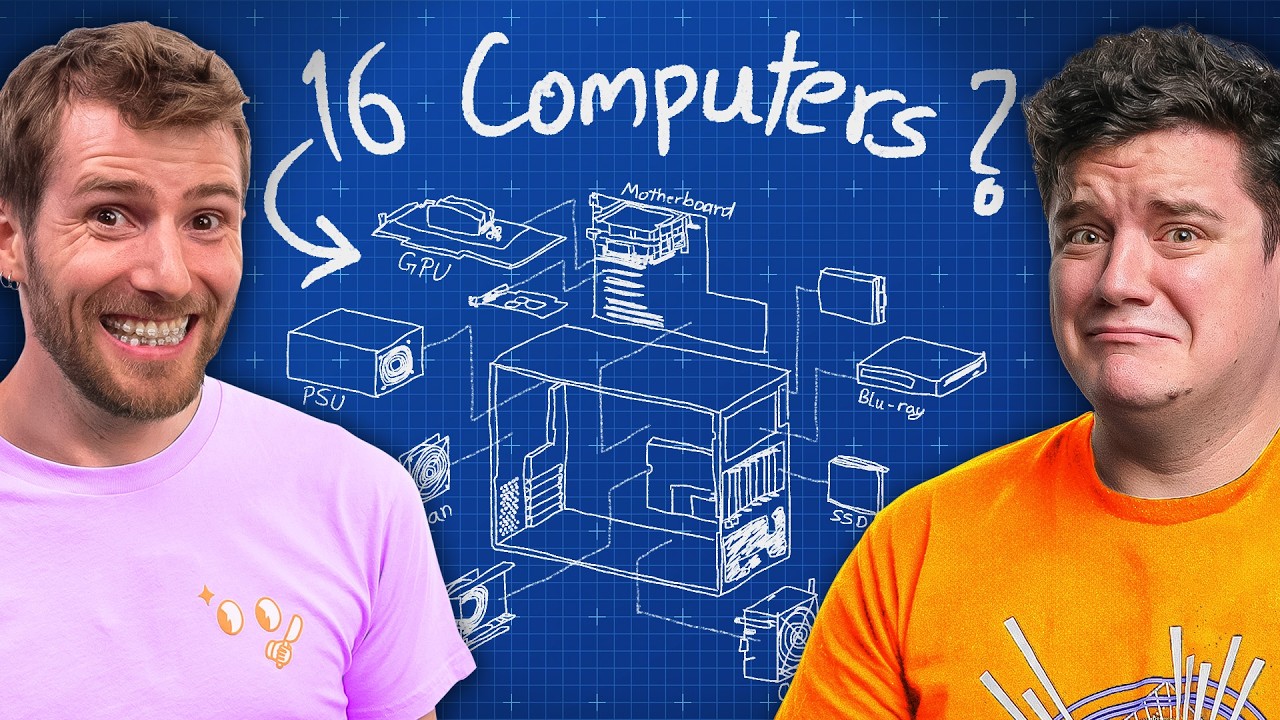
I Gave Him an IMPOSSIBLE Task - Building a Portable 16 Player LAN Party
0 up · 0 down · 0 ratings
Description
Stop stressing over patches! Install ThreatLocker's Patch Management and forget about patch management. Check it out using our link: lmg.gg To make WhaleLAN more than just rows of PCs, we’re building a rapid-deployment 8v8 gaming station. The challenge? Managing 16 pre-configured systems with minimal setup time, low power use, and easy maintenance. We walk through hardware choices, management tricks, and the trade-offs between virtualization and individual machines. Discuss on the forum: linustechtips.com
Promos
Check out the parts from the build: MINISFORUM BD790I X3D Mini ITX Motherboard: geni.us G.SKILL Ripjaws DDR5 SO-DIMM 5600MT/s CL40 RAM: geni.us Crucial P5 Plus 1TB NVMe SSD: geni.us PowerColor Reaper AMD Radeon RX 9070 XT 16GB GPU: geni.us Seasonic Focus SPX-750 750W 80+ Platinum Full-Modular SFX Power Supply (REFURBISHED): geni.us ► GET OUR MERCH: lttstore.com ► GET EXCLUSIVE CONTENT ON FLOATPLANE: lmg.gg ► GET A VPN: piavpn.com ► SPONSORS, AFFILIATES, AND PARTNERS: lmg.gg Purchases made through some store links may provide some compensation to Linus Media Group. Affiliate links powered in part by affilimate.com Linus Sebastian is an investor in Framework Computer, Inc CHAPTERS --------------------------------------------------- 0:00 Intro 0:49 Plan: 8v8 rapid deployment gaming rig 1:52 Sponsor 2:08 Constraints 2:52 Individual PCs vs. virtualization 5:05 Deciding on 16 individual PCs 5:33 Building a system 6:55 GPU choice 8:00 Power supply and thermal challenges 8:48 Network boot & management solution 10:18 Performance testing 11:13 The rack size/case problem 12:26 Sponsor 13:12 Credits
This video documents the first phase of WhaleLand’s ambitious project to build a portable 16-player LAN party setup with rapid deployment capability. The host outlines two competing approaches: sixteen individual consumer PCs versus a virtualization-based mega-system. Early on, the plan is refined to a hybrid concept that uses 16 independent machines but with a centralized management strategy inspired by prior LANhouse setups, enabling fast boot, consistent game installs, and simple maintenance. Hardware choices are explained in detail, including a MiniITX motherboard with a Ryzen 9 mobile CPU, 32 GB of fast DDR5 memory, 1 TB NVMe storage, and a powerful single GPU per unit, all powered by a compact 750 W PSU. The video then explores a network boot strategy to deploy a shared image across all machines, reducing manual setup per user while enabling easy wipe and reconfiguration between events. Throughout, the host weighs pros and cons of consumer-grade hardware versus server-class gear, especially regarding noise, manageability, and cost, with a focus on keeping power consumption reasonable for live events. In the closing segments of this phase, the team tests booting and basic gaming performance to gauge expected FPS and stability, acknowledging a looming challenge with physical rack size and thermal management. They tease a future build of a custom case to consolidate the hardware into a compact footprint suitable for WhaleLand, hinting at a multi-part series that will finalize the deployment and conduct live testing at the venue.
Topics · technology · hardware · events · LAN_party · server_rack · live_events
Questions answered
- What is the core concept behind WhaleLand's portable LAN party build?
- The plan is to deploy a rapid, 8v8 gaming station that can run 16 players with minimal setup, using a mix of 16 independent machines managed by a central deployment and image strategy to simplify updates and maintenance.
- Why did the team consider both 16 individual PCs and virtualization, and which path did they lean toward?
- They evaluated comfort with maintenance, noise, cost, and reliability. The current concept leans toward a hybrid approach that uses 16 separate machines with a centralized image deployment, avoiding full server virtualization to reduce complexity and potential VM detection issues in games.
- How is game and software deployment managed across all machines?
- A Windows image is prepared and stored on a central server. Each machine boots over the network to this image, and the only manual steps are signing in with game-specific labels. This enables quick resets and consistent configurations across all PCs.