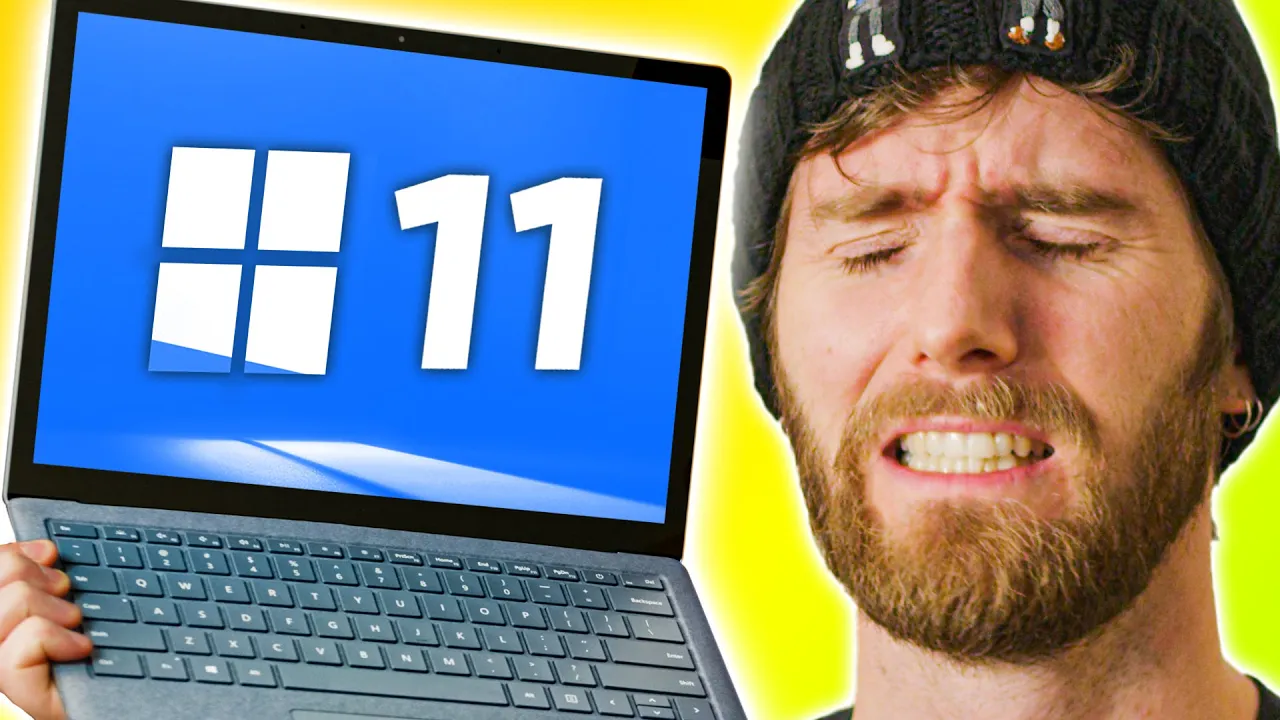
WHY did I get my hopes up? - Windows 11 Announcement
0 up · 0 down · 0 ratings
Description
Get a Free Pair of Wireless Bluetooth Headphones at Micro Center: micro.center
Promos
Check out the Micro Center Custom PC Builder: micro.center Join the Micro Center Community: micro.center Use code LINUS and get 25% off GlassWire at lmg.gg Microsoft’s poorly-kept secret was let out of the bag early – Perhaps intentionally. But how much did we REALLY learn before today’s announcement? And did we learn anything today? Windows 11's official landing page: microsoft.com Discuss on the forum: linustechtips.com ►GET MERCH: lttstore.com ►SUPPORT US ON FLOATPLANE: floatplane.com ►LTX EXPO: ltxexpo.com AFFILIATES & REFERRALS --------------------------------------------------- ►Affiliates, Sponsors & Referrals: lmg.gg ►Check out our podcast gear: kit.co ►Private Internet Access VPN: lmg.gg ►Our Official Charging Partner Anker: lmg.gg ►MK Keyboards: lmg.gg ►Nerd or Die Stream Overlays: lmg.gg ►Official Game Store: nexus.gg ►Amazon Prime: lmg.gg ►Audible Free Trial: lmg.gg ►Our Gear on Amazon: geni.us FOLLOW US ELSEWHERE --------------------------------------------------- Twitter: twitter.com Facebook: @LinusTech Instagram: @linustech Twitch: twitch.tv FOLLOW OUR OTHER CHANNELS --------------------------------------------------- Mac Address: lmg.gg Techquickie: lmg.gg TechLinked: lmg.gg ShortCircuit: lmg.gg LMG Clips: lmg.gg Channel Super Fun: lmg.gg Carpool Critics: lmg.gg MUSIC CREDIT --------------------------------------------------- Title: Laszlo - Supernova Video Link: youtube.com iTunes Download Link: itunes.apple.com Artist Link: soundcloud.com Outro Screen Music Credit: Approaching Nirvana - Sugar High youtube.com Monitor And Keyboard by vadimmihalkevich / CC BY 4.0 geni.us Mechanical RGB Keyboard by BigBrotherECE / CC BY 4.0 geni.us Mouse Gamer free Model By Oscar Creativo / CC BY 4.0 geni.us CHAPTERS --------------------------------------------------- 0:00 Intro 0:53 What's a "Windows 11"? 1:20 New design! 1:57 Window management is cool 3:35 What about gaming??? 4:09 New input stuff 5:13 Teams is integrated now...? And dictation! 6:21 Windows Store - Can Android make it good? 7:07 Widgets aren't Gadgets 7:40 Pricing and availability 8:09 System requirements... And caveats. 9:57 Hope it's good...
Windows 11 is presented as more than a cosmetic refresh, signalling deeper shifts in how the OS manages hardware and user experience. The host notes that many of the features highlighted in the event are already visible in the leaked build, yet emphasizes how the under-the-hood changes could affect real-world use, particularly for hybrid processor architectures that blend performance cores with power-saving cores. The visual redesign is front and center, described as frosted glass with rounded window corners and a center-aligned taskbar, a layout that also targets touch users with larger touch targets and improved visual feedback. The Start menu is shown to be cloud-powered and integrated with Bing search, while syncing recent documents across Office 365 devices is pitched as a notable improvement for users who work across multiple devices. The host compares the new window management with existing tools like FancyZones, highlighting how Snap layouts are designed to be more approachable, yet less configurable for casual users. The talk also covers practical changes such as improved docking behavior when displays are disconnected, which reduces window rearrangement chaos and aims to streamline multi-monitor setups. The Windows store gains Android app support, potentially widening the app ecosystem, and there is integration with the Xbox app and cross-platform play promises, signaling a stronger gaming alignment with the Xbox ecosystem. Other enhancements include pen input improvements with haptic feedback, a redesigned onscreen keyboard, and a more streamlined screen rotation experience. The host voices cautious optimism about how these features will perform in practice, particularly the DirectStorage feature which could shorten game load times by letting the GPU access drives directly. The video also digs into policy and pricing uncertainties, noting that Windows 11 will be a free upgrade for Windows 10 users and teasing potential standalone pricing, but pointing out the system requirements, TPM 2.0, secure boot, and the internet/Microsoft account rules for Home edition as potential barriers. The piece closes with a mixed outlook, hoping Microsoft sustains the initial momentum while acknowledging the confusion around upgrade timing, hardware compatibility, and the evolving Windows Store strategy, all while nudging viewers to stay tuned for deeper dives and follow-up content.
Topics · technology · operating system · gaming · hardware · software · cloud services
Questions answered
- What are the key design changes announced for Windows 11?
- Windows 11 introduces a frosted glass visual style with rounded window corners and a center-aligned taskbar, along with a new Start menu that is cloud-powered and integrates Bing search.
- What are the hardware and account requirements for Windows 11?
- Windows 11 requires TPM 2.0, Secure Boot, at least 2 CPU cores, 4 GB of RAM, 64 GB of storage, and for Home edition an internet connection and a Microsoft account for first-time setup.
- What gaming-related features are highlighted for Windows 11?
- DirectStorage support, auto HDR integration, Xbox app integration, and cross-platform play promises are highlighted to align Windows 11 with Xbox features and improve game loading times.