HyperX Tour to kick off E3 2014
0 up · 0 down · 0 ratings
Channels and socials
Hey HyperX can I set up a cot in the corner of your LAN room? That would be greaaaat thaaaaaaanks. HyperX Links: Subscribe to HyperX: youtube.com Learn more: kingston.com Our E3 2014 Sponsor Info!: linustechtips.com A special thank you to HyperX for letting us
check out their offices! twitter.com @LinusTech Join our community forum: bit.ly
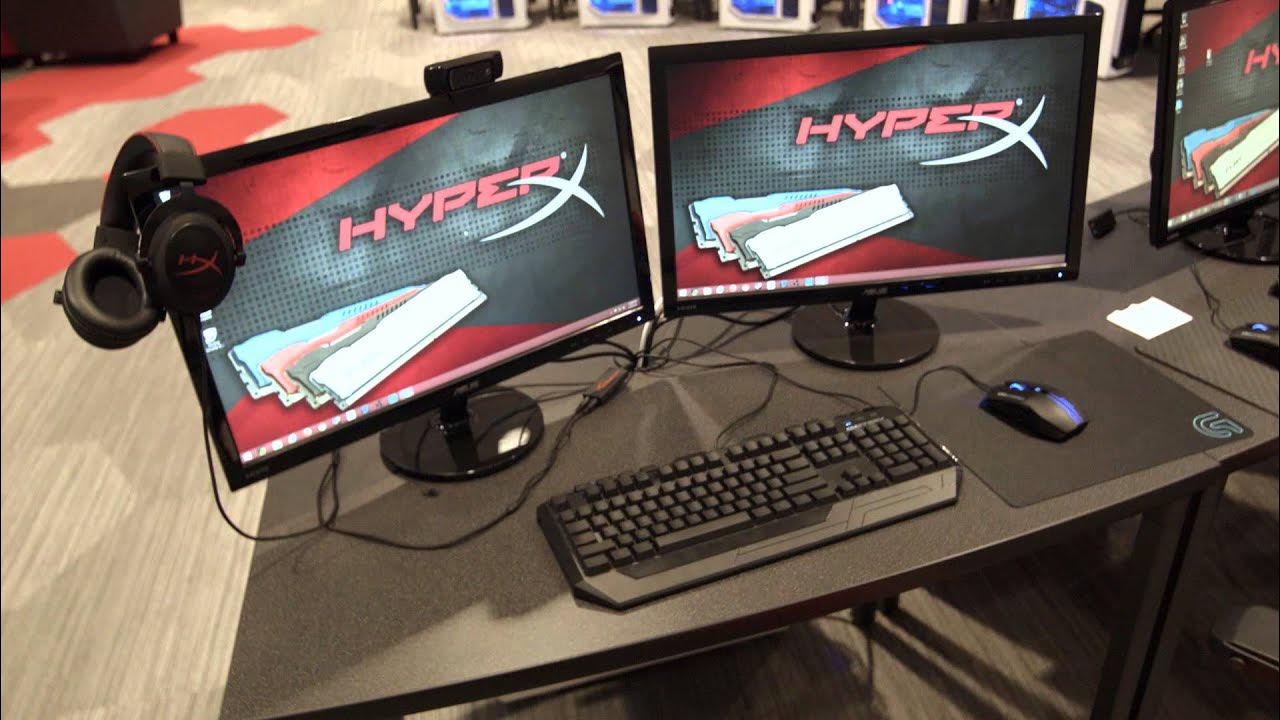
The video opens with Linus and team arriving in Los Angeles to tour HyperX's offices, highlighting a showroom-like environment that far surpasses their own home setups. The tour centers on a remarkable LAN room designed for competitive play, featuring dual monitor setups and a 5v5 layout intended for ongoing tournaments and live streaming control. The host emphasizes the sheer scale and premium quality of the HyperX gear on display, including RAID-enabled 480 GB SSD configurations, substantial RAM, and a sea of HyperX headsets that underscore the workspace's focus on high-performance gaming. A nearby detached caster room is showcased, described as quiet and isolated to prevent on-game audio from leaking into broadcasts, which enhances tournament production. The video then takes viewers through a testing lab area where new modules and future tech like possible DDR4 upgrades are examined, though access to this space is limited. Finally, the segment highlights the office environment, where custom chairs and powerful workstation PCs create an aspirational, almost studio-like workspace, concluding with a plug to subscribe to Linus TechTips and HyperX coverage for more E3 content. Overall, the video serves as a tour of a premium gaming hardware ecosystem and a behind-the-scenes look at how large tech media operations structure their event coverage.
Topics · gaming · hardware · technology · office_tour
Questions answered
- What makes the HyperX LAN room suitable for tournaments and streaming?
- The LAN room is designed for 5v5 play with dual monitor control for streaming, enabling smooth tournament management and broadcast control.
- What areas are highlighted in the HyperX office tour besides the LAN room?
- The tour also covers a detached caster room for quiet commentary, a testing lab for new modules, and the main office PCs with premium seating and setup features.