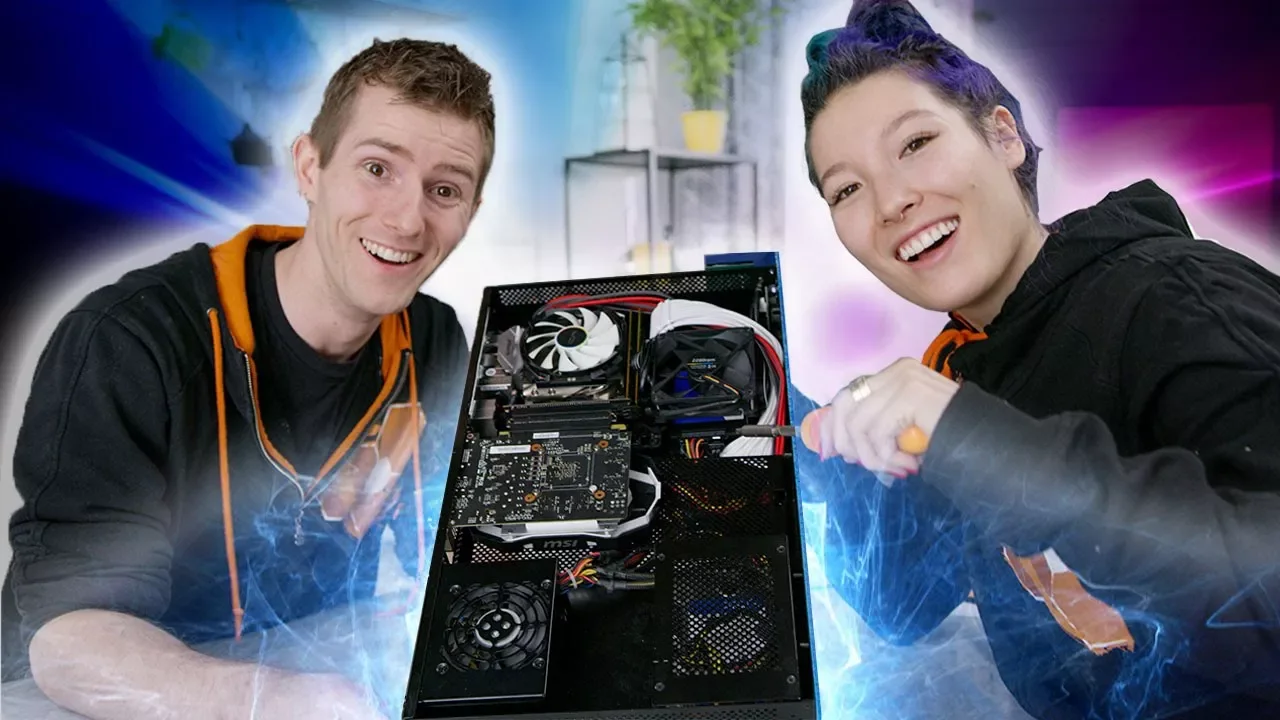
Max Builds her FIRST PC – Photo Editing Build Log
0 up · 0 down · 0 ratings
Description
Freshbooks: Head to freshbooks.com for a 30-day free trial ORIGIN PC:
Promos
Check out ORIGIN PC Gaming Desktops and Laptops, utilizing Samsung's 960 PRO NVMe SSDs at goo.gl Max has learned from the best, and now it's time to put her PC building skills to the test... Buy Core i5 8400 on Amazon: geni.us Buy Z370i Gaming motherboard on Amazon: geni.us Discuss on the forum: linustechtips.com Our Affiliates, Referral Programs, and Sponsors: linustechtips.com Linus Tech Tips merchandise at designbyhumans.com Linus Tech Tips posters at crowdmade.com Our production gear: geni.us Get LTX 2018 tickets at ltxexpo.com Twitter - twitter.com Facebook - @LinusTech Instagram - @linustech Twitch - twitch.tv Intro Screen Music Credit: Title: Laszlo - Supernova Video Link: youtube.com iTunes Download Link: itunes.apple.com Artist Link: soundcloud.com Outro Screen Music Credit: Approaching Nirvana - Sugar High youtube.com Sound effects provided by freesfx.co.uk
Max Builds her FIRST PC – Photo Editing Build Log documents Maxine's first ever hands-on PC build, guided by Linus Tech Tips' team as they transform a Cryorig Taku case into a value-oriented photo editing workstation. The video kicks off with an explanation of Max's goal and the plan to assemble a cost-efficient rig suitable for photo editing and light video tasks, featuring a Core i5-8400 and a Z370-based motherboard. The team emphasizes practical choices like 16GB of RAM and a straightforward cooling solution, while noting that LEDs or flashy aesthetics do not improve performance. Throughout the build, Max collaborates with the crew, handling the RAM, cooler, IO shield, and the motherboard, learning the build sequence while receiving coaching on best practices. The presenters discuss potential pitfalls and common first-time mistakes, such as mounting hardware incorrectly or selecting the wrong drive configuration, and they demonstrate careful, step-by-step assembly in a supportive, team-based approach. The video concludes with a functional test that confirms all components are detected, the system boots, and Windows installation proceeds, followed by a light outro that promotes sponsor Origin PC and related products. The overall tone blends humor with instructional content, highlighting Max's progress and the learning process rather than perfection, and it reinforces the idea that careful planning and measured choices yield good value in a first-time build.
Topics · technology · computer_hardware · pc_build · photo_editing · diy · tutorials
Questions answered
- What CPU and motherboard were selected for Max's first PC build?
- The build uses a Core i5-8400 processor paired with a Z370-based motherboard.
- What is the primary use case for this PC build?
- The PC is configured as a value-oriented photo editing workstation, with room for light video editing.