D-Link DGL-4500 Gamer Lounge Wireless N Gigabit Gaming Router Unboxing & First Look Linus Tech Tips
0 up · 0 down · 0 ratings
Description
Having a quick look at a router that I've been using for the past 6+ months that I've been very happy with. It's a solid product and offers some (software) features that make it a small improvement over its DIR-655 cousin which I have also had the pleasure of using. Both very solid products.
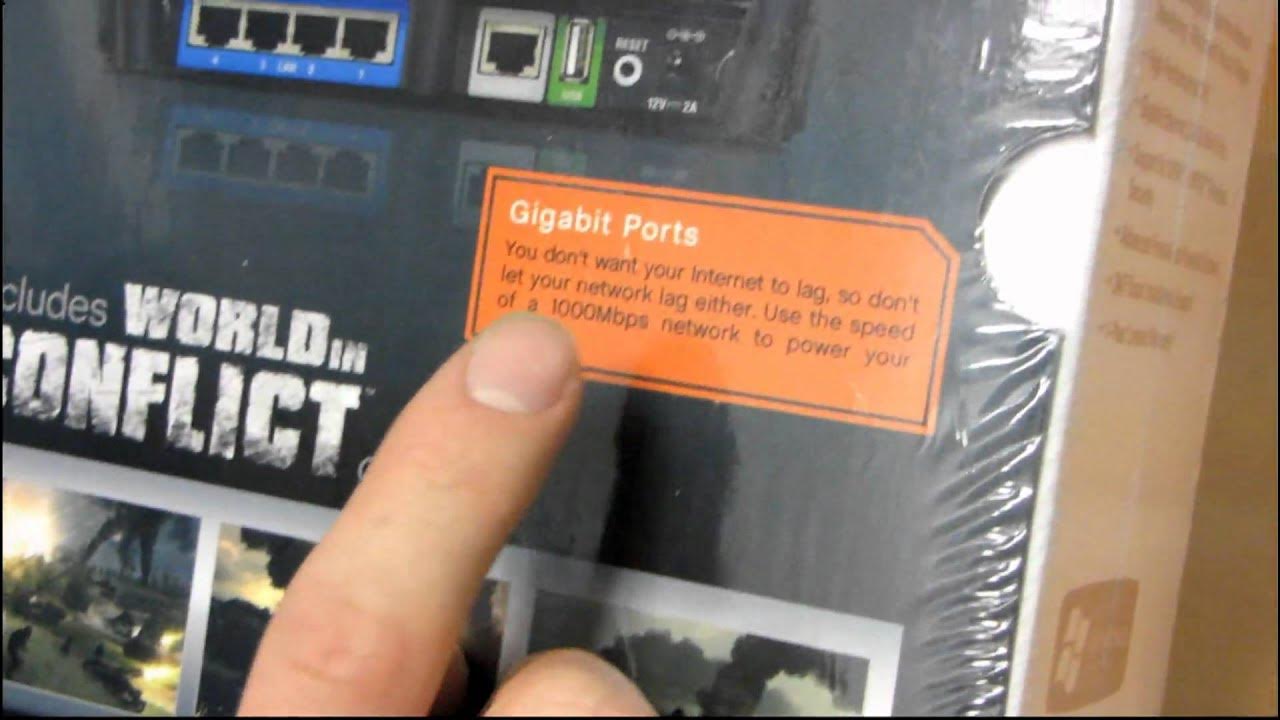
In this unboxing and first look, Linus Tech Tips examines the D-Link DGL-4500 Gamer Lounge Wireless N Gigabit Gaming Router. The video opens with an overview of the Gamer Lounge line and highlights Game Fuel, a feature that prioritizes gaming network packets over other traffic on the local network, which Linus explains as a potential improvement for gamers who want lower latency during play. He compares it to the DIR-655 lineage, noting the DGL-4500's LCD top panel and the extra emphasis on gaming performance. The host then reviews the packaging contents, including setup documents, an AC adapter, the large antennas, a stand, a cat 5e cable, screws, and rubber feet. He discusses the absence of reliance on the installation CD and emphasizes the device’s web-based configuration via 192.168.0.1 for secure setup and ongoing firmware updates. Throughout the rest of the video, Linus covers hardware specifics such as the built-in gigabit switch with four LAN ports, the uplink, and the USB port that can support features like a print server. He shares practical setup observations, including the LCD screen’s limited usefulness and his preference for using the router’s web UI for configuration, while acknowledging the value of dual-band wireless (2.4 GHz and 5 GHz) for mixed-device environments. The unboxing concludes with a brief reflection on the product’s build quality and shine, warning that the glossy surface can scratch easily, before inviting viewers to stay for a final recap shot and closing remarks.
Topics · technology · gadgets · networking
Questions answered
- What is the main feature that the DGL-4500 advertises for gaming performance?
- Game Fuel prioritizes gaming packets over other network traffic to reduce lag during gameplay.
- Is the CD installation required to set up the router?
- No, the quick install guide and web UI setup via 192.168.0.1 are sufficient for setup and configuration.
- What connectivity options does the DGL-4500 offer?
- It provides a built-in gigabit switch with four LAN ports, a gigabit uplink, dual-band wireless (2.4 GHz and 5 GHz), and a USB port that can be used for a print server.
- Where can firmware updates be performed on the DGL-4500?
- Firmware updates can be performed directly through the router's configuration screen, with the device handling the update process seamlessly.