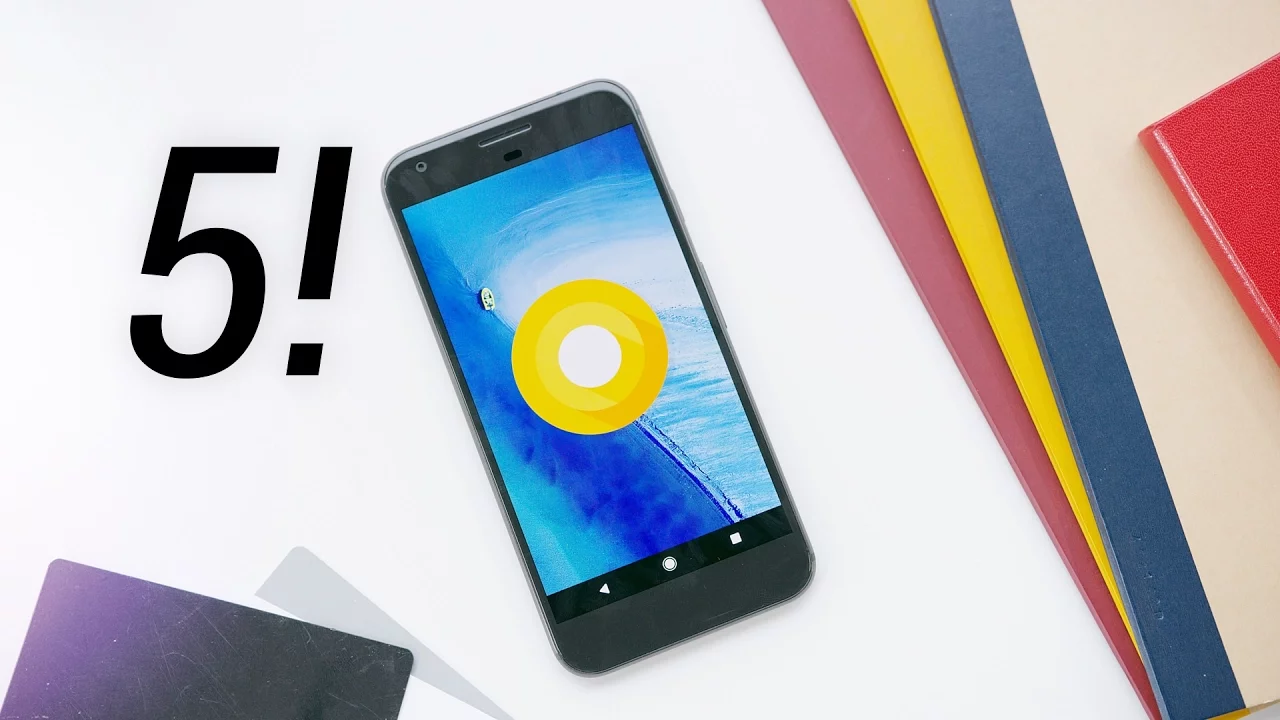
Top 5 Android O Features!
0 up · 0 down · 0 ratings
Channels and socials
Android O is on its way. This is a preview of the next version of Android! Google Pixel Review: youtu.be Video Gear I use: kit.com Intro Track: Turn Around by 20syl ~ twitter.com snapchat.com google.com @MKBHD @MKBHD
Android O, as shown in this preview, appears to be a primarily incremental update focused on refinements and under-the-hood improvements rather than a complete redesign. The host highlights five notable features that stand out from the developer preview: first, lock screen shortcuts can be customized via the system UI tuner, allowing you to replace the default left and right shortcuts with apps you use most, which can make one-handed use more convenient on larger devices. Next, contextually aware text selection enhances copying and interaction by recognizing when you highlight a phone number, address, or link and offering direct actions like calling, maps, or opening a browser without leaving the selection. The third feature is navigation bar customization, enabling you to switch between compact, centered, left, or right-aligned layouts and even add an extra permanent button, such as a clipboard button, to the bottom row. The fourth item is a refreshed notifications panel, with cleaner quick settings icons and a smooth animation when pulling down, plus practical tweaks like showing battery percentage with a single swipe and the option to snooze notifications per app for a set time. Finally, the top feature is a complete redesign of the Settings app, which is visually cleaner, shorter in the top-level list, and emphasizes a prominent at-a-glance battery and storage readout along with improved power management tools. The host notes that this is still a developer preview, so features may evolve, and the name of Android O remained unnamed at the time of recording. The overall takeaway is that Android O brings meaningful quality-of-life improvements and clearer design, even if the core philosophy is to refine rather than overhaul the user experience. In closing, the video frames Android O as a work in progress during its developer preview phase, with Google likely to roll out additional updates and features as development continues. The host invites viewer feedback on which feature is most exciting, signaling a collaborative, evolving approach to the OS launch. While the video emphasizes practical enhancements that affect daily use, it also acknowledges the broader context of Android version fragmentation and varying device readiness, suggesting a measured rollout rather than an immediate, universal upgrade.
Topics · technology · android · mobile devices · operating systems
Questions answered
- What are the top features introduced in Android O according to the video?
- The video highlights five features: customizable lock screen shortcuts via the system UI tuner, contextually aware text selection that offers actions like calling or maps from selected text, customizable navigation bar with options for compact or left/right leaning layouts and extra buttons, a refreshed notifications panel with improved icons and a per-app snooze option, and a redesigned Settings app with a cleaner, simpler layout and prominent battery and storage visuals.
- When will Android O be available to the public?
- Android O is discussed as a developer preview at the time of recording, with a gradual rollout planned. Additional versions and features are expected before the official release to phones, so the OS will evolve over the coming months.