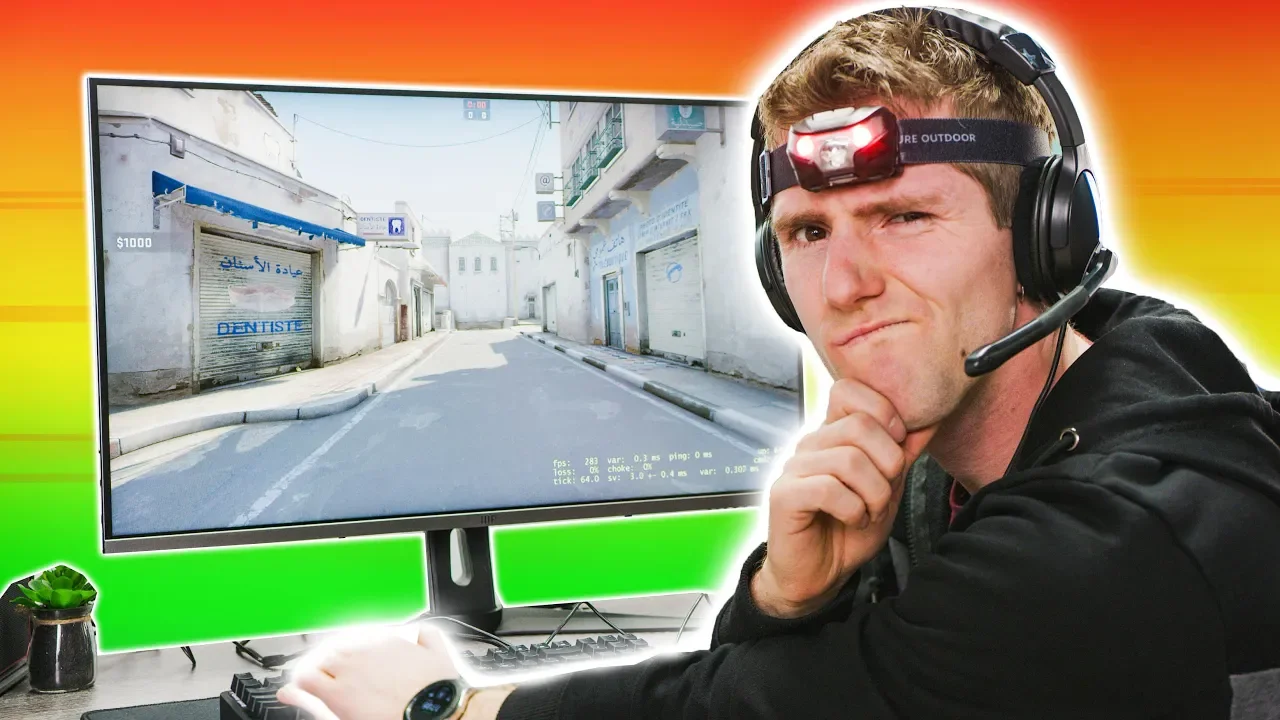
The MONOPRICE Gaming Setup!
0 up · 0 down · 0 ratings
Promos
Check out Storyblocks Video at storyblocks.com Want more videos of James throwing inexpensive PC parts at Linus? Well you came to the right place! This time it's Monoprice stuff instead of AmazonBasics :) Buy Monoprice stuff on Amazon: geni.us Discuss on the forum: linustechtips.com Our Affiliates, Referral Programs, and Sponsors: linustechtips.com Get Private Internet Access today at geni.us Linus Tech Tips merchandise at lttstore.com Linus Tech Tips posters at crowdmade.com Our Test Benches on Amazon: amazon.com Our production gear: geni.us Twitter - twitter.com Facebook - @LinusTech Instagram - @linustech Twitch - twitch.tv Intro Screen Music Credit: Title: Laszlo - Supernova Video Link: youtube.com iTunes Download Link: itunes.apple.com Artist Link: soundcloud.com Outro Screen Music Credit: Approaching Nirvana - Sugar High youtube.com
The MONOPRICE Gaming Setup video begins with audience participation and a playful setup premise inspired by a forum member, framing a shopping spree for Monoprice gear rather than the previously featured AmazonBasics items. The hosts walk through the unboxing and first impressions of a 2560x1440p, 144 Hz monitor with FreeSync, noting color coverage and a few caveats like pixel response time and perceived visual performance. They compare a budget mechanical keyboard with and without backlighting, highlighting switch feel, key stability, and overall typing experience, ultimately questioning whether the low-cost option justifies its price. The team then explores accessories, including a display cable, a desk cover with cable management, and a 90-dollar active noise cancelling gaming headset, offering blunt evaluations and recommendations about whether to save for alternatives. They also test a Monoprice ethernet switch and various desk accessories, balancing humor with practical takeaways about build quality and value. The video closes with reflections on overall value, some items earning a pass while others fall short, and suggestions for where Monoprice excels, especially in cables and affordable gadgets, contrasted with more cautious recommendations for peripherals. The hosts tease additional bits and a sponsor segment, maintaining the light, roast-friendly tone throughout. Viewers are left with a mixed verdict on Monoprice's gaming lineup but a clear takeaway that budget components can be entertaining to audit, especially when compared directly against more familiar brands.
Topics · Technology · Product Reviews · Gadgets · Humor
Questions answered
- What monitor was featured and what were the key specs discussed?
- The video features a 2560x1440p monitor with 144 Hz refresh rate and FreeSync, with notes on color coverage (over 99% sRGB) and some concerns about pixel response time and motion trails.
- Which Monoprice accessory received the strongest critique?
- The 90-dollar active noise cancelling gaming headset drew the strongest critique for price-to-performance, with recommendations to consider cheaper options that perform better.
- How did the keyboard compare in the test?
- The budget two-dollar more expensive keyboard with Mejuku or Temu brown switches had inconsistent feel, with backlighting issues and questionable stability, leading to a cautious stance on its value.
- What was a notable positive takeaway about Monoprice cables?
- Monoprice cables were highlighted as a strong value, with lightweight, flexible options that are easy to manage, plus an emphasis on cost-effective yet reliable cabling.