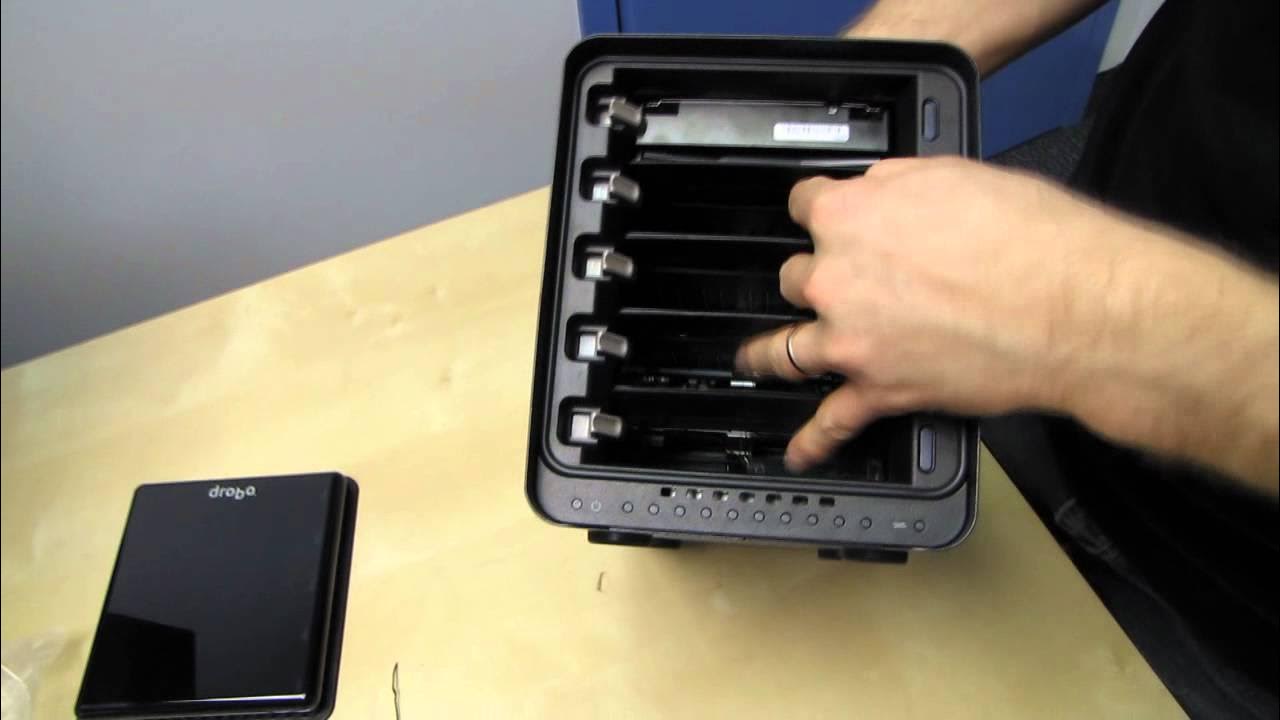
Data Robotics Drobo S 5 Bay Storage Enclosure Unboxing & First Look Linus Tech Tips
0 up · 0 down · 0 ratings
Channels and socials
CA: ncix.com US: us.ncix.com The NCIX Tech Tips video that I promise during this one is actually out already on my NCIXcom channel. Check it out. I am so impressed with this thing!
The video is an in-depth unboxing and first look at the Drobo S 5 Bay storage enclosure, presented by Linus Tech Tips. The host begins by noting the box is OEM rather than retail, then systematically inventories the included accessories and cables, emphasizing long, high-quality USB 3 and FireWire cables, an ESATA option, and a robust power setup. He demonstrates the Drobo S hardware, pointing out its five bays, 120 mm rear fan for cooling, and the presence of a reset button and Kensington lock, while highlighting the unit’s physical build, protective packaging, and the warranty-stamped panel policy that keeps the drive bays accessible only through a user-friendly design. The unboxing then transitions into Drobo OS basics and setup, explaining how Drobo uses a proprietary, non-RAID data protection scheme that balances storage across mixed drives, allowing users to mix capacities and brands while maintaining redundancy and data safety. Throughout the segment, Linus demonstrates drive installation, discusses how drive LEDs indicate system health and activity, and contrasts Drobo’s ease of use with traditional RAID approaches, underscoring the scalability and simplicity of expanding storage as needs grow. The video closes with practical recommendations on how many drives to begin with, how to upgrade storage over time, and a reminder to subscribe for more NCIX Tech Tips and Linus Tech Tips content, with a teaser about a more complete episode to come. The overall takeaway is that the Drobo S 5 Bay is presented as a user-friendly, expandable, and data-protective external storage solution, suitable for those who want easier RAID-like data protection without dealing with RAID configuration complexity.
Topics · technology · hardware · unboxing · data_storage
Questions answered
- What makes the Drobo S 5 Bay different from traditional RAID solutions?
- Drobo uses a proprietary, non-RAID data protection approach that balances storage automatically across multiple drives and provides redundancy, without requiring identical drives or a dedicated RAID controller.
- What accessories come with the Drobo S 5 Bay unboxing shown in the video?
- The package includes the Drobo S enclosure, an AC to DC adapter, a standard computer USB power cord, a restore CD, a getting started guide, USB 3 and eSATA cables, a FireWire cable, and a long USB 2.0 compatible connection option.