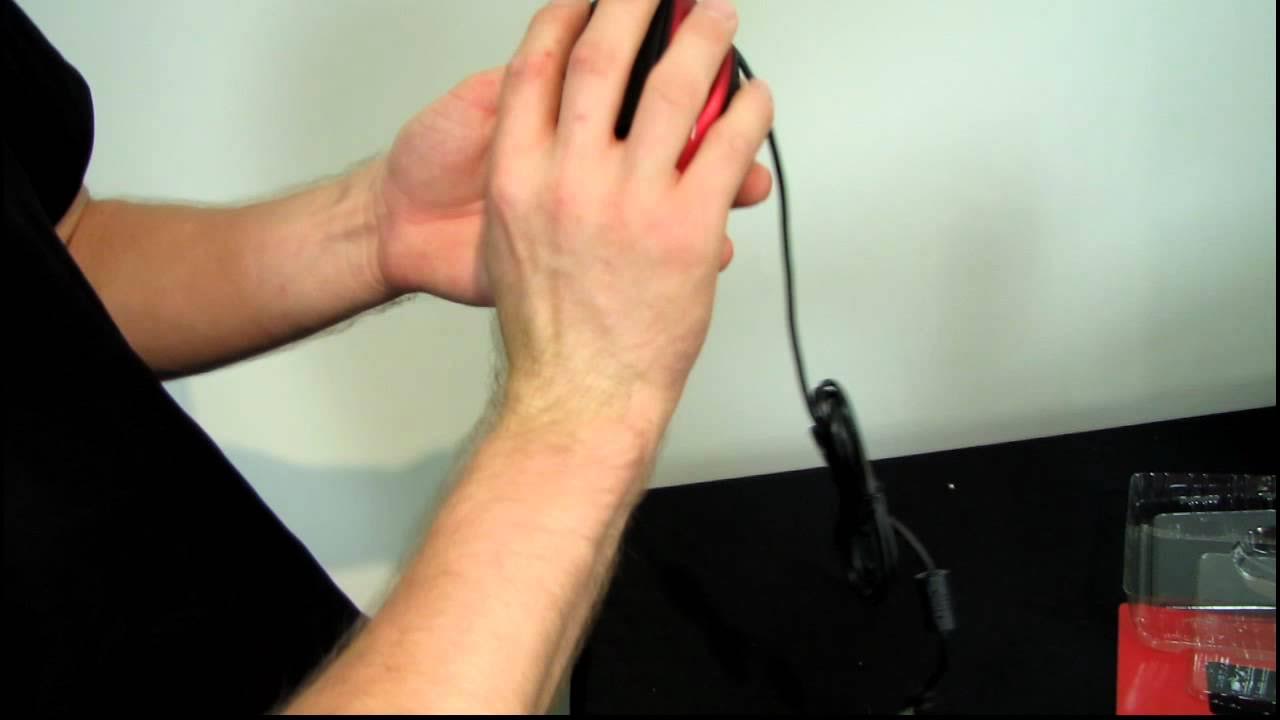
CM Storm Spawn Optical Gaming Mouse Unboxing & First Look Linus Tech Tips
0 up · 0 down · 0 ratings
Description
ncix.com A great fit for small hands!
The Linus Tech Tips unboxing and first look at the CM Storm Spawn Optical Gaming Mouse focuses on a compact, ergonomic design tailored for right-handed users with smaller hands. The host highlights core specs including a 3500 DPI optical sensor with onboard memory for customizable profiles, up to 1000 Hz USB polling, seven programmable buttons, and Omron switches rated at 5 million clicks. He notes the claw-style grip and rubberized side grips, explaining how the shape and button placement suit claw and fingertip grips, while also describing the glossy, sharp red aesthetic and the gold-plated USB connector for improved durability. The video walks through the unboxing sequence, points out the sensor and Teflon feet, and discusses the anti-drift architecture and angle snapping as features intended to improve stability and accuracy in fast-paced gaming scenarios. In addition to hardware specifics, the presenter provides practical observations on fit for different hand sizes, recommending the Spawn for smaller-handed players who still want a palm-friendly experience. The wrap-up succinctly ties together the product’s target audience, its Cooler Master lineage, and a call to subscribe for more unboxings and tech content. Overall, the video blends hardware disclosure with hands-on ergonomic commentary to help potential buyers decide if the Spawn aligns with their grip style and gaming needs.
Topics · technology · computer_peripherals · unboxing · gaming
Questions answered
- What is the DPI range of the CM Storm Spawn and how is it adjusted?
- The CM Storm Spawn features an adjustable DPI range from 800 to 3500 DPI, which can be changed using the DPI up and down buttons on the side.
- Which grip styles is the Spawn most suitable for?
- The Spawn is described as an ergonomic right-handed mouse with rubberized side grips, making it particularly comfortable for claw and fingertip grips, and it is noted to fit smaller hands well for palm-style use.
- What are some key hardware features highlighted in the unboxing?
- Key features include a 3500 DPI optical sensor with onboard memory, seven programmable buttons, Omron switches rated at 5 million clicks, ultra-slick Teflon feet, a gold-plated USB connector, and an anti-drift architecture with angle snapping.