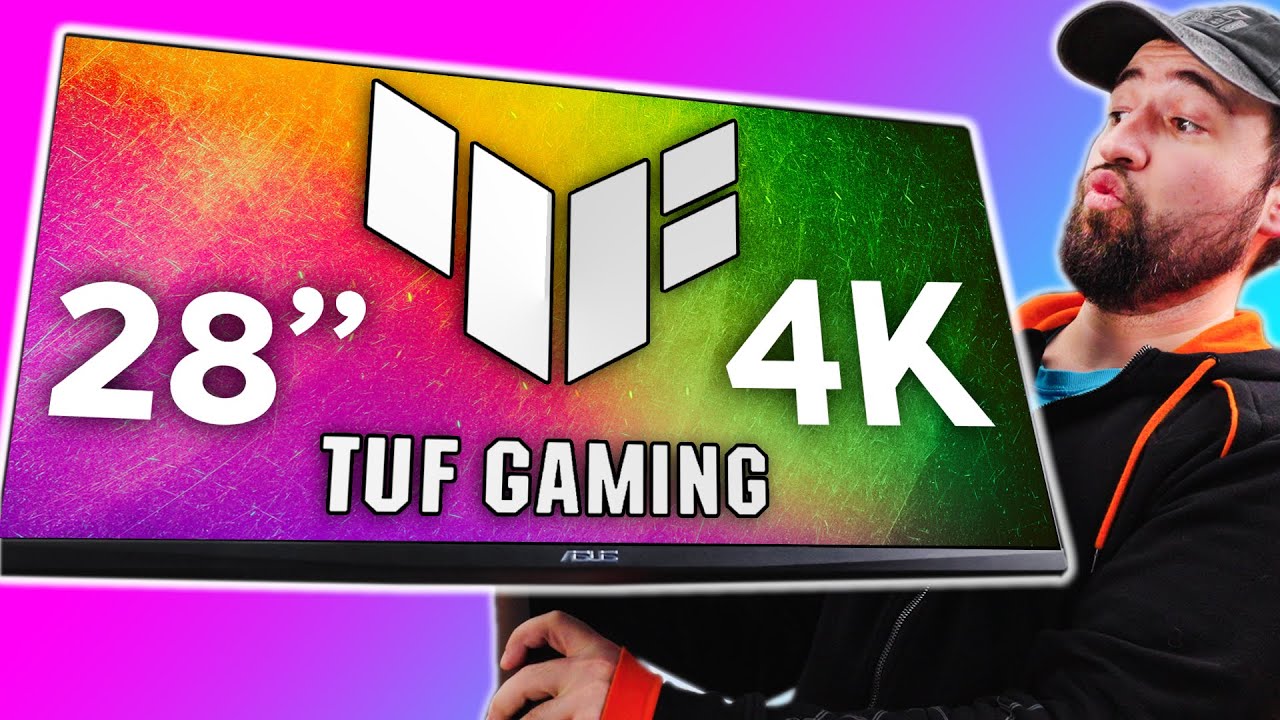
I might have some REGRETS! - ASUS TUF VG28UQL1A 4K 144hz gaming monitor
0 up · 0 down · 0 ratings
Description
Thanks to ASUS for sponsoring this video!
Promos
Check out the VG28UQL1A 4K 144hz gaming monitor at bit.ly 1440p gaming might be replacing 1080p sometime soon, but what about 4K? It's getting a bit more affordable and the hardware can start supporting it. Will you switch or give 4K gaming a try soon? Buy the Asus TUF Gaming VG28UQL1A Amazon: geni.us Best Buy: geni.us Newegg: geni.us Purchases made through some store links may provide some compensation to Linus Media Group. ► GET MERCH: lttstore.com ► AFFILIATES, SPONSORS & REFERRALS: lmg.gg ► PODCAST GEAR: lmg.gg ► SUPPORT US ON FLOATPLANE: floatplane.com FOLLOW US ELSEWHERE --------------------------------------------------- Twitter: twitter.com Instagram: @shortcircuityt TikTok: @linustech Facebook: @ShortCircuitYT CHAPTERS --------------------------------------------------- 0:00 - I hope I don't have any regrets 0:30 - Overview 1:39 - Unboxing 2:29 - Monitor assembly and feature overview 5:24 - Monitor display setup 5:56 - Screen door effect 6:15 - Display port vs HDMI 2.1 6:50 - OSD impressions 8:12 - 4K Content impressions 8:30 - Gaming at 4K and impressions 10:49 - Final thoughts
The video opens with a candid consideration of upgrading from a 1440p 32-inch monitor to a 28-inch 4K model, questioning whether the jump to 4K at this size is worthwhile. The host explains that the ASUS TUF VG28UQL1A is a 28-inch 4K 144 Hz display, and he acknowledges the price tag around $800, framing the decision around pixel density and future-proofing. He notes that the front of the box emphasizes the device size rather than the 4K spec, which leads to a discussion about packaging and how information is presented to consumers. The unboxing reveals the build quality, including a nearly bezel-less front, an attached stand, and the option to mount the monitor vertically for improved desk ergonomics and cable management. The team discusses the ship-ready packaging and basic assembly steps, highlighting tool-less mounting and straightforward cable routing. Throughout this segment, they emphasize skepticism about whether the 4K 144 Hz combo justifies the cost and whether HDMI 2.1 is essential for current setups, while keeping the tone light and practical. By the end of the opening section, the viewer gains a clear sense of the product’s placement in the market and the initial impressions of its design and potential value for enthusiasts. In the middle portion, the focus shifts to on-device features and real-world usability. The hosts explore the monitor’s inputs, speakers, and on-screen display, noting the convenient labeling and the option to rotate the panel to a vertical orientation for improved productivity. They compare the VG28UQL1A’s IPS panel with rapid IPS improvements to traditional IPS tech, and discuss color coverage, HDR capabilities, and the overall shape of the panel to reduce screen door effects in 4K. As they navigate the OSD, they test adaptive sync options, display alignment tools, and an FPS counter, explaining how these features assist both gaming and general use. They also reflect on how HDR 400 performs in practice, acknowledging brightness limitations while appreciating the added contrast over non-HDR displays. The segment reinforces the notion that modern displays now come with a robust feature set that meets typical gaming and content-creation needs, even if some specs may not feel revolutionary at a higher end price point. In the concluding portion, the hosts move to practical gaming impressions and overall recommendations. They test 4K content and various game titles to gauge image fidelity, latency, and frame rates, noting that at 4K with high-end GPUs, 120 Hz or 144 Hz experiences are feasible with the right settings and DLSS-like upscaling. They discuss the balance between native 4K rendering and temporal upscaling, emphasizing that not all games run natively at 120–144 Hz but that the monitor remains a compelling choice for future-proofing. The conversation revisits cable choices, display port versus HDMI, and the importance of using a DP 1.4/2.0 link to reach native 144 Hz at 4K, while acknowledging some compatibility quirks with HDMI 2.1. The hosts conclude that for around $800, the VG28UQL1A offers strong value given its size, resolution, and refresh rate, with caveats about HDR brightness and current game optimization. They close with a pragmatic reminder that personal needs and hardware capabilities drive the final buying decision and invite viewers to consider whether a 4K 144 Hz monitor aligns with their gaming goals and budget.
Topics · technology · hardware · gaming · monitors · display · HDR · ultra-hd · consumer-electronics
Questions answered
- What are the key specifications of the ASUS VG28UQL1A as discussed in the video?
- The VG28UQL1A is described as a 28-inch 4K 144 Hz gaming monitor with HDR, 90% DCI-P3 color coverage, Rapid IPS technology, G-Sync compatibility, HDMI 2.1 ports, DisplayPort, and multiple USB ports.
- Is 4K at 28 inches worth it for gaming according to the video?
- Yes, as long as you have the hardware to drive it and are comfortable with higher-end GPUs; the panel delivers high pixel density with minimal screen door effect, making 4K at 28 inches appealing for future-proofing and visual fidelity.
- What are some practical setup tips mentioned for maximizing desk organization and usability?
- The video recommends using vertical orientation to simplify IO access and cable management, mounting the monitor to reduce desk clutter, labeling ports clearly, and leveraging the on-screen display controls for easy navigation.
- What caveats are noted about HDR and connectivity?
- HDR 400 brightness is modest and not extremely bright in practice, and to reach 4K 144 Hz natively you should use DisplayPort rather than HDMI 2.1, due to bandwidth and compatibility considerations.