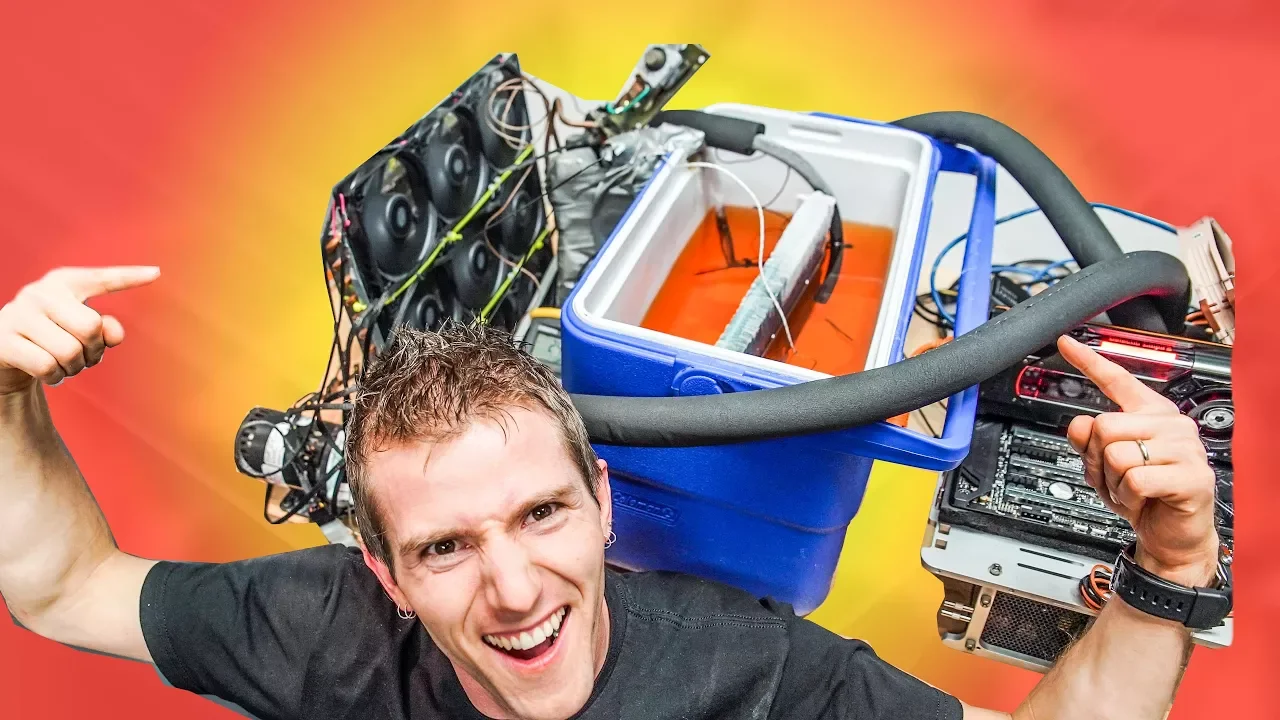
My 10 Year Old Chiller WORKS! -20C on THREADRIPPER!
0 up · 0 down · 0 ratings
Promos
Thanks to ASUS ROG & AMD for sponsoring this video! Buy ASUS ROG Zenith motherboard on Amazon: geni.us Buy AMD Ryzen Threadripper on Amazon: geni.us Discuss on the forum: linustechtips.com Our Affiliates, Referral Programs, and Sponsors: linustechtips.com Linus Tech Tips merchandise at designbyhumans.com Linus Tech Tips posters at crowdmade.com Our production gear: geni.us Twitter - twitter.com Facebook - @LinusTech Instagram - @linustech Twitch - twitch.tv Intro Screen Music Credit: Title: Laszlo - Supernova Video Link: youtube.com iTunes Download Link: itunes.apple.com Artist Link: soundcloud.com Outro Screen Music Credit: Approaching Nirvana - Sugar High youtube.com Sound effects provided by freesfx.co.uk
The video presents a retrofitted cooling experiment built around a subzero refrigeration approach nicknamed “The Chiller.” The presenter revisits a long-dormant PC cooling concept, revived to test if a window AC unit and a few adapters can drive a Threadripper CPU to subzero temperatures. The opening segment covers the components involved, including a condenser, compressor, and evaporator, and explains how the refrigerant cycles from gas to liquid to extract heat from the CPU. As the setup is assembled, the host inventories consumables and discusses safety, insulation, and the rationale behind using Vaseline and liquid tape for moisture control rather than more invasive insulation methods. The project then proceeds to assemble the loop with tubing, a pump, and a cooling block, highlighting design choices like a nickel-top block and unconventional tubing sizes. The initial boot attempt and airflow checks follow, with a candid acknowledgment that the system is not a code-compliant or permanent build, but rather a demonstration of what subzero cooling can achieve on older hardware. The narrative emphasizes the potential performance gains from colder coolant and introduces the idea that this technique, while feasible, comes with notable drawbacks and risks. The host contrasts the apparent benefits of cold CPU temperatures against the complexity, noise, and risk to hardware, framing the video as a guided exploration of “what not to do” and a nostalgic look at subzero nostalgia from past PC cooling trends. The sponsorship mention and call to action anchor the video, inviting viewers to explore related products and the creator’s community while underscoring the experimental nature of the project.
Topics · technology · hardware · cooling · overclocking · computing · science_and_technology
Questions answered
- What is the core cooling principle demonstrated in the video?
- The video demonstrates subzero cooling by using a window air conditioner drivetrain to drive a refrigeration cycle through a condenser, compressor, and evaporator to pull heat from the CPU and keep the coolant well below ambient temperatures.
- Why is insulation and moisture control important in this setup?
- Insulation prevents the coolant and metal components from sweating and forming condensation, which could damage other hardware; moisture control is crucial to avoid electrical shorts and corrosion in a high humidity or cooled environment.
- What are the main risks or downsides of this approach?
- Major drawbacks include extensive time to assemble properly, difficulty relocating the system due to weight, loud operation, potential for hardware damage from improper insulation, and high power consumption due to running an air conditioner in addition to the PC.