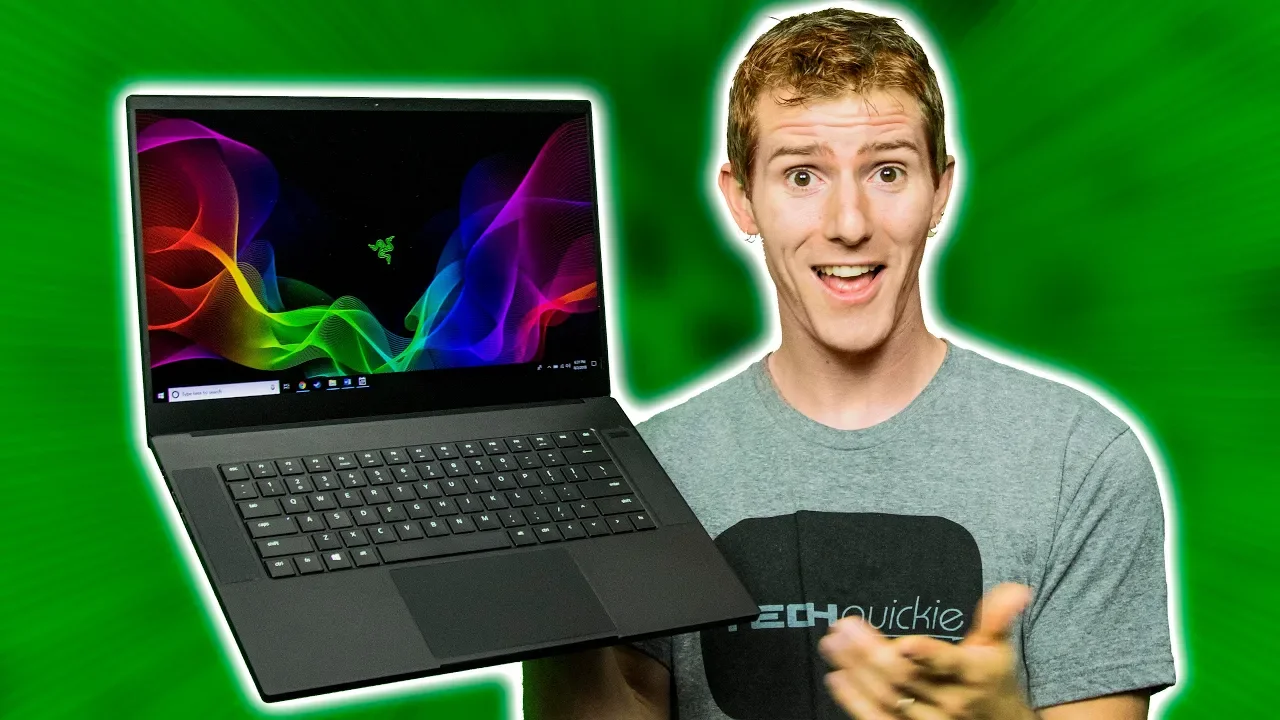
Does Razer Still Have It? - Blade 2018 Review
0 up · 0 down · 0 ratings
Description
Get yourself a Dbrand skin at geni.us
Promos
Check out CORSAIR STRAFE MK.2 Mechanical Keyboard on Amazon at geni.us The Razer Blade has been a roller coaster of emotions - but has the 2018 model brought it back to a peak, or just further into a valley? Buy the Razer Blade On Amazon: geni.us On Newegg: geni.us Discuss on our Forum: linustechtips.com Our Affiliates, Referral Programs, and Sponsors: linustechtips.com Linus Tech Tips merchandise at designbyhumans.com Linus Tech Tips posters at crowdmade.com Our Test Benches on Amazon: amazon.com Our production gear: geni.us Twitter - twitter.com Facebook - @LinusTech Instagram - @linustech Twitch - twitch.tv Intro Screen Music Credit: Title: Laszlo - Supernova Video Link: youtube.com iTunes Download Link: itunes.apple.com Artist Link: soundcloud.com Outro Screen Music Credit: Approaching Nirvana - Sugar High youtube.com Sound effects provided by freesfx.co.uk
The video begins with Linus revisiting the Razer Blade line, highlighting how past iterations have oscillated between exciting peaks and disappointing valleys. The 2018 Blade is introduced as a return to form, with a boxier chassis, a stronger aluminum build, and notably thinner bezels that push the design firmly into 2018 territory. Early impressions emphasize the device’s rigidity and the impression that this model can appeal to both gamers and professionals, provided the RGB is kept in check. The video then dives into core hardware: a Core i7-8750H paired with a GTX 1070 Max-Q, which Linus notes trades some clock speed for better thermals, leading to a more stable overall performance in real-world gaming while maintaining reasonable temperatures and noise levels. The testing segment shows how the machine behaves under Ida64 stress, with turbo boosts up to around 4 GHz in gaming scenarios and a cooling solution that sustains GPU temperatures in the low 70s with fans audible but not disruptive. The reviewer then critiques performance modes, suggesting that gaming mode increases power draw and may not provide a net benefit in many titles, and recommends using the standard power profile for everyday use. A key recommendation centers on the 1080p 144 Hz panel option as the best balance between visual smoothness and performance for this CPU-GPU pairing, while pointing out that a 4K touchscreen variant adds cost and reduces practical value for most gamers. In terms of peripherals, the Blade 2018 inherits some mobile audio design cues for better sound separation and improved volume, even if it lacks the deepest bass. The keyboard has seen meaningful upgrades, with a more satisfying typing experience and a notably large touchpad that draws favorable comparison to the MacBook Pro, though some caveats about heat and surface temperature remain. The segment closes with a candid pricing assessment, placing the reviewed configuration at around $2,400, and contrasts it with the Zephyrus, arguing that while the Zephyrus offers higher sustained performance, the Blade 2018 holds a professional aesthetic, stronger trackpad, and better battery life for a premium, albeit thinner, experience. Finally, the sponsor segment discusses Corsair Strafe MK.2 keyboards and Dbrand skins as accessories that complement the Blade 2018, while the host emphasizes why protection and personalization matter for high-end laptops.Overall, the video argues that the Blade 2018 is a well-rounded machine that excels in portability, build quality, and balanced performance, but it also cautions viewers about the price-to-performance ratio and the need for fine-tuning power and display options to maximize the experience.
Topics · technology · laptops · gaming · hardware reviews · consumer electronics
Questions answered
- What are the key hardware configurations of the Razer Blade 2018 and how do they affect performance?
- The Blade 2018 uses a Core i7-8750H paired with a GTX 1070 Max-Q. This combination prioritizes thermals and steady performance over peak clock speeds, delivering solid gaming performance with manageable temperatures and noise levels. In practice, turbo boosts reach around 4 GHz in gaming, but thermal constraints prevent unbounded clock speeds, resulting in stable framerates rather than the absolute highest potential in every title.
- What panel configuration is recommended for best balance on the Blade 2018?
- The recommended configuration is the 1080p, 144 Hz display. It provides smoother visuals and better desktop responsiveness with the CPU-GPU pairing, compared to the 4K touchscreen variant, which adds cost and can hinder practical gaming performance.
- How does the Blade 2018 compare to the Zephyrus in terms of value and usability?
- The Zephyrus offers potentially higher sustained performance and more storage options, but the Blade 2018 shines with a more professional aesthetic, an excellent trackpad, and longer battery life. The Blade 2018 is priced higher, so it is often seen as a premium option where portability and usability in professional contexts matter, while the Zephyrus could be favored for raw gaming performance and value in certain configurations.