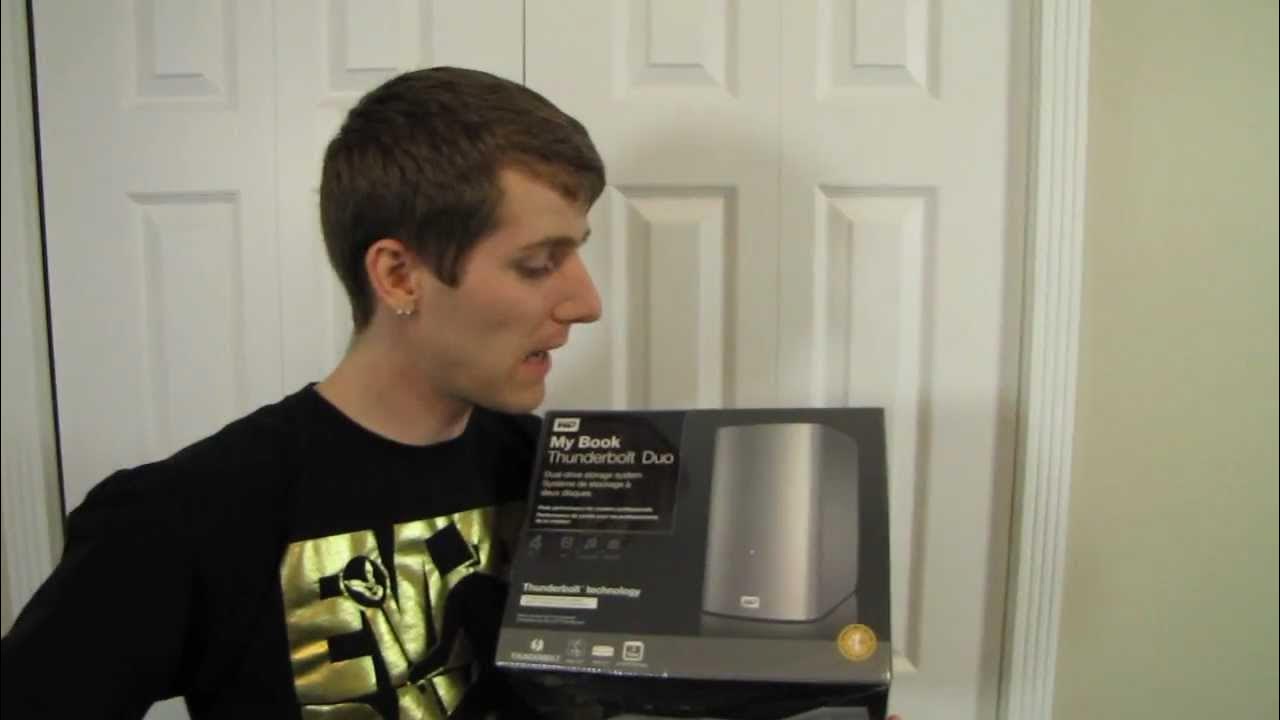
Western Digital WD MyBook Thunderbolt Dual External Hard Drive Unboxing & First Look Linus Tech Tips
0 up · 0 down · 0 ratings
Description
Thunderbolt delivers performance and Western Digital (WD) delivers reliability & other more different performance. This is the perfect companion storage product for the high end photo/video editing enthusiast! CA: ncix.com US: us.ncix.com
The video offers an in-depth unboxing and first look at the Western Digital WD MyBook Thunderbolt Duo, a dual-drive external storage solution designed for high-speed performance and professional workloads. The host walks through the physical packaging, confirms the unit size, and highlights that the box does not include a Thunderbolt cable, which must be sourced separately due to cost. He explains the product’s key capability: two drives inside that can be configured in different RAID modes to balance capacity, performance, and redundancy. The discussion covers the three main configurations: JBOD for maximum capacity and non-backed data, RAID 0 for peak performance with four terabytes of usable space but higher data risk, and RAID 1 for redundancy with the loss of some capacity while preserving data integrity. The host also notes the unit’s readiness for cross-platform use, explaining that Thunderbolt is not limited to Mac and can work with PCs that support Thunderbolt, with a three-year warranty as a stated warranty feature. He emphasizes the high-end use case for photo and video editing, where rapid data access and reliable backup are essential, and teases a follow-up test to measure performance under Thunderbolt with multiple configurations. The unboxing also showcases the external design as deliberately plain, while pointing out practical features like two Thunderbolt ports for daisy chaining and a user-serviceable interior that allows the drives to be swapped out without tools. In closing, the presenter underscores the upgrade path available by enabling users to replace to newer drives in the future, suggesting this product can stay relevant longer as drive capacities advance.
Topics · technology · hardware · storage · unboxing · thunderbolt · computing · pc-mac cross-platform · data-management
Questions answered
- What are the RAID configuration options for the WD MyBook Thunderbolt Duo and what do they mean for storage and data safety?
- The device supports JBOD, RAID 0, and RAID 1. JBOD gives four terabytes total capacity without redundancy. RAID 0 combines both drives for higher performance and 4 TB usable space but with increased risk of data loss if a drive fails. RAID 1 mirrors the data across both drives, providing redundancy and safety at the cost of halved usable capacity (2 TB).