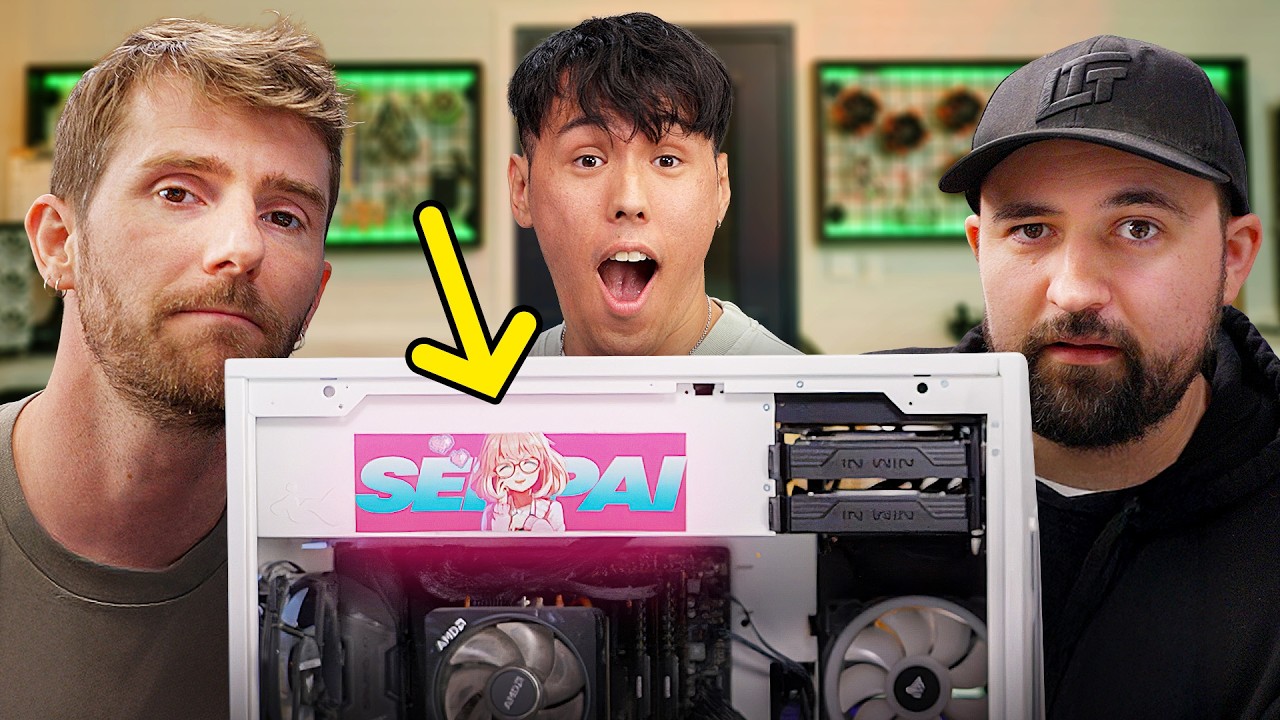
Fixing My Employee’s PC
0 up · 0 down · 0 ratings
Description
Thanks to Micro Center for sponsoring this video! Shop Micro Center’s Back to School Sale: micro.center Affirm Now Available at Micro Center: micro.center Thanks to MSI for sponsoring this video!
Promos
Check out their MAG 272QP QD-OLED X50 Monitor at lmg.gg Conor told us the Steam Average PC ran better than his home rig, a PC with a Ryzen 7 5800X3D and an RTX 3080 Ti. That CAN'T be right, so he brought it in for us to take a look at and hopefully fix. Discuss on the forum: linustechtips.com ► GET OUR MERCH: lttstore.com ► GET EXCLUSIVE CONTENT ON FLOATPLANE: lmg.gg ► GET A VPN: piavpn.com ► SPONSORS, AFFILIATES, AND PARTNERS: lmg.gg Purchases made through some store links may provide some compensation to Linus Media Group. Affiliate links powered in part by affilimate.com Linus Sebastian is an investor in Framework Computer, Inc CHAPTERS --------------------------------------------------- 0:00 Intro 1:26 Conor 3:27 Physical Inspection 6:00 Thermal Check 7:55 Checking BIOS Settings 9:10 Bloatware 10:12 Check Storage 11:26 There's Your Problem 14:35 Run Updates 16:45 Extra Steps 18:10 Is It Fixed? 20:46 Outro
The video centers on a hands-on PC troubleshooting session where the Linus Team investigates why a high-end rig with a Ryzen 7 5800X3D and RTX 3080 Ti underperforms, exhibiting stutters and slow game loads. The host begins with an introductory setup, framing Connor’s PC as a strong performer on paper but plagued by practical bottlenecks in real-world use. He then performs a physical inspection, noting cable management, fan operation, and the presence of expansion cards, which sets up a methodical troubleshooting flow. The first major checkpoint involves a thermal assessment to verify that temperatures are within normal ranges under load, using Cinebench and Far Cry-like stress tests to observe CPU and GPU behavior. The team proceeds to BIOS and memory diagnostics, realizing that RAM was operating at a suboptimal speed due to XMP/DOCP not being enabled, which could account for the observed performance degradation. The next phase shifts toward software hygiene and system boot-time optimization, where startup programs are pared down and storage usage is analyzed to reclaim free space. The video then guides through driver management, including reinstalling Nvidia drivers and updating Windows, followed by a re-evaluation of performance in Tarok and similar games. Finally, the host summarizes the key fix - enabling XMP, updating drivers and Windows, and cleaning up startup applications - and reflects on whether the performance improvements meet expectations, while offering practical, shareable takeaways for viewers dealing with similar bottlenecks. The closing segments emphasize the value of a structured, patient approach to PC troubleshooting, the potential for small misconfigurations to cause outsized performance issues, and a light-hearted sign-off that ties sponsorships into the practical content in a natural way.
Topics · technology · hardware_troubleshooting · pc_building · gaming_performance
Questions answered
- What was the root cause of the performance issue in Connor's PC?
- The root cause was memory not running at the correct speed because XMP/DOCP was disabled, resulting in DDR4 running at 2133 MT/s instead of the configured 3200 MT/s.
- What step had the biggest impact on improving performance?
- Enabling XMP/DOCP in the BIOS and updating drivers, combined with optimizing startup programs and Windows updates, yielded noticeable performance improvements and reduced stuttering.
- What practical steps can viewers take from this video to troubleshoot their own PCs?
- Check BIOS memory settings (enable XMP/DOCP), review startup apps, assess storage space and defragmentation needs, reinstall or update GPU drivers, install Windows updates, and test with a live test drive if necessary.
- Why did the team consider software fixes before hardware swaps?
- Software and configuration issues can masquerade as hardware problems, and often small misconfigurations (like RAM speed or startup programs) are quicker and cheaper to fix than replacing parts.
- What role did sponsorships play in the video structure?
- Sponsorships were integrated as brief interludes that promote related products (like MSI monitors and Micro Center) while maintaining the educational troubleshooting flow.