Kensington SD100 Notebook Dock Unboxing & First Look Linus Tech Tips
0 up · 0 down · 0 ratings
Description
ncix.com Neat product. Looks like a good value for the price.
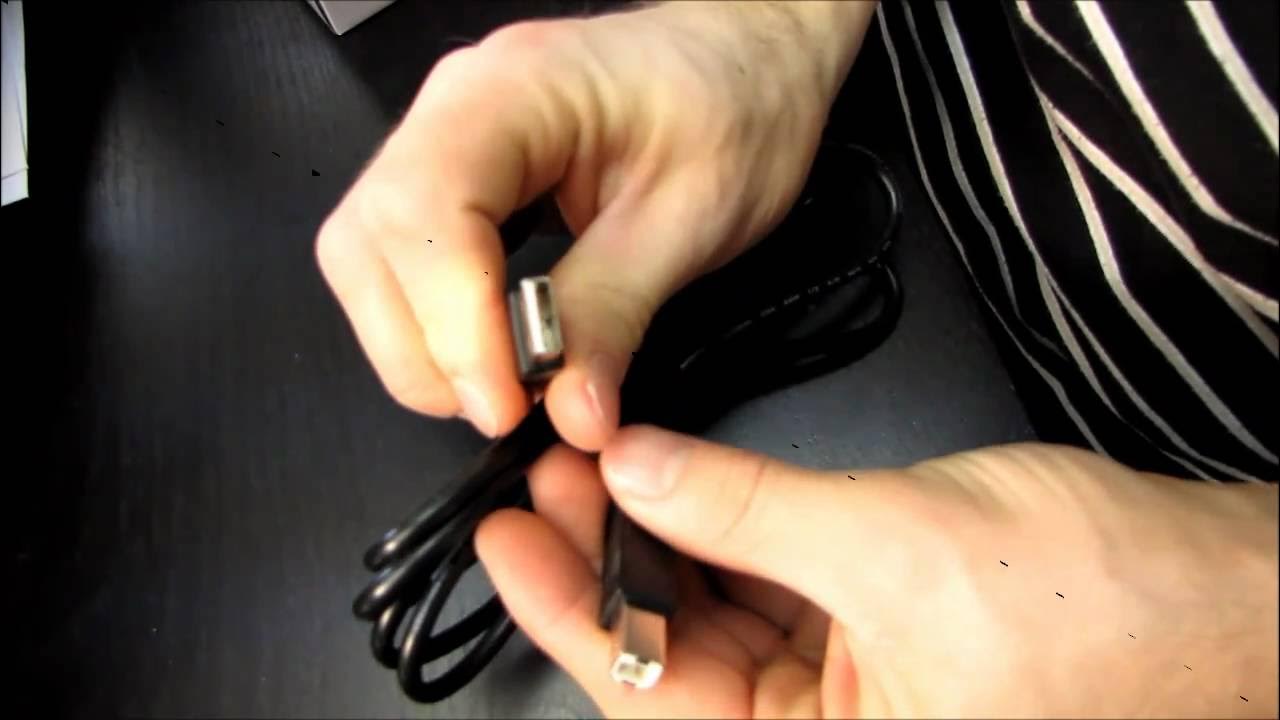
The video presents an unboxing and first look at the Kensington SD100 Notebook Dock, hosted by Linus from Linus Tech Tips. It begins with an introductory explanation of what a notebook docking station is, followed by unboxing the package contents including the power adapter, USB cables, and the docking station hardware. Linus comments on the included installation guide and drivers, highlighting the USB connectivity as a single port solution to connect a mouse, keyboard, printer, and other peripherals, with potential cooling benefits by elevating the notebook. As the device is revealed, he describes the ports on the back, including LAN, USB 2.0 ports, microphone and headphone jacks, and the power input, and notes the four rubberized feet for stability. The top surface is shown to host the notebook, with a USB A to B cable arrangement explained, and a general walkthrough of how the dock facilitates plugging in a single USB connection. The host discusses practical usage scenarios, such as how the docking station can help organize cables and improve desk space, and he tests the concept by placing a laptop on the dock to demonstrate the connection to multiple peripherals and the potential for improved cooling. He also touches on installation steps like driver setup, mentions Windows Vista/XP compatibility, and ends with a call to subscription to the channel. Overall, the video aims to demystify the product for viewers who may not be familiar with notebook docking stations and provides a quick hands-on look at its design, ports, assembly, and suggested use case in a concise unboxing format, concluding with a quick recap and a channel subscription shoutout.
Topics · hardware · unboxing · tech_reviews · peripherals