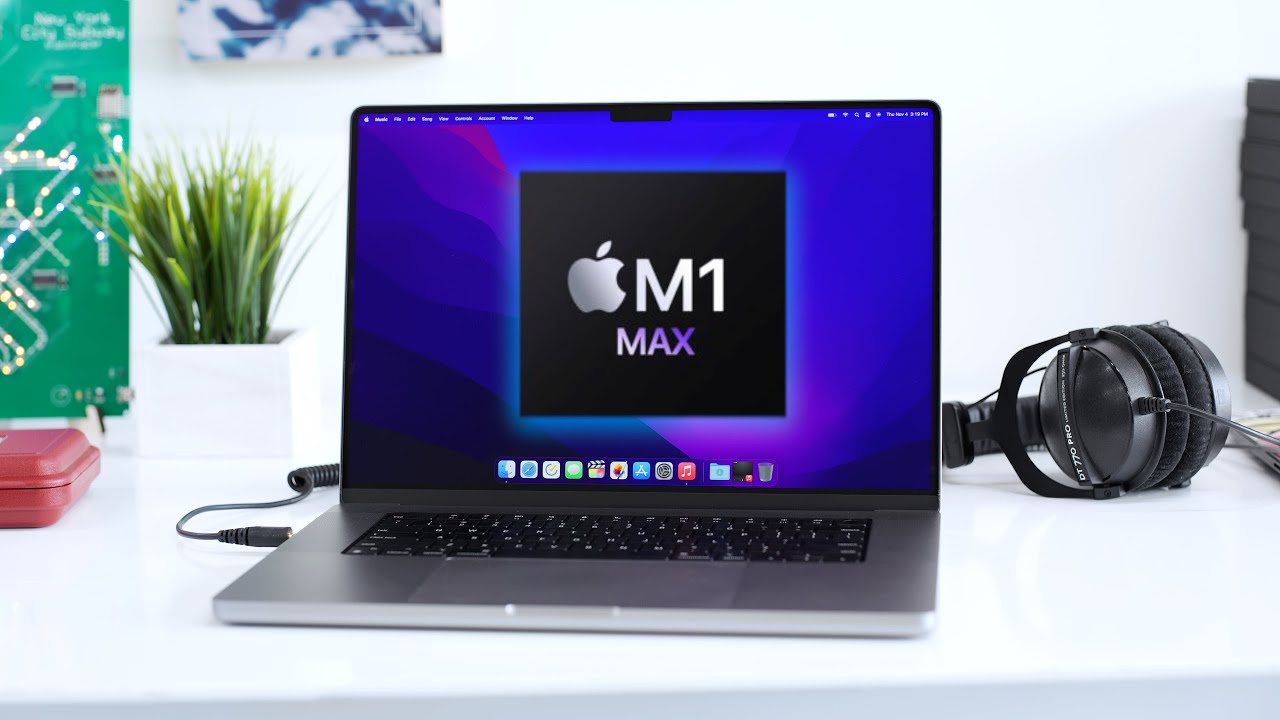
M1 Max MacBook Pro Review: Truly Next Level!
0 up · 0 down · 0 ratings
Channels and socials
The 14" and 16" MacBook Pros are incredible. I can finally retire the travel iMac. That shirt! shop.mkbhd.com MacBook Pro skins: dbrand.com 0:00 Intro 1:38 Top Notch Design 2:27 Let's Talk Ports 7:11 RIP Touchbar 8:20 The new displays 10:12 Living with the notch 12:37 Performance 19:39 Battery 20:30 So should you get it? The Verge Review: youtu.be Tyler Stalman Review: youtu.be Developer's tweet: twitter.com Tech I'm using right now: amazon.com Intro Track: youtube.com Playlist of MKBHD Intro music: goo.gl Laptop provided by Apple for review. ~ twitter.com @MKBHD @MKBHD
The video opens with the host establishing the context for Apple Silicon, framing the M1 Max MacBook Pro as a true next level in laptop performance. He contrasts the era of lugging a travel iMac to events with the new era where a single MacBook Pro can fulfill demanding video editing workflows on the go. The initial segment focuses on design and form factor, praising the new top-notch design, squared-off chassis, and revised port selection that brings back HDMI, SD card, and MagSafe. The host emphasizes practical usability of the ports, noting the improved MagSafe with stronger latching and the ability to fast-charge via the 96-watt brick or use USB-C for a single-charger setup, while also discussing the limitations of HDMI 2.0 and SD card speeds. He also comments on the return of MagSafe and a new keyboard without a touch bar, highlighting reliability, key travel, backlighting, and Touch ID speed, while acknowledging fingerprints on dark keys and the aesthetic of the keyboard inset in a black matte frame. The display is next: a 10-bit mini-LED panel with HDR, ProMotion adaptive refresh, and a 16:10 aspect ratio, delivering up to 1600 nits peak brightness and a notch that everyone notices but does not impede content. The host then pivots to performance, outlining the M1 Max’s enhancements like higher memory bandwidth and more GPU cores, and asserts that real-world usage far surpasses raw synthetic benchmarks. The narrative moves into real-world workflows, particularly Final Cut Pro, where editing 8K REDCODE RAW footage on the 16-inch M1 Max is described as nearly seamless, with very smooth playback, fast exports, and minimal hiccups, even on battery. He compares export times against a high-end Mac Pro configuration, showing the M1 Max laptop completing renders faster than the desktop, and notes ambient improvements across the software ecosystem with Silicon-native optimizations. The review culminates in practical recommendations: for professionals needing real GPU headroom and portable editing, the M1 Max MacBook Pro is a compelling choice, with the 16-inch model favored for screen real estate and battery considerations. The host reflects on the broader Apple Silicon future, hinting at the upcoming Apple Silicon Mac Pro while underscoring that the M1 Pro vs M1 Max decision depends on workflow needs, and ends with a confident recommendation to purchase if the power budget matches professional demands, alongside a closing note that this is one of the year’s favorite products.
Topics · technology · laptops · apple · performance · display · design · video editing · consumer electronics
Questions answered
- What makes the M1 Max MacBook Pro a "next level" tool for professionals?
- It combines high GPU cores, fast memory bandwidth, ProRes acceleration, and highly optimized software support (e.g., Final Cut Pro) to deliver significantly faster encoding, smoother timelines with high-resolution footage, and longer battery life in a portable form factor.
- How does the port selection impact day-to-day use compared to earlier models?
- Ports include a full-size HDMI, SD card slot, two Thunderbolt 4 ports, MagSafe charging, and a headphone jack, which reduces dongles for common workflows like video capture, external displays, and audio work.
- Is the notch a drawback or a design feature?
- The notch is a design feature that does not interfere with content; macOS treats the screen as if the notch isn't there, though some apps may require small UI adjustments.