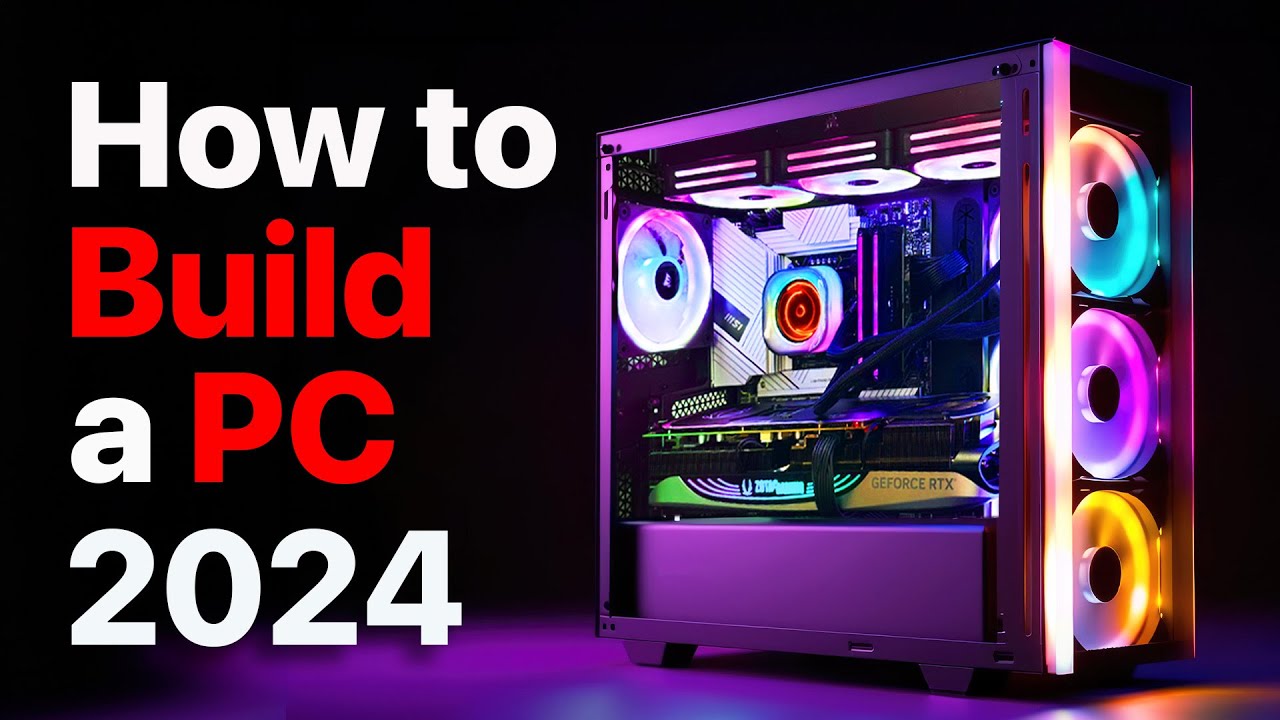
How to Build a PC, the last guide you’ll ever need! (2024 Update)
0 up · 0 down · 0 ratings
Description
You never want to cut corners on your PC’s power supply. So
check out what Seasonic has to offer at: geni.us We’ve done plenty of build guides before – But now we’re taking it to the next level. Not only will you know how to build a PC, you’ll know how to build ANY PC – This is the LAST guide you’ll ever need, now updated for 2024! Discuss on the forum: linustechtips.com Buy a Seasonic Vertex GX-1000: geni.us Buy a Seasonic Prime TX-1300: geni.us Buy an Intel Core i9-13900K: geni.us Buy an MSI MAG Z790 Carbon WIFI: geni.us Buy a Kingston KC400 1TB: geni.us Buy an RTX 4060 Ti FE: geni.us Buy an ASUS WS W790 ACE: geni.us Buy a Xeon W7-2495X: geni.us Buy a Noctua NH-D9 DX-4677 4U: geni.us Buy an Corsair iCUE Link H150i: geni.us Buy QX120 fans: geni.us
Check out the Thermal Grizzly LGA-1700
Promos
Check out the PTM7950 PHASE CHANGE THERMAL PAD: lmg.gg Buy LTT cable ties: lmg.gg Purchases made through some store links may provide some compensation to Linus Media Group. ► GET MERCH: lttstore.com ► GET EXCLUSIVE CONTENT ON FLOATPLANE: lmg.gg ► SPONSORS, AFFILIATES, AND PARTNERS: lmg.gg ► EQUIPMENT WE USE TO FILM LTT: lmg.gg ► OUR WAN PODCAST GEAR: lmg.gg FOLLOW US --------------------------------------------------- Twitter: twitter.com Facebook: @LinusTech Instagram: @linustech TikTok: @linustech Twitch: twitch.tv MUSIC CREDIT --------------------------------------------------- Intro: Laszlo - Supernova Video Link: youtube.com iTunes Download Link: itunes.apple.com Artist Link: soundcloud.com Outro: Approaching Nirvana - Sugar High Video Link: youtube.com Listen on Spotify: spoti.fi Artist Link: youtube.com Intro animation by MBarek Abdelwassaa @mbarek_abdel Monitor And Keyboard by vadimmihalkevich / CC BY 4.0 geni.us Mechanical RGB Keyboard by BigBrotherECE / CC BY 4.0 geni.us Mouse Gamer free Model By Oscar Creativo / CC BY 4.0 geni.us Timestamps (Courtesy of NoKi1119): 0:00 Intro 1:22 Your games will impact your choices 2:25 Summarizing what non-gamers need 4:04 Form factors of PC case & motherboards 5:50 Step #1: Knowing your budget is important 6:38 Choosing your parts: CPU & graphics card 8:13 What is a PCI-E gen? 10:47 New V.S. used GPU, CPU's impact 12:26 GPU's different outputs & versions 14:27 Choosing your parts: Motherboards & chipsets 15:35 Choosing your parts: RAM 17:54 What is ECC memory? 19:26 Do NOT mix different memory sticks! 19:49 Choosing your parts: Storage 20:55 Choosing your parts: Cooling solution 24:29 Choosing your parts: PSU 26:14 PSU form factors & classes 28:08 Choosing your parts: Case 29:35 Choosing your parts: Fans 33:13 Fan connector types, controller hubs 34:08 Choosing your parts: Storage part II 34:52 Choosing your parts: RGB 35:00 RGB types, RGB hubs & software 37:13 Choosing your parts: Aesthetic accessories 38:10 Step #2: Setup your work area 40:30 Step #3: CPU 40:52 CPU sockets & retention types 42:45 Unboxing & installing the CPU 49:40 Step #4: RAM. 53:14 Step #5: M.2 SSD 56:51 Step #6: CPU cooler 59:32 Applying the thermal compound or pad 1:01:58 Installing the air cooler 1:05:15 Installing the water cooler 1:07:09 Step #7: Pre-build test 1:10:43 What if the system doesn't boot? 1:13:53 Step #8: Case prep 1:17:31 Step #9: Motherboard installation 1:19:27 Front panel cables, USB headers 1:26:53 Step #10: Storage 1:31:29 Step #11: Case fans & flow types 1:34:54 Dealing with fan connections 1:38:04 Step #12: Power supply 1:43:00 Step #13: Graphics card 1:46:39 Step #14: Cable management 1:48:03 Step #15: Powering on & troubleshooting 1:49:46 Step #16: BIOS 1:53:09 Step #17: Firmware installer 1:54:13 Outro
Contact
contact frame: lmg.gg
The video is a comprehensive, 2024 update to Linus Tech Tips' PC build guide, structured to teach viewers how to configure, buy, and assemble the right computer for their needs without endorsing any single product. The host begins by reframing the planning stage, urging viewers to define their use case and budget before choosing components. He outlines a process that starts with understanding the games or tasks you’ll run, then translates that into a target balance of CPU, GPU, RAM, storage, and a suitable power supply. The guide emphasizes that budget, performance goals, and future upgrade plans should drive every component decision, rather than chasing the latest shiny parts. Throughout, practical cautions appear about compatibility, such as CPU socket choices, PCIe lane counts, and motherboard chipsets, to prevent bottlenecks later on. The video then transitions from high-level planning to the hands-on workflow, presenting a step-by-step sequence for building a PC from ground up. The narrator highlights the importance of a solid power supply and cooling solution as foundational, noting that these decisions affect longevity, noise, and thermals. He also stresses the value of reliable, modular power supplies for cleaner cable management and easier future upgrades. The script interleaves design decisions with actionable build steps, helping non-experts translate market jargon into concrete parts choices. By framing the build as a repeatable process, the video promises that the same workflow can be applied to many PC configurations, from gaming rigs to workstations. Viewers are reminded that practical factors like case airflow, GPU dimensions, and RAM compatibility will govern the final chosen parts. The guide also discusses form factors, explaining ATX, micro ATX, ITX, and DTX variants, and how each constrains motherboard size and expansion options. A crucial early decision is budgeting, including whether to pursue new or used parts and how to sequence purchases to maximize value. The host uses examples to compare CPUs and GPUs, illustrating how clock speeds, core counts, PCIe generations, and integrated graphics influence performance for different workloads. The video underscores that features such as PCIe lane allocations and GPU output types (HDMI vs DisplayPort) can meaningfully affect system capabilities and monitor compatibility. The content then delves into motherboard considerations, examining chipset capabilities, RAM overclocking potential, and expansion options that affect future-proofing. RAM guidance follows, clarifying capacity, speed, timings, and the benefits of dual or quad channel configurations, along with explanations of single, dual, and quad rank memory and ECC options. The guide makes clear that memory compatibility and matching sticks are essential to avoid instability, and it explains how ECC memory differs between consumer and server-grade use cases. Storage options are covered next, including SATA vs NVMe, M.2 form factors, endurance ratings, and the importance of a fast boot drive for everyday use and application responsiveness. The cooling discussion weighs air cooling versus liquid cooling, noting that for most users a large air cooler is simpler and more reliable, while acknowledging liquid cooling’s niche benefits for enthusiasts. The host then analyzes cooling system design choices, such as radiator sizes, surface area, and material considerations, warning against galvanic corrosion when mixing metals. The video explains fan technology, including bearing types, PWM control, and how to balance static pressure versus airflow for different case and radiator configurations. Cable management, front panel connectivity, and case layout are shown as practical skills that support airflow and maintenance. The presentation of storage expansion and RGB lighting options follows, with distinctions between non-addressable and addressable RGB and how software ecosystems and hubs can streamline control. The guide wraps with a plan for assembly, testing, BIOS configuration, firmware updates, and troubleshooting, followed by a reminder that the exact parts list should be tailored to the buyer’s needs, budget, and upgrade path. The overall message is that while the video covers a lot of ground and uses some industry jargon, the core process is repeatable and adaptable to a wide range of builds, from entry-level gaming rigs to high-end workstations. Finally, the host reiterates the value of planning, careful research, and methodical setup to avoid common mistakes and ensure a smooth build experience. The result is a practical, future-proof blueprint for anyone who wants to build a PC with confidence in 2024 and beyond.
Topics · technology · hardware · guides · gaming