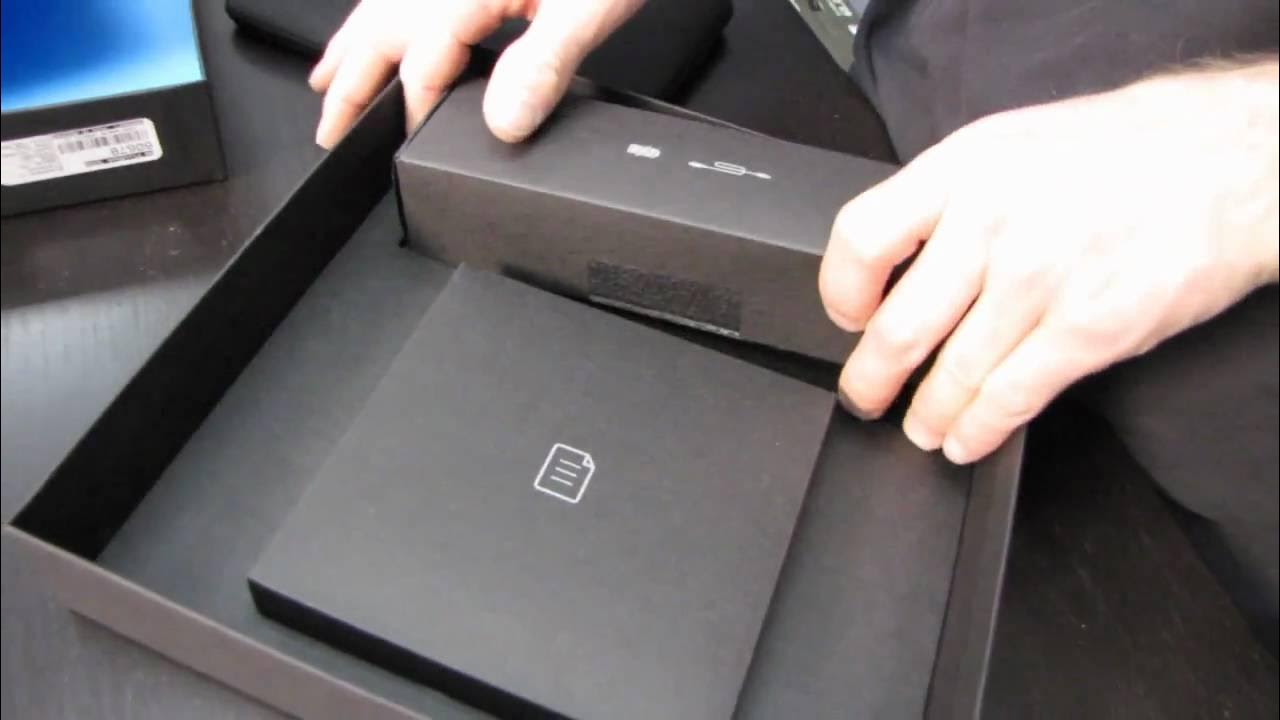
Blackberry Playbook 7" Tablet PC Unboxing Linus Tech Tips
0 up · 0 down · 0 ratings
Description
ncix.com Pretty much a pure unboxing as I already used a demo unit that I had my hands on for 20 mins or so to do my "first impressions"
The video is a focused unboxing and quick tour of the BlackBerry PlayBook 7 inch tablet, starting with the box contents and moving into what you actually get beyond the hardware. Linus shows a neoprene sleeve, a quick start guide, safety and warranty booklets, and a blue plastic insert, then opens a sealed package to reveal the USB data cable and power cable that share the same jack. Additional items include a cleaning cloth branded with BlackBerry PlayBook and basic language safety materials. He notes practical details like the non-expandable 32 GB capacity and the expectation that most media will be accessed over a network rather than from removable storage. The unboxing also highlights minor conveniences such as access to media controls via the neoprene sleeve and the overall minimalist packaging design, while he humorously riffs on opening sealed packaging. By walking through the setup steps and identifying the essential ports and physical controls, the segment sets the stage for a hands-on familiarity with the device without delving into deep software impressions.
Topics · technology · consumer_electronics · tablets · unboxing
Questions answered
- What is included in the BlackBerry PlayBook unboxing package?
- The package includes a neoprene sleeve, a quick start guide with multilingual content, safety and warranty information, a cleaning cloth, a USB data cable, a power cable, and the PlayBook device itself.
- What notable hardware details does Linus point out during the unboxing?
- He notes the 32 GB non-expandable storage, the USB/charging jack arrangement, the presence of stereo speakers, the front and back design cues, and the accessible media controls via the sleeve and top edge. He also mentions the reflective screen and basic port layout.