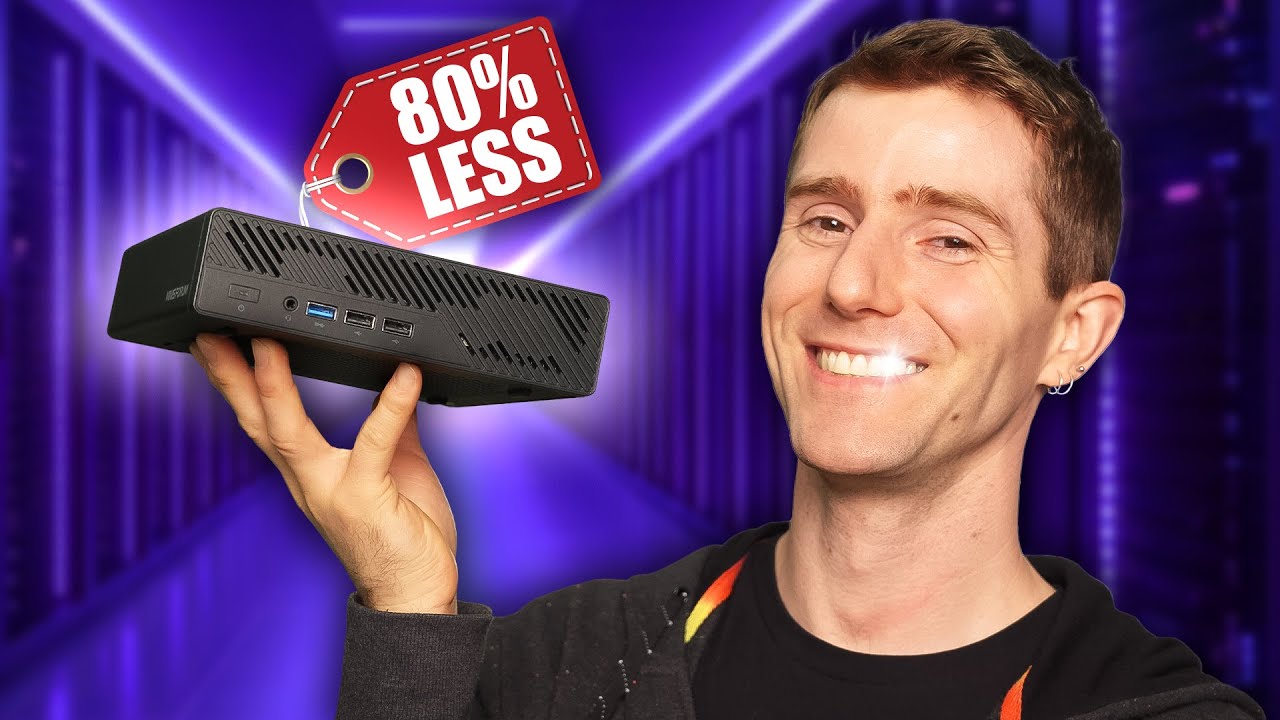
I replaced a $20,000 server with this
0 up · 0 down · 0 ratings
Description
Check out Craft Computing’s video about the single slot RTX 4000 SFF cooler: youtu.be A few years ago we built a sick portable storage machine to help us handle footage and edit when travelling for shows like CES or Computex, it just had one fatal flaw - being too heavy! In this video, we show you how we replaced that $20,000 large Portable NAS with a brand new, smaller, and lighter machine based on the Minisforum MS-01. Discuss on the forum: linustechtips.com
Check out TrueNAS Scale: lmg.gg Buy a Sonnet Technologies Solo 10GbE Thunderbolt Dongle: geni.us Buy a Minisforum MS-01 Mini PC (Barebones): geni.us Buy a PNY Quadro P1000 4GB Workstation Graphics Card: geni.us Buy Mushkin 5600MTs CL46 2x48GB SODIMM DDR5 RAM: geni.us Buy a Sabrent Rocket 4 Plus 8TB NVMe M.2 SSD: geni.us Buy a Sabrent Rocket 512GB NVMe M.2 SSD: geni.us Buy a Sipeed NanoKVM on AliExpress: lmg.gg Buy a Mac Mini M4 (Base): geni.us Buy a UniFli Flex XG Network Switch from Ubiquiti: lmg.gg Buy a Macbook Pro 14" M4: geni.us
Promos
Check out Threatlocker’s cybersecurity event ZTW 2025 and save $200 on registration using our code ZTWLTT25 at: zerotrustworld.threatlocker.com
Check out the Single Slot RTX 4000 SFF Ada Cooler from N3rdware: lmg.gg Buy a KIOXIA CM6 30.72TB Gen4 NVMe SSD: geni.us ► GET OUR MERCH: lttstore.com ► GET EXCLUSIVE CONTENT ON FLOATPLANE: lmg.gg ► GET A VPN: piavpn.com ► SPONSORS, AFFILIATES, AND PARTNERS: lmg.gg Purchases made through some store links may provide some compensation to Linus Media Group. CHAPTERS --------------------------------------------------- 0:00 Intro 1:56 Sponsor 2:19 Networking 3:13 GPU 5:02 Mac Mini M4 5:30 RAM 6:42 CPU repasting 9:45 Storage 10:42 Powering on & TrueNAS setup 12:18 NanoKVM 13:47 Plan B for editing 14:17 Process for ingesting footage 14:39 Why does hotel internet suck in Vegas? 15:36 Sending footage back to the office 16:08 Packing it up in the Commuter Bag 17:26 Sponsor 18:26 Credits
The video documents a teardown and replacement of a heavy, expensive portable NAS used for on-site editing at trade shows. The team replaces a $20,000 server with a much smaller, lighter setup based on the Minisforum MS-01, paired with a Mac Mini M4, to achieve the same editing performance while dramatically cutting weight and bulk. They walk through the rationale, focusing on networking capacity, GPU options, RAM, and storage upgrades that enable on-site editing at events like CES without compromising speed. The discussion covers why they previously relied on a large NAS, the constraints of hotel internet, and how they intend to ingest footage, render proxies, and then finalize edits back at the home office. They evaluate cooling, thermal paste, and upgrade paths for the laptop-class CPU in a compact chassis, while also exploring remote access options like NanoKVM and plan B workflows that involve virtual machines. The conclusion emphasizes the portability and efficiency gains, the role of TrueNAS Scale, and how the new setup integrates with their touring workflow, including hotel and venue connectivity and the possibility of remote editing during shows.
Topics · technology · computing · video-creation · hardware-review
Questions answered
- What was the main reason for replacing the old $20,000 NAS with the Minisforum MS-01 based setup?
- To reduce weight and size while maintaining or improving editing performance, especially when traveling to events with limited hotel internet.
- Which components were introduced to enable faster on-site editing and remote access?
- A Minisforum MS-01 as the main NAS, Mac Mini M4 for additional power, three M.2 storage slots with fast drives, 10 Gb Ethernet networking, and NanoKVM for remote management.
- How does the team handle footage ingestion and transfer when on location?
- Footage is ingested via 10 GbE connections, proxies are used for remote editing back at the office, and the raw footage is conformed locally by editors using the Mac Mini or laptops.