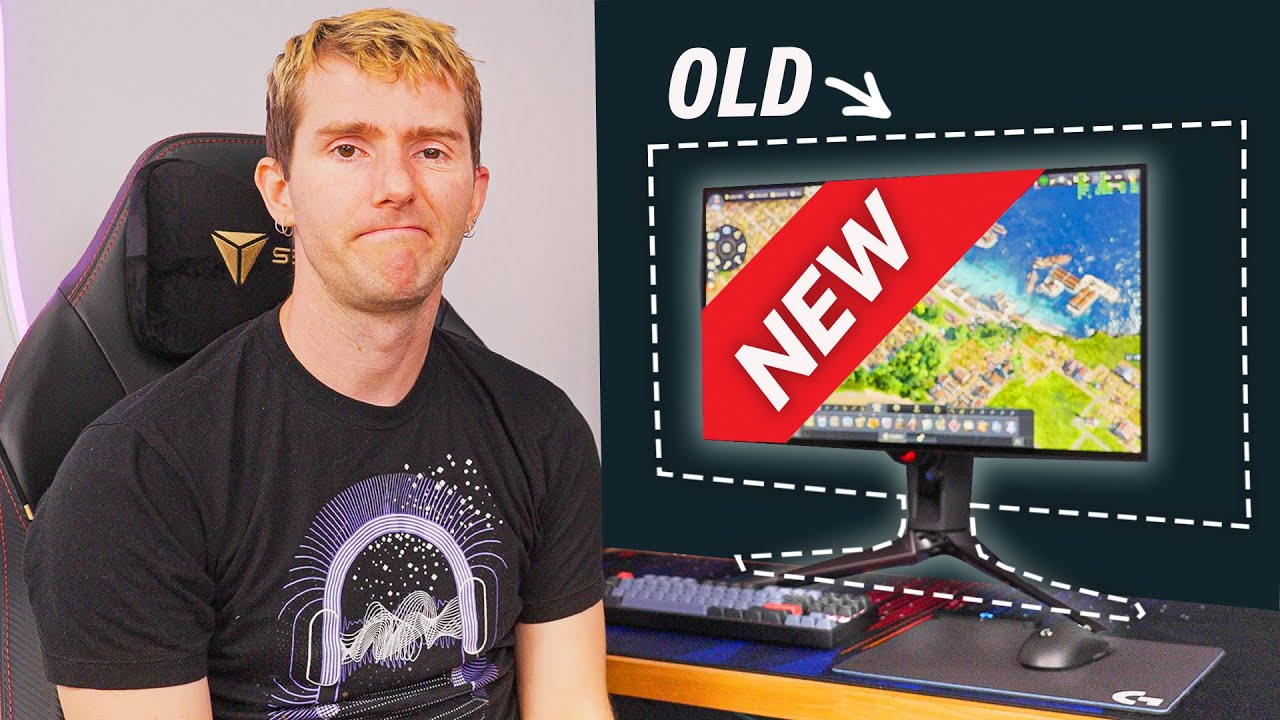
I’m Downsizing and I’m SO EXCITED - ASUS ROG Swift OLED PG27AQDP
0 up · 0 down · 0 ratings
Description
Thank you ASUS for helping with today's video. If you want to grab your own PG27AQDP or
Promos
check out ASUS' other displays, head over to lmg.gg Amazon: geni.us Newegg: geni.us Micro Center: lmg.gg Purchases made through some store links may provide some compensation to Linus Media Group. With OLED’s lightning fast pixel response times and a 480Hz refresh rate, we’re reaching levels of motion clarity we never thought possible! Couple that with a great HDR experience and it’s really hard to beat the PG27AQDP from Asus. Discuss on the forum: linustechtips.com ► GET OUR MERCH: lttstore.com ► GET EXCLUSIVE CONTENT ON FLOATPLANE: lmg.gg ► GET A VPN: piavpn.com ► SPONSORS, AFFILIATES, AND PARTNERS: lmg.gg CHAPTERS --------------------------------------------------- 0:00 Intro 1:23 Friendship ended with flex 3:05 DSC 5:19 Having some trouble 6:25 Why filming videos takes so long 7:20 Trying a 4090 9:04 Halo 11:15 Final thoughts 11:20 Outro
In this video, Linus Tech Tips dives into the ASUS ROG Swift OLED PG27AQDP, presenting a detailed exploration of a high-end 27-inch OLED gaming monitor that pushes 1440p at up to 480 Hz. He frames the reveal as a major upgrade over his existing 1440p 240 Hz setup, emphasizing OLED’s near-instant pixel response times, deeper blacks, and HDR capabilities. The narrative weaves through initial excitement about the 480 Hz OLED panel with microlens array, notes about heat management, and the inclusion of a three-year warranty, plus a candid discussion about bandwidth and the need for either Display Stream Compression or HDMI 2.1 to reach those peak specs. He also navigates practical constraints like cable bandwidth, display port limitations, and the lack of universal HDMI 2.1 compatibility on current GPUs, weighing the trade-offs of compression versus native bandwidth as the test rig evolves. The review segment then shifts to real-world gaming tests with a 4090 system, where he demonstrates how the monitor performs with Counter-Strike and Halo Infinite, comparing latency, motion clarity, and HDR presentation against expectations, while acknowledging that ultimate benefits depend on a suitably powerful PC. The video closes with reflections on the overall gaming experience, a reminder that high refresh rate monitors may necessitate upgrades to other components, and a call to check out ASUS’s PG27AQDP while acknowledging the sponsorship context. The pacing blends product enthusiasm with practical caveats, ultimately arguing that this display is aimed at serious esports enthusiasts who demand speed, image quality, and a premium feature set. The sponsor plug is integrated alongside practical demonstrations, keeping the tone informative yet distinctly promotional. Finally, Linus hints at future coverage and related content, inviting viewers to compare this model with their prior experiments with high refresh rate OLEDs and other premium panels.
Topics · Technology · Hardware · Monitors · Gaming
Questions answered
- What makes the ASUS ROG Swift OLED PG27AQDP a standout compared to typical gaming monitors?
- It combines a 27-inch OLED panel with 1440p resolution, 480 Hz refresh rate, and features like microlens array technology, wider viewing angles, and HDR to deliver near-instant pixel response and exceptional motion clarity, aiming for true endgame esports performance.
- Why is Display Stream Compression DSC discussed, and what are the bandwidth implications?
- DSC is a lossy compression method used to transmit high resolution and refresh rate data over DisplayPort. It enables 1440p at 480 Hz by reducing bandwidth needs, but introduces potential image compression trade-offs that may affect visual fidelity, depending on the content and viewer sensitivity.
- Is HDMI 2.1 essential to use this monitor at its highest specs, and what are the barriers?
- HDMI 2.1 can provide the necessary bandwidth for high refresh rates, but current GPUs and in-wall cabling may not fully support the required bandwidth yet. DP 2.1 would be another option, but as of now not all GPUs implement it, so users may rely on DSC with DisplayPort 1.4 connections and face cable and wall-plate limitations.