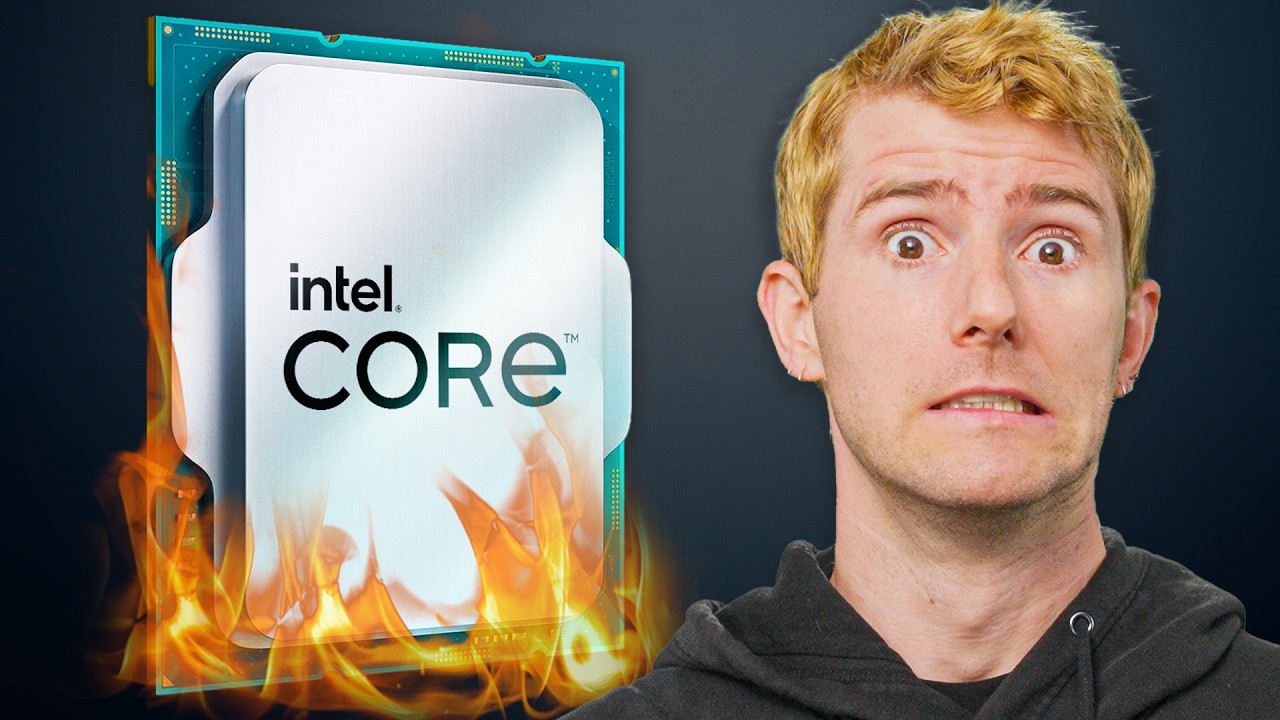
Intel's CPU Crashes Explained
0 up · 0 down · 0 ratings
Description
Say goodbye to antiquated marketing efforts!
Promos
Check out Moosend’s email marketing and automation software free for 30 days and save 10% at trymoo.moosend.com Why the heck are Intel's 13th gen and 14th gen Core processors acting unstable or even dying - and is there anything you can do about it? Leave a reply with your requests for future episodes. ► GET MERCH: lttstore.com ► GET A VPN: piavpn.com ► GET EXCLUSIVE CONTENT ON FLOATPLANE: lmg.gg ► SPONSORS, AFFILIATES, AND PARTNERS: lmg.gg FOLLOW US ELSEWHERE --------------------------------------------------- Twitter: twitter.com Facebook: @LinusTech Instagram: @linustech TikTok: @linustech Twitch: twitch.tv
Intel's CPU Crashes Explained takes a deep dive into the instability issues that plagued Intel's 13th and 14th generation Core processors, with a focus on the interaction between CPUs, motherboard BIOS, and vendor practices. The video starts by noting that modern CPUs are typically reliable, but the new generation saw unexpected crashes and instability, particularly under heavy workloads like cinebench, Unreal Engine games, and decompression tasks. It explains that motherboard manufacturers set load line configurations and voltages in a way that could push CPUs beyond their stable operating envelope, while Intel's guidance on voltages and ETB (voltage request behavior) bugs was insufficiently specific, allowing misconfigurations to persist. The segment then traces the root causes across multiple layers: competition among motherboard makers, aggressive marketing of performance, and Intel guidance that did not clearly bound voltage and load-line adjustments. As the discussion progresses, the video covers attempts by motherboard vendors to fix issues via BIOS updates, some of which helped stability but caused faster degradation or introduced new problems. The analysis links an ETB bug to excessive voltage requests in 13th and 14th gen CPUs and notes that Intel subsequently issued recommendations and patches, with major motherboard manufacturers integrating default fixes and microcode updates. The takeaway is that while Intel bears some responsibility for guidance gaps and the ETB bug, motherboard practices and timing of fixes contributed to the overall reliability concerns, and the video ends with practical advice such as applying updated BIOS/microcode and, if needed, temporarily reducing CPU clock speeds to regain stability. The overall message emphasizes a broader industry lesson: higher scrutiny of board-level configurations and closer collaboration among Intel, motherboard makers, and software developers to ensure stable performance across diverse system configurations.
Topics · technology · hardware · computer-science · industry-analysis
Questions answered
- What caused the instability in Intel's 13th and 14th gen CPUs according to the video?
- Instability arose from a combination of motherboard load-line configurations, inadequate Intel guidance on voltages, and an ETB bug that led to excessive voltage requests, amplified by aggressive performance tuning from motherboard manufacturers.
- What steps can users take to mitigate instability according to the video?
- Users should update BIOS and microcode to the latest versions, apply Intel and motherboard manufacturer recommended defaults, and, if needed, reduce CPU clock speed by about 300 MHz to regain stability.
- Who bears responsibility for the instability and what is the suggested resolution?
- Responsibility is shared among Intel for guidance gaps and ETB issues, and motherboard makers for aggressive or misconfigured voltage settings. The resolution includes official fixes, updated bios and microcode, and closer oversight of board configurations before sale.