Thin.... but not dumb! - ASUS Zenbook S 13 OLED
0 up · 0 down · 0 ratings
Promos
Thanks to ASUS for sponsoring today's video! Buy your ASUS Zenbook S 13 today using the links below: ASUS: asus.click US Amazon: geni.us US Best Buy: lmg.gg US Newegg: geni.us CA Amazon: geni.us CA Best Buy: lmg.gg CA Canada Computers: lmg.gg Purchases made through some store links may provide some compensation to Linus Media Group. Want us to unbox something? Make a suggestion at lmg.gg ► GET MERCH: lttstore.com ► LTX 2023 TICKETS AVAILABLE NOW: lmg.gg ► GET EXCLUSIVE CONTENT ON FLOATPLANE: lmg.gg ► SPONSORS, AFFILIATES, AND PARTNERS: lmg.gg ► PRODUCTS WE USE ON THE SHORTCIRCUIT SET: lmg.gg FOLLOW US ELSEWHERE --------------------------------------------------- Twitter: twitter.com Instagram: @shortcircuityt TikTok: @linustech Facebook: @ShortCircuitYT CHAPTERS --------------------------------------------------- 0:00 Unboxing but without the box 0:48 Plasma? 1:36 I/O 4:10 Keyboard 6:09 CPU + Display 8:19 Speakers 9:54 Gaming 11:46 Webcam + Mic Quality 14:45 Teardown
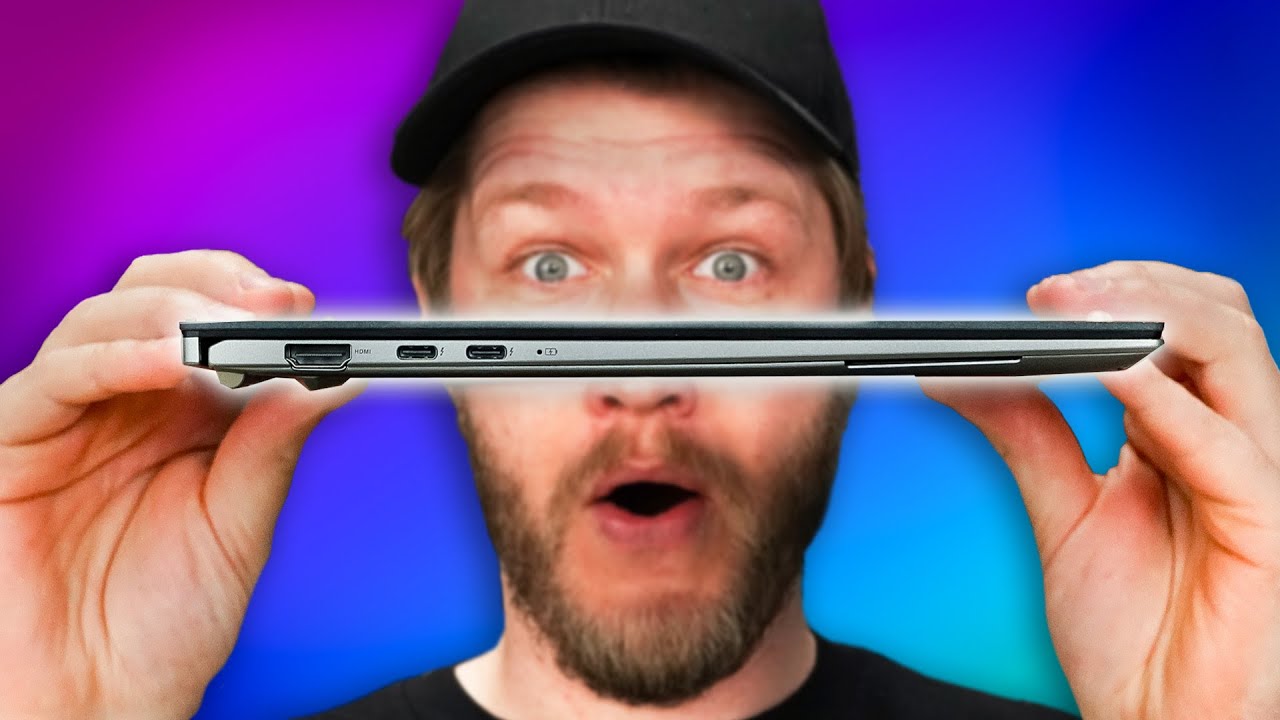
The video opens with a hands on unboxing style initial impression of the ASUS Zenbook S13 OLED, noting the unique packaging choice and the premium finish. The host highlights the plasma ceramic aluminum lid, a distinctive material claim ASUS promotes, and discusses the look and feel of the chassis, including anodizing and bead blasting techniques. He points out practical usage considerations like the device thickness at 10.9 millimeters and the impact this has on thermals, hinging, and airflow when the lid is opened, emphasizing that the slim profile does not come at the expense of a robust build. The unboxing section then transitions into a tour of the IO on both sides, praising the inclusion of full size Type A, USB-C, a 3.5mm combo jack, HDMI 2.1, and two Thunderbolt 4 ports, while noting the absence of additional flappy mechanisms. The keyboard and trackpad receive close scrutiny: the keyboard travel is slightly reduced but remains highly usable with satisfying actuation, and the expansive trackpad is highlighted as a major usability win given the device’s compact footprint. Finally, the host introduces the internal components like the 13th Gen Core i7, 16 GB RAM, 1 TB NVMe, and Intel Iris Xe, before praising the OLED display for its 16:10 2080x1800 resolution, color accuracy features, and lack of a touchscreen to prevent OLED digitizer issues, while acknowledging the trade offs in battery life inherent to OLED panels.
Topics · technology · laptops · hardware · unboxing · product-review
Questions answered
- Does the Zenbook S13 OLED include HDMI 2.1 and how many Thunderbolt ports does it have?
- Yes, the Zenbook S13 OLED includes HDMI 2.1 and two Thunderbolt 4 ports.
- Is the display a touchscreen, and what is the impact of OLED on battery life?
- The display is not a touchscreen, and OLED panels typically reduce battery life compared to LCD due to their static power usage, though they offer superior contrast and color
- How is the keyboard travel and trackpad size on this ultrabook?
- The keyboard travel is reduced but still comfortable with a satisfying tactile feel, and the trackpad is notably large for a 13 inch device, aiding usability.