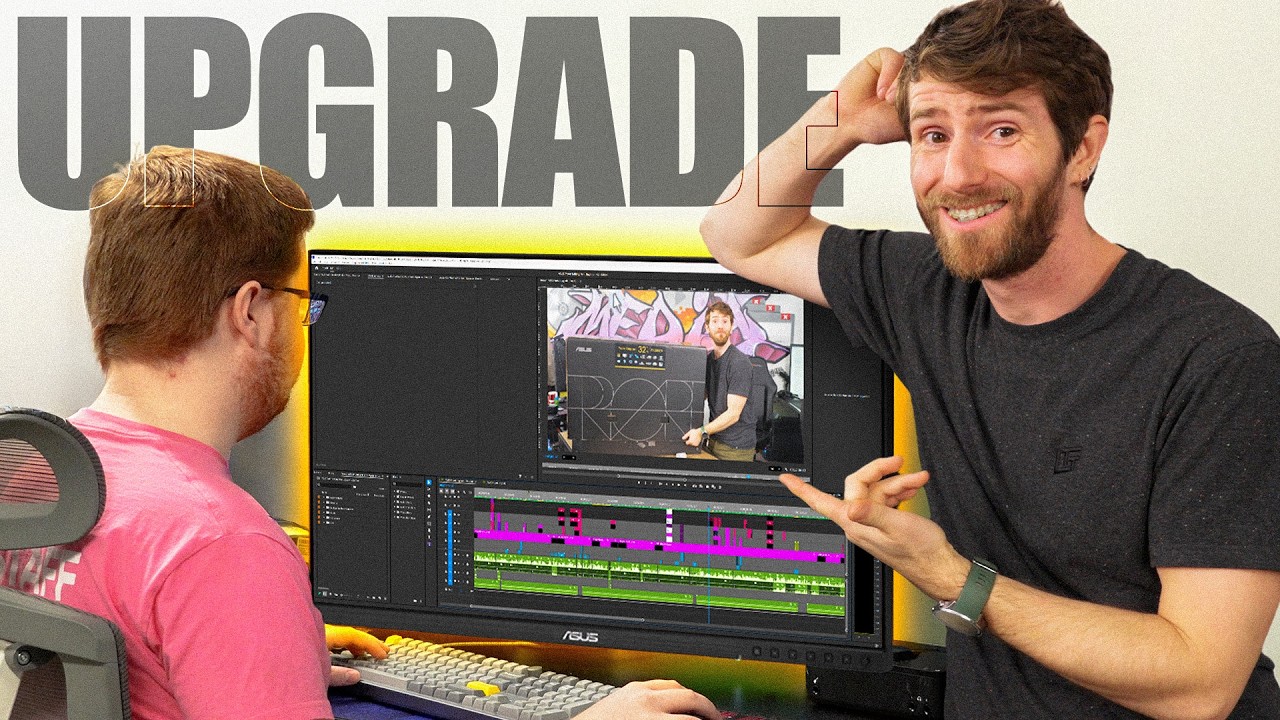
We Chose the WRONG Monitors 5 Years Ago
0 up · 0 down · 0 ratings
Channels and socials
Thanks to ASUS for Sponsoring this video and sending over a bunch of their ProArt displays! Best ASUS Monitors for Mac & MacBook: asus.click ProArt Display 8K PA32KCX: asus.click ProArt Display 6K PA32QCV:asus.click ProArt Display 5K PA27JCV:asus.click When we thought HDR was going to be a bigger part of our channel, we installed a bunch of miniLED PA32UCX displays in our editing den. We then proceeded to make about three HDR videos since then... So we're side-grading to a higher resolution! Discuss on the forum: linustechtips.com
Check out our Channel Partners: Secretlab - Grab a TITAN Evo ergonomic gaming chair: lmg.gg PIA - Get the VPN of our choice: piavpn.com dbrand - Buy a "Circuit" series skin for your device: dbrand.com ► SHOP LTT PRODUCTS: lttstore.com ► GET EXCLUSIVE CONTENT ON FLOATPLANE: lmg.gg ► DIVE DEEPER ON THE LTT LABS WEBSITE: lmg.gg ► SPONSORS, AFFILIATES, AND PARTNERS: lmg.gg Purchases made through some store links may provide some compensation to Linus Media Group. Affiliate links powered in part by affilimate.com Linus Sebastian is an investor in Framework Computer, Inc and HexOS by Eshtek. CHAPTERS --------------------------------------------------- 0:00 Intro 1:30 Which displays did we choose 3:10 Unboxing 6:35 Checking out the display 7:35 A new challenger has entered the arena 11:35 Gaming at 8k, cause why not 13:15 Editor's take 15:25 Outro
The video opens with Linus reflecting on upgrading the team’s monitors and considering options beyond Apple’s Studio Display. He explains that ASUS offered a sizable selection of ProArt displays, including several 32-inch models with 6K and 8K capabilities, priced aggressively against the Studio Display. The team decides to replace older UCX mini LED monitors with newer ProArt units, highlighting how the ProArt lineup combines high resolution with practical features like built-in KVM, USB-C, and Thunderbolt 4 connectivity. Early on, they acknowledge the sponsorship while laying out the goal of evaluating real-world benefits for editing and color work, not just chasing the latest tech. The discussion then delves into the specifics of HDR, local dimming, and why higher resolution can matter for editors who want more real estate and sharper detail, even if the HDR workflow has not fully matured for their use case. Throughout, the team contrasts 6K and 8K options with the needs of day-to-day editing, color accuracy, and workflow efficiency, setting up a hands-on comparison with actual product demonstrations and usage tests.
Topics · technology · hardware · video-editing · display-technology