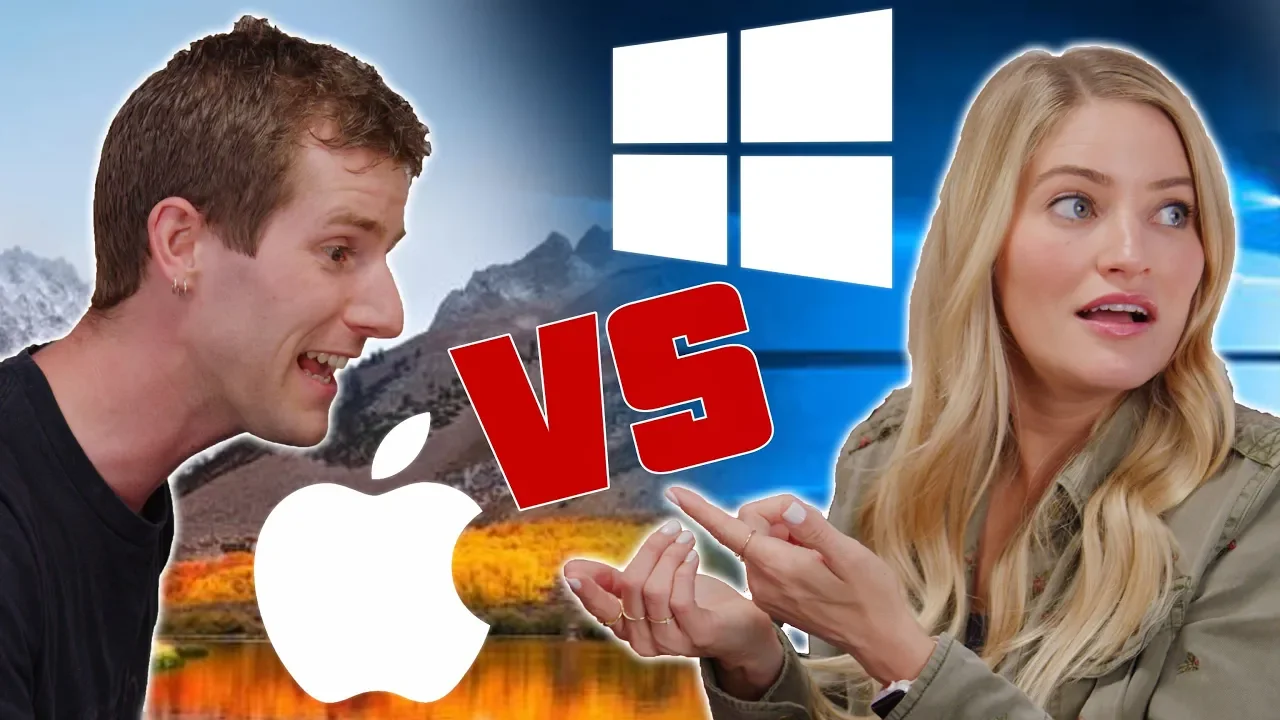
Mac vs PC - ROLE REVERSAL feat. iJustine
0 up · 0 down · 0 ratings
Promos
SUBSCRIBE TO iJUSTINE: youtube.com Visit squarespace.com and use offer code LTT for 10% off Use offer code LTT to save 10% on Savage Jerky at geni.us Buy Mac on Amazon: geni.us Buy ASUS monitors on Amazon: geni.us Discuss on the forum: linustechtips.com Our Affiliates, Referral Programs, and Sponsors: linustechtips.com Linus Tech Tips merchandise at designbyhumans.com Linus Tech Tips posters at crowdmade.com Our Test Benches on Amazon: amazon.com Our production gear: geni.us Get LTX 2018 tickets at ltxexpo.com Twitter - twitter.com Facebook - @LinusTech Instagram - @linustech Twitch - twitch.tv Intro Screen Music Credit: Title: Laszlo - Supernova Video Link: youtube.com iTunes Download Link: itunes.apple.com Artist Link: soundcloud.com Outro Screen Music Credit: Approaching Nirvana - Sugar High youtube.com Sound effects provided by freesfx.co.uk
Mac vs PC - ROLE REVERSAL feat. iJustine presents a playful, high-energy battle where Linus and Justine swap devices and try to complete a series of tasks using the non-preferred platform. From the opening segment, the premise is clear: ten, then unexpectedly eighteen, challenges are distributed in envelopes to be tackled using the opposite system. The setup includes a humorous exchange about hardware quirks, such as a gum-stained mouse pad and oddities of the iMac, which frames the ensuing friction between macOS and Windows. Early on, Justine wrestles with basic actions that Mac users take for granted, like right-click behavior and saving documents as PDFs, which becomes a running thread throughout their attempts. The hosts articulate their struggles with user interfaces, interface terminology, and platform-specific shortcuts, painting a picture of how even seasoned tech enthusiasts can feel lost when the expected workflow on one system is not readily available on the other. The episode blends lighthearted banter with genuine troubleshooting, offering viewers mini-teach moments on how each platform handles common tasks while highlighting the importance of adaptable problem solving. As the challenges escalate, both participants race to complete tasks under time pressure, and the moment-to-moment back-and-forth underscores a larger theme: user experience differences between macOS and Windows can significantly affect productivity and satisfaction, even for experts. By the end, the participants reflect on the experience, acknowledging that the exercise was tougher than expected, and they tease the idea of future cross-platform duels, signaling ongoing curiosity about how these ecosystems compare under practical, day-to-day use. The video moves through specific task-oriented segments that test core productivity workflows. In the first major stretch, the duo confronts document creation, searching, and the challenge of exporting a document as a PDF on a Mac, which becomes a focal point for both humor and critique. The Mac side reveals friction around missing, or non-intuitive, export options, while the Windows side emphasizes differences in search and file handling. Transitions between tasks are brisk, with the hosts swapping ideas, revealing assumptions about each platform’s capabilities, and then testing those assumptions in real time. Notable moments include missteps with built-in apps, miscommunications about features, and moments of improvisation as they pivot to third-party tools or alternative workflows. The mid-episode tension peaks around the attempt to produce a shareable PDF, a seemingly straightforward task that becomes surprisingly challenging due to interface design choices and default tool availability. Overall, these segments illustrate how branding, default software, and small UX decisions accumulate to create divergent user experiences that can surprise even tech-literate audiences. In the closing segments, the participants acknowledge their struggles, declare that there are no clear winners, and propose future collaborations that could explore other cross-platform comparisons, such as creative software suites, to entertain and inform viewers while encouraging ongoing viewer engagement. The final act consolidates the themes of the video and reinforces audience engagement cues. The participants critique the ease of performing everyday tasks on each platform, highlighting the emotional arc from confidence to frustration and back to playful acceptance. They discuss the experience with a sense of humor, sharing anecdotes about UI friction, such as trying to print, export, or manage files, and how these moments shape a viewer’s understanding of macOS versus Windows. The episode closes with a nod to sponsorship and a reassurance that future content might feature a deeper dive into a specific pair of applications or workflows, inviting viewers to weigh in with their preferences and suggestions. The overarching conclusion is that cross-platform challenges, while entertaining, also reveal practical differences in usability that matter for real-world tasks. Viewers are encouraged to stay tuned for more experiments and to engage by sharing their own anecdotes about platform quirks and solutions, reinforcing the show’s community-driven, lighthearted approach to technology critique.
Topics · technology · comedy · computing · video-essay · experimentation · review
Questions answered
- Why are there more challenges than initially listed in the envelopes and how do they decide who handles which platform?
- The envelopes contain a set of tasks meant to be completed using the non-preferred platform, creating a structured test of each system's usability under pressure.
- What task proved most frustrating for Justine on the Mac, and why?
- Exporting as a PDF was notably frustrating because the Mac tools did not present an obvious or built-in path to export a document as a PDF in the way Windows users might expect.
- Did the participants successfully complete all tasks, and what was the outcome?
- No clear winner emerged; both struggled with several tasks, and the episode ends with a sense of defeat but hints at future cross-platform challenges.
- What future content did the creators tease?
- They suggested a future comparison between another pair of applications, such as final cut versus premiere, and invited viewer input on what they should compare next.