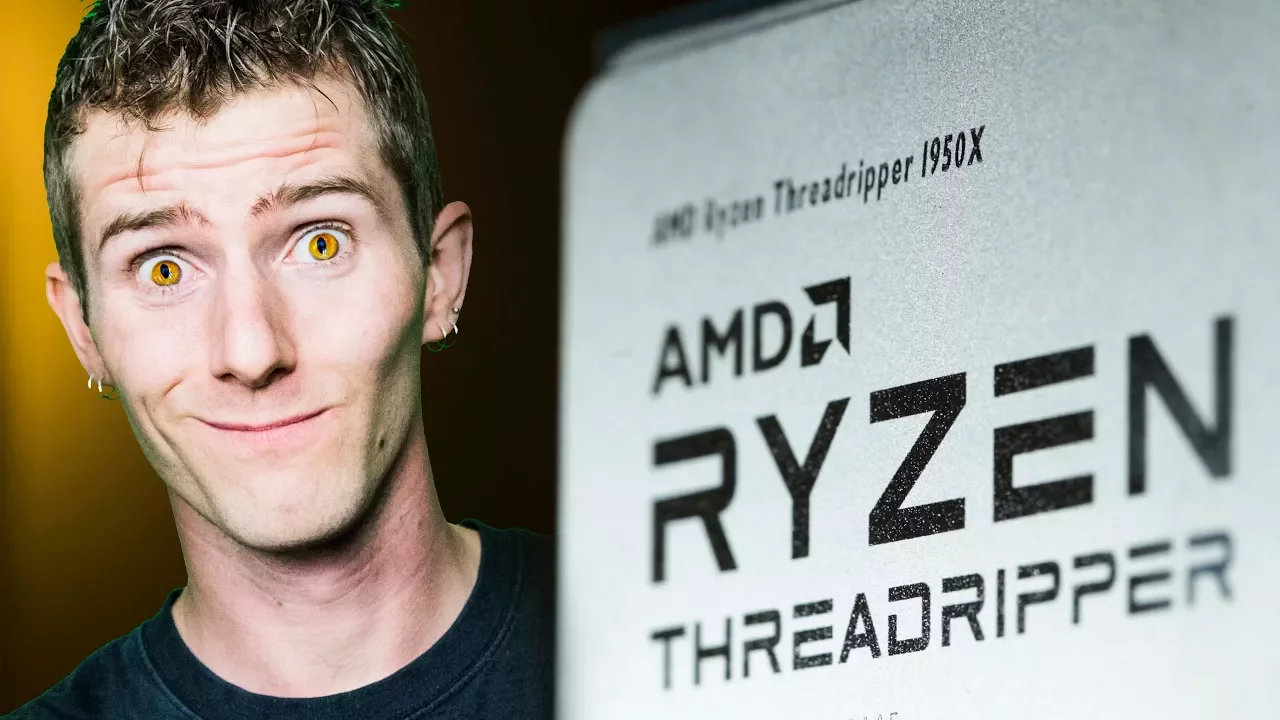
Ultimate Mega-Workstation PC Build Guide
0 up · 0 down · 0 ratings
Description
Thanks to Cooler Master for sponsoring this video!
Check out their new COSMOS C700P case on Newegg: geni.us
Promos
Check out their new COSMOS C700P case on Amazon: geni.us At over $7,000, it's the most expensive build guide we've ever done: a Threadripper 1950X CPU in a luxurious Cosmos C700P case. /drool. Buy Threadripper CPUs on Amazon: geni.us Buy MasterLiquid 240 on Amazon: geni.us Buy ASUS Zenith Extreme on Amazon: geni.us Buy Trident Z RGB RAM on Amazon: geni.us Buy Zotac GTX 1080 Ti on Amazon: geni.us Buy MasterWatt Maker 1200 MIJ on Amazon: geni.us Buy MasterKeys Pro L Keyboard on Amazon: geni.us Buy MasterMouse Pro L Mouse on Amazon: geni.us Buy Ultrawide Monitors on Amazon: geni.us Discuss on the forum: linustechtips.com Our Affiliates, Referral Programs, and Sponsors: linustechtips.com Linus Tech Tips merchandise at designbyhumans.com Linus Tech Tips posters at crowdmade.com Our production gear: geni.us Twitter - twitter.com Facebook - @LinusTech Instagram - @linustech Twitch - twitch.tv Intro Screen Music Credit: Title: Laszlo - Supernova Video Link: youtube.com iTunes Download Link: itunes.apple.com Artist Link: soundcloud.com Outro Screen Music Credit: Approaching Nirvana - Sugar High youtube.com Sound effects provided by freesfx.co.uk
The Ultimate Mega-Workstation PC Build Guide walks viewers through assembling an extremely high-end workstation using a Threadripper CPU, a Cooler Master Cosmos C700P case, and a premium cooling and storage setup. The host emphasizes that while the build is far beyond typical home or office needs, it serves as a showcase for enthusiasts who want maximum core counts, abundant PCIe lanes, and top-tier aesthetics. The guide covers essential prep steps like gathering a clean workspace, an ESD strap, and a magnetic parts tray, before proceeding to CPU installation with the Threadripper’s unique carrier frame and socket. The video carefully demonstrates RAM installation across eight DIMM slots using 16 GB Trident Z RGB sticks to reach 128 GB of RAM, noting the practical limits and alternatives depending on budget. Throughout, the host highlights design choices that balance performance with the showpiece nature of the build, including a Cosmos C700P case with tempered glass, RGB, and doors for easy handling, as well as a focus on airflow with Cooler Master fans and a high-end all-in-one cooler. The motherboard choice, ASUS Zenith Extreme, is praised for features such as 802.11ad Wi-Fi, Live Dash OLED, DIM.2 riser for additional M.2 slots, and a 10 GbE network card, while the guide also points out more affordable alternatives for tighter budgets. Power delivery is addressed with a high-efficiency, low-noise PSU recommendation and attention to cable management, ensuring a clean build despite the scale. Storage is expanded to over a terabyte using NVMe drives and a PCIe add-in card for extra M.2s, with a note on future AMD driver updates to enable NVMe RAID on X399, illustrating forward-looking planning beyond the current hardware. In the final steps, the host aligns the GPU, configures BIOS overclocking for RAM using the X99 Extreme Tweaker, and demonstrates a basic 8 percent performance boost, culminating in the reveal of the finished machine and a nod to the sponsorship by Cooler Master. The video closes with reflections on the value of such extreme builds, acknowledging the premium price while suggesting that the experience remains informative and inspiring for enthusiasts who crave maximum performance and cutting-edge components.
Topics · science_technology · product_build · hardware · computing
Questions answered
- What CPU and motherboard are used in the Ultimate Mega-Workstation build, and why were they chosen?
- The build uses an AMD Threadripper 1950X CPU paired with the ASUS Zenith Extreme motherboard. This combination provides a high core count, extensive PCIe lanes, and robust features like a Live Dash OLED, DIM.2 riser for extra M.2 slots, and built-in high-speed networking, making it a strong platform for a premium workstation with multiple GPUs and fast storage.
- What cooling solution is used and how is it mounted for Threadripper?
- A Cooler Master MasterLiquid 240 all-in-one cooler is used with a TR4 backplate mounting system. The pump attaches directly to the CPU, and the radiator is mounted at the top of the case with fans configured for intake and exhaust. The setup emphasizes adequate cooling for heavy workloads and overclocking while maintaining a clean, cable-managed build.