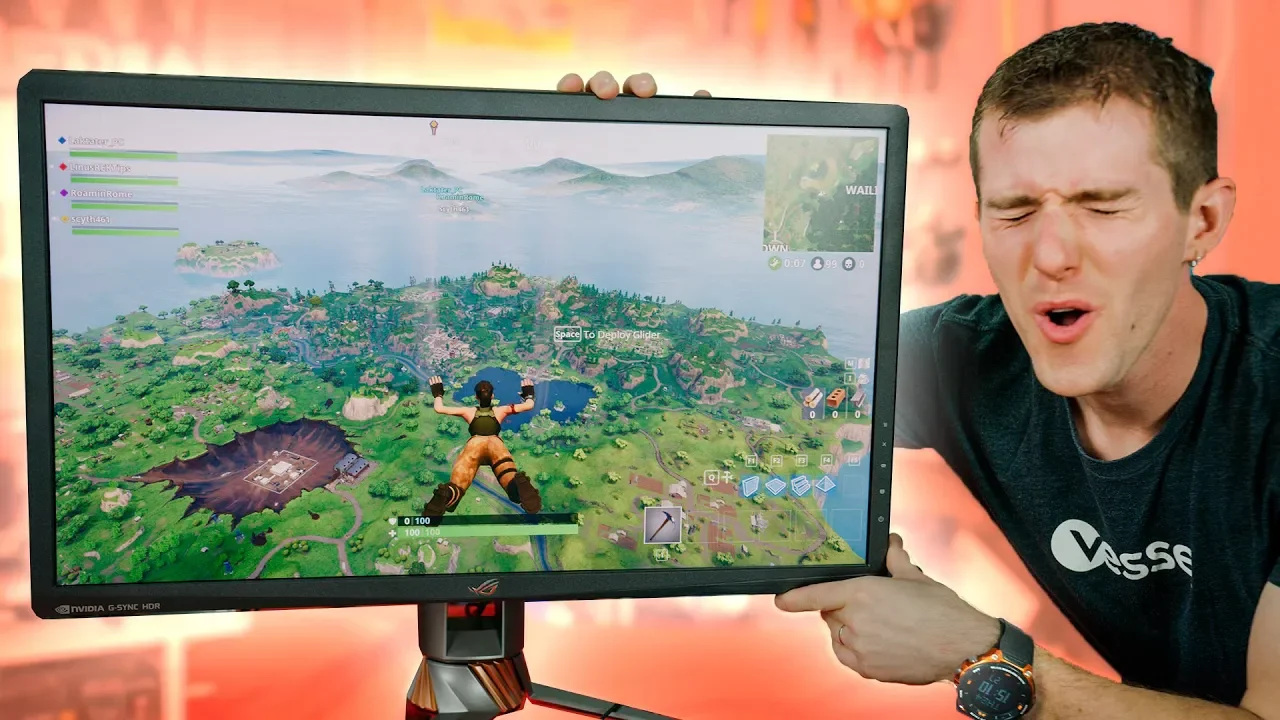
Gaming on the GOD of Monitors! - ASUS PG27UQ 4K 144Hz First Look
0 up · 0 down · 0 ratings
Promos
Get an unrestricted 30-day free trial of FreshBooks at freshbooks.com GlassWire Firewall: Use code LINUS and get 25% off GlassWire at geni.us A sneak peak at the best gaming monitor on the market! The ASUS PG27UQ is 4K, runs at 144Hz, has 1,000 nit HDR, AND G-SYNC. Nothing beats it…except maybe the Acer X27 4K- but that’s not out yet! Buy ASUS monitors on Amazon: geni.us Discuss on the forum: linustechtips.com Our Affiliates, Referral Programs, and Sponsors: linustechtips.com Linus Tech Tips merchandise at designbyhumans.com Linus Tech Tips posters at crowdmade.com Our Test Benches on Amazon: amazon.com Our production gear: geni.us Get LTX 2018 tickets at ltxexpo.com Twitter - twitter.com Facebook - @LinusTech Instagram - @linustech Twitch - twitch.tv Intro Screen Music Credit: Title: Laszlo - Supernova Video Link: youtube.com iTunes Download Link: itunes.apple.com Artist Link: soundcloud.com Outro Screen Music Credit: Approaching Nirvana - Sugar High youtube.com Sound effects provided by freesfx.co.uk
The video presents Linus Tech Tips’ first look at the ASUS PG27UQ, a high-end monitor that promises 4K resolution at an impressive 144 Hz with HDR capable of 1000 nits, and G-SYNC support. Linus walks through the core specifications that set this model apart, including its full array local dimming backlight and the claim of 1000 nit peak brightness, which is unusual for consumer gaming displays. He notes that the hardware is not yet final, with drivers and HDR/G-SYNC integration still in progress, but emphasizes the potential even in its current state. The initial hardware tour covers physical heft, bezels, stand adjustability, and the connectivity options, highlighting DisplayPort 1.4 as the key enabler for 4K at 144 Hz while acknowledging HDMI 2.0 limitations at that resolution and refresh rate. The segment transitions into the lighting features, such as underglow and RGB branding, which Linus presents as part of the overall premium aesthetic of the product. He then demonstrates setup steps, including enabling 144 Hz via the monitor’s control panel, noting chroma subsampling implications when running at 4K 144 Hz and how this trade-off affects color reproduction and text clarity. In practical gaming demos, he tests CS:GO and Destiny 2 with 144 Hz and HDR considerations, sharing initial impressions of butter-smooth motion, deep blacks, and vibrant but not oversaturated colors. Throughout, Linus describes the expected performance realities with existing GPUs like the GTX 1080 Ti and discusses software updates from Nvidia to support newer hardware, keeping expectations tempered by the still-evolving software stack. The video concludes with reflections on whether the ASUS PG27UQ could be worth the premium, pointing to a full review once final hardware and drivers are available, and paring back to sponsor content and channel plugs as customary for the show. Overall, the first look blends hands-on experimentation with honest caveats about final pricing and firmware readiness, while painting a picture of a monitor that could redefine high-end gaming and content creation workflows if the final release aligns with its ambitious specs.
Topics · tech reviews · monitoring hardware · gaming hardware · display technology · HDR displays · g-sync · 4k displays · professional hardware
Questions answered
- What makes the ASUS PG27UQ notable for gaming and content creation?
- It combines 4K resolution with 144 Hz refresh, HDR at up to 1000 nits, full array local dimming, and G-SYNC, aiming to deliver both high visual fidelity and smooth gameplay.
- Why is DisplayPort 1.4 important for this monitor?
- DisplayPort 1.4 is required to drive 4K at 144 Hz with the PG27UQ, enabling the high resolution and refresh rate over a single cable, whereas HDMI 2.0 would be limited to much lower refresh rates at that resolution.
- What caveats does Linus mention about the early hardware?
- The review notes that final drivers and firmware are not yet released, HDR/G-SYNC integration is still being perfected, and there may be some chroma subsampling tradeoffs at 4K 144 Hz that affect color accuracy.