Turn your Outdated Computer into a Monitor! - Luna Display
0 up · 0 down · 0 ratings
Description
Promos
Check out the Astropad Luna Display at lmg.gg Buy Apple iPad Pro On Amazon (PAID LINK): geni.us On Best Buy (PAID LINK): geni.us On Newegg (PAID LINK): geni.us Buy Apple iMac 2021 On Amazon (PAID LINK): geni.us On Best Buy (PAID LINK): geni.us On Newegg (PAID LINK): geni.us Purchases made through some store links may provide some compensation to Linus Media Group. Discuss on the forum: linustechtips.com ►GET MERCH: lttstore.com ►SUPPORT US ON FLOATPLANE: floatplane.com ►LTX EXPO: ltxexpo.com AFFILIATES & REFERRALS --------------------------------------------------- ►Affiliates, Sponsors & Referrals: lmg.gg ►Check out our podcast gear: kit.co ►Private Internet Access VPN: lmg.gg ►Our Official Charging Partner Anker: lmg.gg ►MK Keyboards: lmg.gg ►Nerd or Die Stream Overlays: lmg.gg ►Official Game Store: nexus.gg ►Amazon Prime: lmg.gg ►Audible Free Trial: lmg.gg ►Our Gear on Amazon: geni.us FOLLOW US ELSEWHERE --------------------------------------------------- Twitter: twitter.com Facebook: @LinusTech Instagram: @linustech Twitch: twitch.tv FOLLOW OUR OTHER CHANNELS --------------------------------------------------- Mac Address: lmg.gg Techquickie: lmg.gg TechLinked: lmg.gg ShortCircuit: lmg.gg LMG Clips: lmg.gg Channel Super Fun: lmg.gg Carpool Critics: lmg.gg MUSIC CREDIT --------------------------------------------------- Title: Laszlo - Supernova Video Link: youtube.com iTunes Download Link: itunes.apple.com Artist Link: soundcloud.com Outro Screen Music Credit: Approaching Nirvana - Sugar High youtube.com Monitor And Keyboard by vadimmihalkevich / CC BY 4.0 geni.us Mechanical RGB Keyboard by BigBrotherECE / CC BY 4.0 geni.us Mouse Gamer free Model By Oscar Creativo / CC BY 4.0 geni.us CHAPTERS --------------------------------------------------- 0:00 - Intro 0:47 - Honey! Sponsor 1:07 - What is Luna? 2:44 - Performance Testing and comparison to Sidecar 4:45 - Using Luna on an Intel-based Mac thoughts 5:29 - Luna's usefulness going forward 5:56 - Why Apple got rid of Target Display mode 7:16 - Why Luna Display is good after WWDC 2021 8:09 - Luna Display for PC 8:36 - Clean my Mac! Sponsor 9:17 - Outro
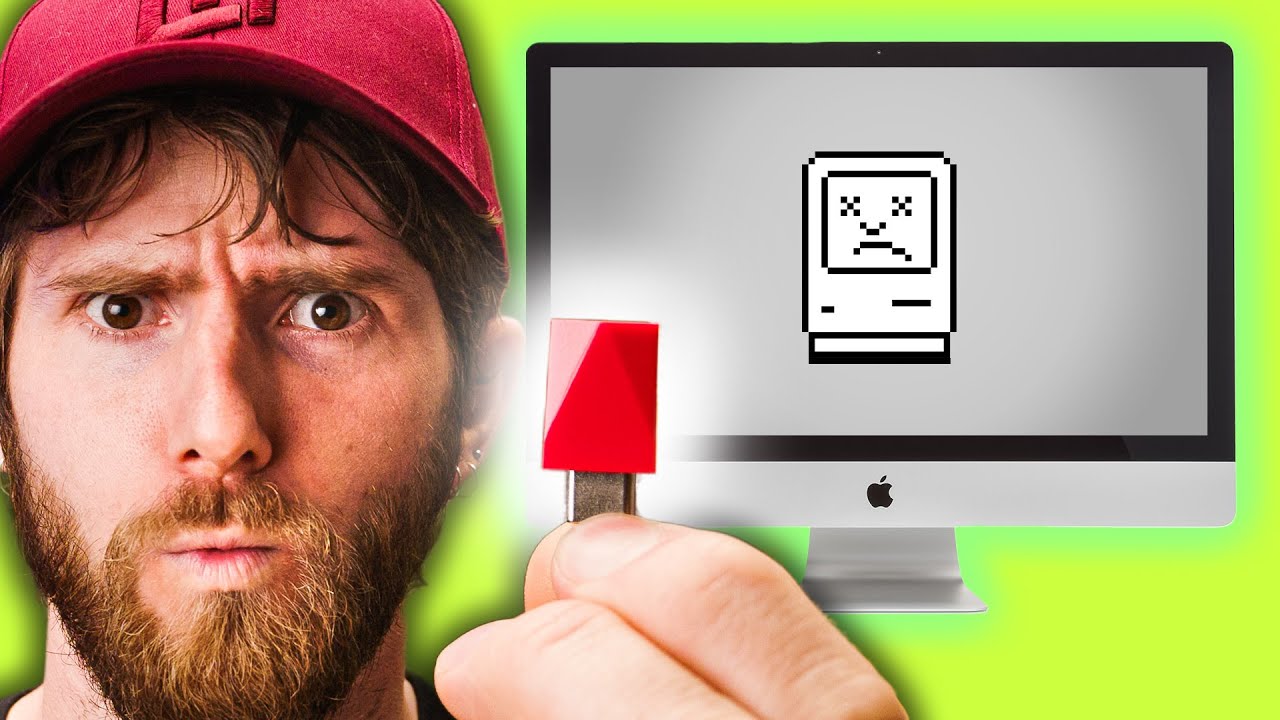
Luna Display is presented as a practical way to repurpose an older or slower computer into a usable second screen, with the option to connect via WiFi or USB and even enable touchscreen input on the iPad. The host compares Luna Display to Apple's Sidecar, noting that Sidecar supports Apple Pencil and certain iPad features but locks touch input to the Pencil and may have limitations in responsiveness. A core claim is that Luna’s LIQUID engine provides lower latency and higher frame rates, and that Luna includes a vitals graph to monitor latency and bitrate during use. In testing, however, the reviewer finds that Apple’s own AirPlay/Sidecar implementation can still offer lower click-to-photon latency in some scenarios, with Sidecar delivering a more consistent experience overall. The video also explores performance across different host machines, including Intel-based Macs and potential Windows versions, and discusses how CPU load on the secondary device can affect usability. The overall takeaway is nuanced: Luna Display offers tangible touchscreen benefits and flexibility, but it is not a universal replacement for a dedicated monitor or Apple’s built-in solutions, especially given ongoing limitations and ecosystem changes from Apple. The host ends with a reflection on Apple’s history with Target Display Mode, the environmental considerations of keeping older Macs usable, and a nod to future Windows support while acknowledging that Luna remains a valuable, imperfect option for reviving legacy hardware.
Topics · technology · hardware · display