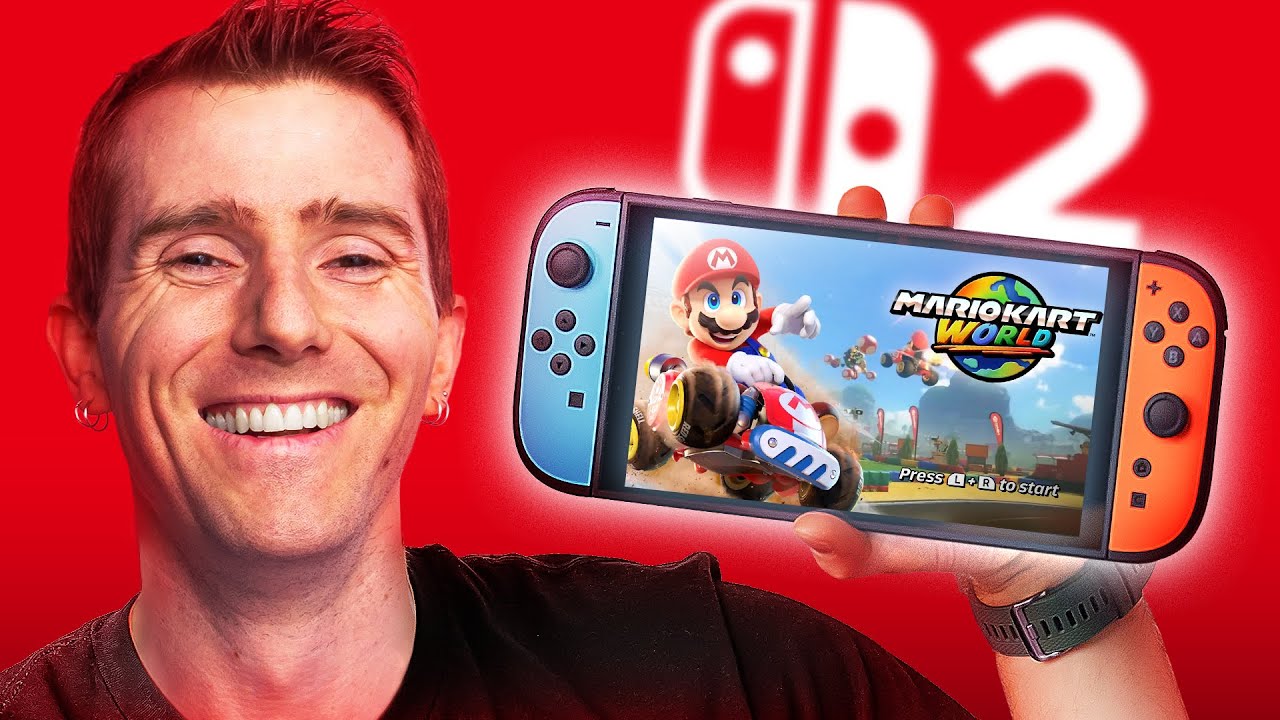
Nintendo Switch 2 Unboxing
0 up · 0 down · 0 ratings
Promos
Get your Killswitch for the Switch 2 at myhandsareverysmall.com You're not dreaming; the Nintendo Switch 2 is here, and it's surprisingly easy to get in stores! With better controllers, a bigger, 120Hz screen, and a high price tag, is the Nintendo Switch 2 worth it to you? Linus is here to help you decide. Buy a Nintendo Switch 2: howl.link Buy a Nintendo Switch 2 Mario Kart World Bundle: howl.link Purchases made through some store links may provide some compensation to Linus Media Group. Want us to unbox something? Make a suggestion at lmg.gg ► GET MERCH: lttstore.com ► GET A VPN: piavpn.com ► GET EXCLUSIVE CONTENT ON FLOATPLANE: lmg.gg ► SPONSORS, AFFILIATES, AND PARTNERS: lmg.gg CHAPTERS --------------------------------------------------- 0:00 Is(n't) dreaming 0:25 Unboxing and initial design impressions 1:32 Joycon 2 walkthrough 2:50 More unboxing and new mouse features, 4:35 New Joycon grip, Pro Controller 2, and the new dock 6:53 Comparing Switch 2 vs OLED ergonomics and screen 8:15 Console ports/buttons 9:04 The Switch 2 camera 9:54 Looking through the settings, kickstand comparison, SD card slot change 11:58 Sponsor - dbrand 13:49 Speaker impressions, thoughts on enhanced editions 15:04 Playing Mario Kart handheld and docked 16:43 Outro
Nintendo Switch 2 Unboxing dives straight into the reveal, opening with the host describing the anticipation around a new Nintendo handheld and weighing the Switch 2 against the original. The first impressions center on the display upgrade, highlighting a large, bright panel capable of up to 120 Hz and HDR support, while noting Nintendo's choice to skip OLED in favor of performance gains. The unboxing then moves to new Joy-Con hardware, emphasizing ergonomic improvements, larger grips, and added features like optical sensors that enable a mouse-like control mode, though with a caveat about comfort and practicality. In parallel, practical accessories are examined, including the improved dock with active cooling, streamlined USB-C ports, and the controversial game cartridge changes plus the return of a dedicated kickstand and expanded storage options. The host brings in the decision-making angle, comparing digital versus physical game packaging and relaying personal preferences, before moving into a hands-on assessment of build quality, weight, and stability of the new hardware when held or docked.
Topics · technology · gaming · hardware · handheld consoles · video games
Questions answered
- What are the major display improvements on the Nintendo Switch 2 compared to the original Switch?
- The Switch 2 features a larger, brighter display with 120 Hz variable refresh rate and HDR support, moving away from the OLED panel used in the Switch OLED while delivering higher performance and improved brightness.
- Does the Switch 2 still use physical game cartridges?
- Yes, the Switch 2 uses physical game cartridges but Nintendo changed the cartridge design, which has been a point of controversy among fans.
- What changes exist in the Joy-Con and its accessories?
- The Joy-Cons are physically larger with improved shoulder buttons and added optical sensors; there is also a magnetic release mechanism and options to attach mouse-like inputs for new control modes.
- Is the Switch 2’s dock able to cool the console and support 4K HDR?
- The Switch 2 dock includes active cooling and supports up to 4K 60 Hz HDR when connected to a compatible TV, with Ethernet and USB-C power inputs as part of the dock design.