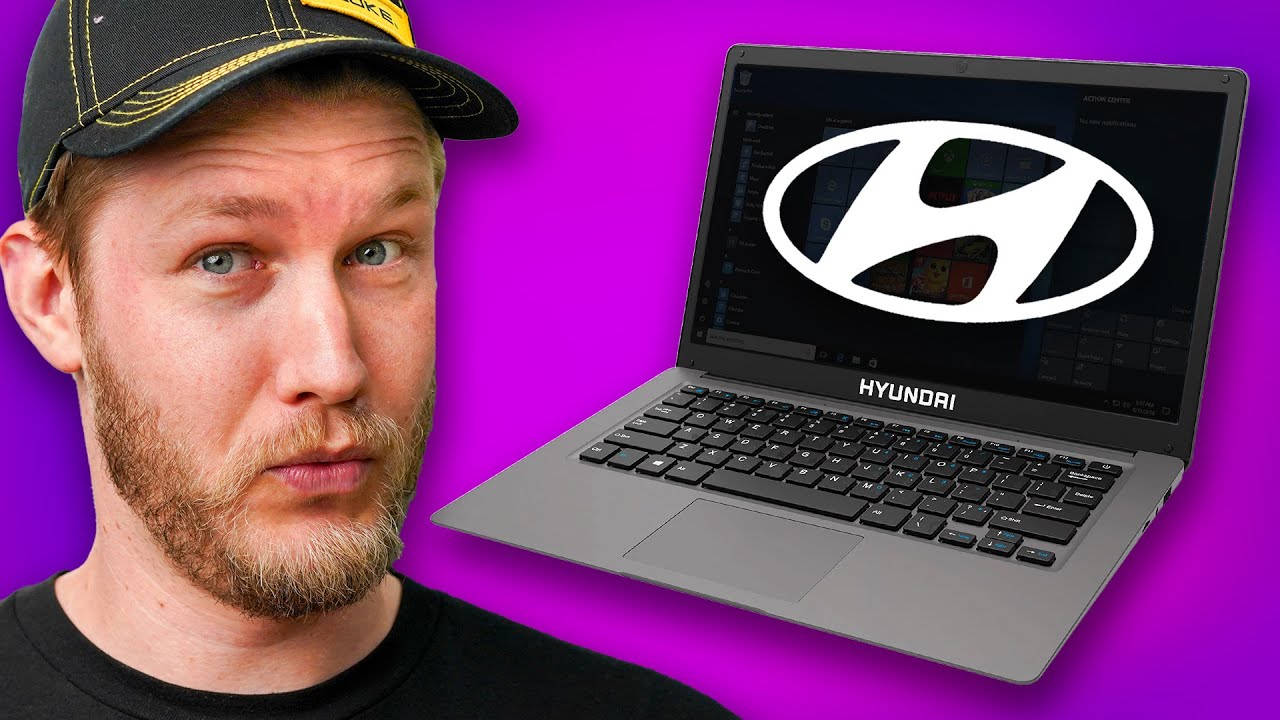
I bought the Hyundai laptop so you don't have to - Hyundai HyBook
0 up · 0 down · 0 ratings
Promos
Check out MSI's Back to School sale using the link below: msi.page We've covered a couple of Hyundai's EVs here on ShortCircuit with Alex being very impressed with both, but will Alex be impressed by Hyundai's cheap Windows S laptop? Probably not, but I guess there's a chance! Buy an Acer Aspire 3 15.6" Laptop: geni.us Buy a Hyundai HyBook 14" Laptop: geni.us Purchases made through some store links may provide some compensation to Linus Media Group. Want us to unbox something? Make a suggestion at lmg.gg ► GET MERCH: lttstore.com ► GET EXCLUSIVE CONTENT ON FLOATPLANE: lmg.gg ► SPONSORS, AFFILIATES, AND PARTNERS: lmg.gg ► PRODUCTS WE USE ON THE SHORTCIRCUIT SET: lmg.gg FOLLOW US ELSEWHERE --------------------------------------------------- Twitter: twitter.com Instagram: @shortcircuityt TikTok: @linustech Facebook: @ShortCircuitYT CHAPTERS --------------------------------------------------- 0:00 Hyundai makes some great cars, but what about laptops? 0:38 Unboxing 1:16 Build quality and I/O 3:17 Sponsor - MSI 3:46 Display strobing issues 4:23 Display specs and LABS test results 5:50 Trackpad and keyboard impressions 7:52 Laptop specs 9:30 Crab Rave and speaker comparison 10:30 LABS performance testing 11:52 Gaming? 12:21 Webcam and Mic impressions 12:47 File transfer speed 13:12 Teardown 15:02 Pricing and overall thoughts 15:58 Outro
Hyundai expands into consumer tech with a budget Windows laptop, the Hyundai HyBook, and this video undertakes a detailed hands-on look at what you get for a price under 200 USD in North America. The host opens the box and assesses the overall build quality, noting that the chassis is mostly plastic but surprisingly sturdy for the price, with a somewhat fragile balance that makes the lid tip easily. A critical early observation is the legacy I/O setup, including a micro HDMI and a modest set of ports that emphasize that this is not a premium machine designed for heavy multimedia or gaming use. The reviewer highlights a significant display limitation: a 14.1-inch panel with 1366x768 resolution, PWM backlight causing eye strain, and an IPS panel with decent viewing angles but a low brightness of about 239 nits. The video then moves into a sponsored segment with MSI, framing a practical buyer’s guide for students or budget-conscious buyers who might be tempted by a very affordable Windows device. The reviewer tempers enthusiasm with caveats about performance, emphasizing the low-end hardware: a Celeron N4020 CPU, 4 GB of RAM, and 128 GB eMMC storage, all of which severely constrain multitasking and modern workloads. In closing, the host demonstrates that for most real-world tasks the HyBook struggles, yet the teardown reveals a potential upgrade path via adding an SSD, while the overall battery life impression surprisingly edges toward five to six hours under light use. The final takeaway offers a candid recommendation: if you need Windows at this price point, consider a Chromebook or a used/refurbished device instead, as the HyBook in S mode offers a frustrating experience that is far from what you’d expect even from the cheapest Windows laptops. The video ends with a pragmatic note about saving up for something in the 250 to 300 USD range or higher, where you’ll get markedly better performance and a smoother user experience.
Topics · technology · product_review · hardware_unboxing · consumer_electronics
Questions answered
- What are the core hardware specs of the Hyundai HyBook?
- The HyBook runs on an Intel Celeron N4020 with 4 GB of DDR4 memory and 128 GB eMMC storage.
- Is there an upgrade path for storage on the HyBook?
- Yes, the device includes a hidden hatch access that allows adding an actual SSD to replace or supplement the eMMC storage.
- What is the operating mode and what should buyers do about it?
- The HyBook ships with Windows S mode, which restricts app installations to the Microsoft Store; it's recommended to switch to a full Windows installation for broader software compatibility.