HD Tutorial: Get OS X Theme on Rocket Dock
0 up · 0 down · 0 ratings
Description
***WATCH IN HD*** Here's a quick tutorial oh how to use a different theme/skin (specifically the OS X one) in your Windows Rocket Dock - Here's the link I promised: rocketdock.com Enjoy - SUBSCRIBE
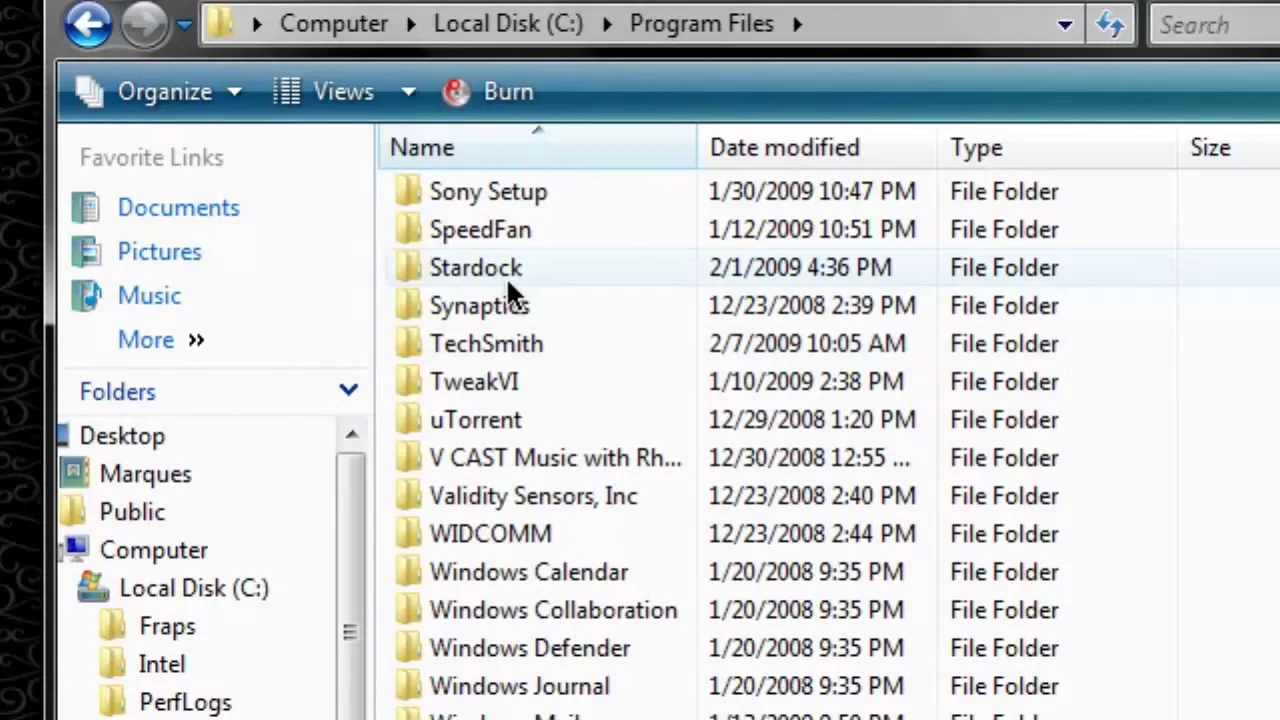
This short HD tutorial walks viewers through installing an OS X style skin for Rocket Dock on Windows. The presenter explains that the OS X Leopard look is a skin provided within Rocket Dock rather than the actual Mac OS X system, and guides the viewer step by step from finding the skin online to applying it in Rocket Dock. The video covers locating the skin download link, downloading and extracting the skin files, and placing the extracted skin into the correct Rocket Dock directory under Program Files. After updating the Rocket Dock style settings to the new skin, the presenter demonstrates adjusting the dock position to the bottom of the screen and tweaking an edge offset so the dock resembles the Mac experience, with the end result showing the Mac-like dock at the bottom of a Windows Vista setup. The video concludes with a quick recap of the steps and a call to subscribe for more tutorials, emphasizing practical changes rather than aesthetic philosophy. Overall, the tutorial emphasizes simplicity and reproducibility, encouraging viewers to follow along and customize their desktop appearance using accessible download sources.
Topics · technology · software tutorials · computer customization · operating systems
Questions answered
- What is required to apply the OS X theme to Rocket Dock?
- You need to download the OS X skin from the linked page, extract it, place the extracted skin folder into the Rocket Dock skins directory under Program Files, then select the new skin in Rocket Dock settings and adjust the dock position if needed.
- Can this method change the Mac look on Windows without altering the actual OS?
- Yes, it changes the Rocket Dock skin only, giving a Mac-like appearance while keeping Windows as the operating system.