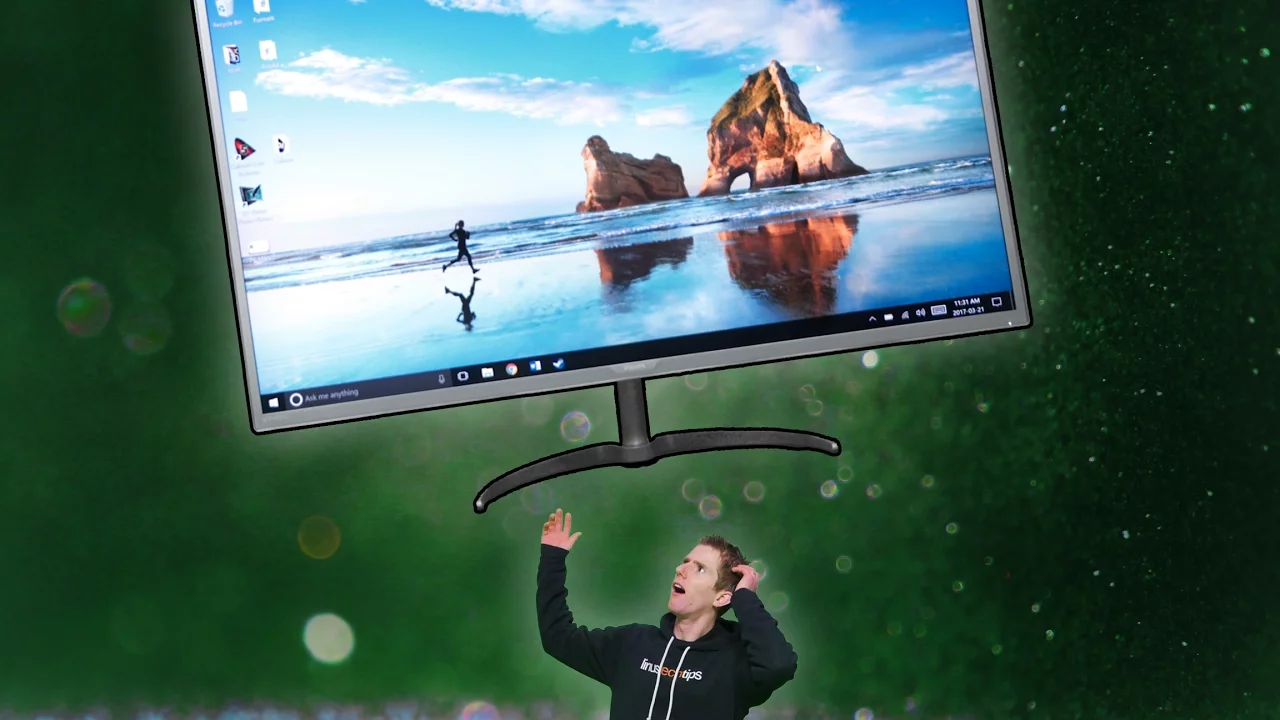
The BIGGEST Monitor We've EVER Seen
0 up · 0 down · 0 ratings
Description
The Philips 40BDM4037U (AKA "Phil") is freaking HUGE. But is it really all that usable? Try Tunnelbear for free at tunnelbear.com and save 10%
Promos
Check out CyberpowerPC’s desktops featuring Intel's 7th Generation Core i7 7700K processor on Newegg: geni.us Buy Philips 40" curved monitor on Amazon: geni.us Discuss on the forum: linustechtips.com Our Affiliates, Referral Programs, and Sponsors: linustechtips.com Linus Tech Tips Merchandise: designbyhumans.com Linus Tech Tips Posters: crowdmade.com twitter.com @LinusTech Intro Screen Music Credit: Title: Laszlo - Supernova Video Link: youtube.com iTunes Download Link: itunes.apple.com Artist Link: soundcloud.com Outro Screen Music Credit: Approaching Nirvana - Sugar High youtube.com Sound effects provided by freesfx.co.uk
The video introduces the Philips 40BDM4037U, a 40-inch curved monitor designed to blend ultrawide benefits with a traditional 16x9 aspect ratio. The host emphasizes that ultrawides are gaining popularity, noting that a significant share of audience displays are now wide, yet argues this model offers a familiar 16x9 footprint with enhanced immersion thanks to its large size and 3000R curvature. He highlights the monitor’s minimalist design, slim bezels, and the back-only control layout, while acknowledging practical limitations such as a non-adjustable height and a wobble-prone stand. The reviewer walks through the back panel I/O: two HDMI ports, two DisplayPort connections, a VGA port, audio in/out, USB 3.0 hubs, and a power input, noting the absence of a front IO panel. Color performance is described with metrics like 99.98 percent sRGB coverage, Delta E just under three, and Adobe RGB coverage exceeding 83 percent after calibration, which signals strong out-of-the-box accuracy for a consumer display. The discussion moves to practical usage scenarios, including picture-in-picture, multi-view outputs, and the monitor’s potential for control rooms or stock desk setups, illustrating versatility beyond gaming. The host compares the Philips to ultrawide alternatives, weighing the tradeoffs between height, immersion, and price, and concludes that while gaming specifics like refresh rate and free sync aren’t top-tier, the overall productivity and cinematic experience remain compelling. In closing, he suggests optimal use cases, such as editing, photo work, and even casual TV-like usage, and hints at future refinements like better height adjustment arms, while leaving the door open for user setup choices. The video ends with a nod to the sponsor and a call to action to like, subscribe, and explore the provided links for purchasing options and community discussions.
Topics · technology · monitors · display · consumer_electronics
Questions answered
- What panel type and color performance does the Philips 40BDM4037U offer out of the box?
- The monitor uses a VA LCD panel, with 10-bit color capability, around 170° viewing angles, 300 nits brightness, and color coverage of 99.98% of sRGB with Delta E values under 3, plus over 83% Adobe RGB coverage after calibration.
- What are the main connectivity options and physical characteristics that affect usability?
- It includes two HDMI ports, two DisplayPort inputs, a VGA port, audio in and out, four USB 3.0 ports, a power input, and it has no front IO; the stand provides strong base stability but lacks height adjustment, which can affect ergonomics.