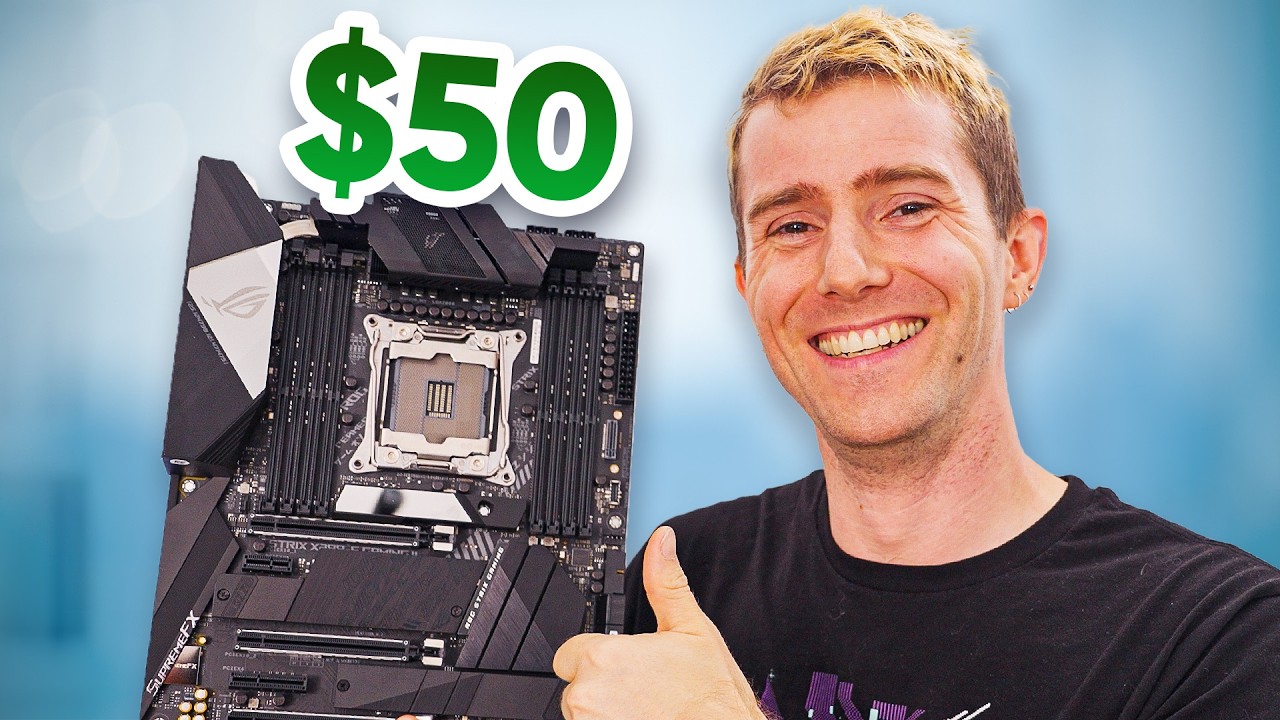
How to Get $500 Motherboards for $50
0 up · 0 down · 0 ratings
Promos
Pre-order iFixit FixHub Power Series products today at: ifix.gd The cost of motherboards has ballooned in recent years so to help out those on a budget we wondered if there was a cheaper, sketchier way to get a motherboard from eBay. Discuss on the forum: linustechtips.com Get your NZXT C1500 Platinum Power Supply: geni.us See AsRock Z690 Extreme Motherboards on eBay: ebay.us See ASUS Prime Z690M-Plus Motherboards on eBay: ebay.us See ASUS ProArt Z790-Creator WiFi Motherboards on eBay: ebay.us See MSI Z690 Motherboards on eBay: ebay.us See Gigabyte Z790 UD AC Motherboards on eBay: ebay.us See AsRock Z790 PG Lightning Motherboards on eBay: ebay.us See ASUS ROG Strix X299-E Gaming Motherboards on eBay: ebay.us ► GET OUR MERCH: lttstore.com ► GET EXCLUSIVE CONTENT ON FLOATPLANE: lmg.gg ► GET A VPN: piavpn.com ► SPONSORS, AFFILIATES, AND PARTNERS: lmg.gg Purchases made through some store links may provide some compensation to Linus Media Group. CHAPTERS --------------------------------------------------- 0:00 - Intro 0:59 - iFixIt! 1:20 - Why Motherboards Break 3:02 - Which boards to buy, bent pin repair 8:02 - Thermal Paste Cleaning 9:06 - Ram Slot Repair 12:09 - Testing Thermal Paste Board 14:12 - No Turbo, Bent Pins, Metallurgy 18:50 - "Nothing Wrong With It" 21:29 - Extra destroyed pins 25:30 - Dead HEDT? 27:26 - Bonus Round feat. BIOS Flashback 30:19 - iFixIt! 31:18 - Outro
The video opens with the host expressing the high cost of modern motherboards and proposes a provocative experiment: can you source a $500 motherboard for around $50 by buying damaged units on eBay and repairing them yourself? The host explains that current motherboard pin structures have shifted from the CPU to the motherboard itself, making repairs more challenging but potentially worthwhile. He sets up a plan to buy multiple boards, identify common failure modes such as bent pins or missing pins, and attempt fixes with accessible tools. The early section covers typical sources of damage, how BIOS and hardware interconnections can be affected, and the idea that many failures are repairable with careful technique rather than buying new parts. Throughout the segment the hosts emphasize cost savings, the educational value of learning repair skills, and the risks involved with nonfunctional or risky hardware. They also tease the involvement of iFixit FixHub Power Series as a sponsor and segue into practical repair demonstrations. The narrative then shifts to the practical parts of the repair workflow including pin bending basics, using a microscope to inspect socket pins, and evaluating whether a board is worth patching versus discarding. You see a pattern of choosing higher-end boards for potential return on effort, documenting the process with humor and candid commentary. The hosts document their approach to testing, starting with a low-risk part of the board like bent ground pins and gradually moving toward more complex fixes while assessing the board’s potential for a successful boot, BIOS compatibility, and memory stability. They narrate the decision points when a particular board proves too far gone or when a fix yields a green light and boot, turning failures into learning opportunities and tangible savings. The longer mid-section captures a sequence of trials across several boards, including attempts to clean cooling paste, reseat RAM, and verify POST behavior with a mix of BIOS versions. The team reports on total spend versus several successful repairs, highlighting the surprising economics of refurbishing consumer hardware and the broader message about waste reduction. The latter portion focuses on the payoff: multiple repaired boards post successful BIOS reflash and memory tests, producing a chorus of “it works” moments and a strong sense of achievement. The video closes with a recap of the financial math, noting that eight functioning boards emerged from seven or eight attempts, yielding substantial MSRP value relative to the purchase outlay, and with a nod to the sponsor iFixit and their FixHub Power Series lineup. Viewers are left with a practical takeaway: a mix of curiosity, patience, and the right tools can unlock meaningful savings and turn discarded hardware into working systems, while also acknowledging the risks and potential for human error in such repair projects.
Topics · Technology · Computers · DIY · Electronics repair · Budget computing
Questions answered
- What is the core idea behind getting $500 motherboards for $50
- The core idea is to buy damaged or untested boards on eBay at very low prices, fix common issues such as bent pins or loose sockets, test for basic functionality, and then assess value by comparing repaired board performance to its MSRP.
- Are most of these repairs safe and reliable for daily use
- Repair outcomes vary by board and damage. Some fixes yield fully functioning boards with solid performance, while others may have lingering issues. The video emphasizes testing beyond POST to ensure stability and notes that not all boards are suitable for reliable long-term use.
- What tools or skills are essential for these repairs
- Essential tools include a microscope or magnification aid, precision tools for bending and aligning pins, thermal paste removal and reapplication supplies, and basic soldering or probing equipment. The hosts also stress careful inspection and documentation of each repair step.