Data Recovery Services
0 up · 0 down · 0 ratings
Promos
Thanks to DriveSavers for sponsoring this video! Use code TECHQUICKIE to get 5% off DriveSavers receovery services at geni.us How does data recovery work, and how should you go about trying to get your data back? Leave a reply with your requests for future episodes, or tweet them here: twitter.com GET MERCH: lttstore.com SUPPORT US ON FLOATPLANE: floatplane.com LTX EXPO: ltxexpo.com AFFILIATES & REFERRALS --------------------------------------------------- Affiliates, Sponsors & Referrals: lmg.gg Get Private Internet Access VPN at lmg.gg Get a Displate Metal Print at lmg.gg Support a Creator code LINUSMEDIAGROUP on Epic Games Store: lmg.gg Get a 30-day free trial of Amazon Prime at lmg.gg Our Test Benches on Amazon: lmg.gg Our Production Gear: lmg.gg FOLLOW US ELSEWHERE --------------------------------------------------- Twitter: twitter.com Facebook: @LinusTech Instagram: @linustech Twitch: twitch.tv FOLLOW OUR OTHER CHANNELS --------------------------------------------------- Linus Tech Tips: lmg.gg TechLinked: lmg.gg ShortCircuit: lmg.gg LMG Clips: lmg.gg Channel Super Fun: lmg.gg Carpool Critics: lmg.gg
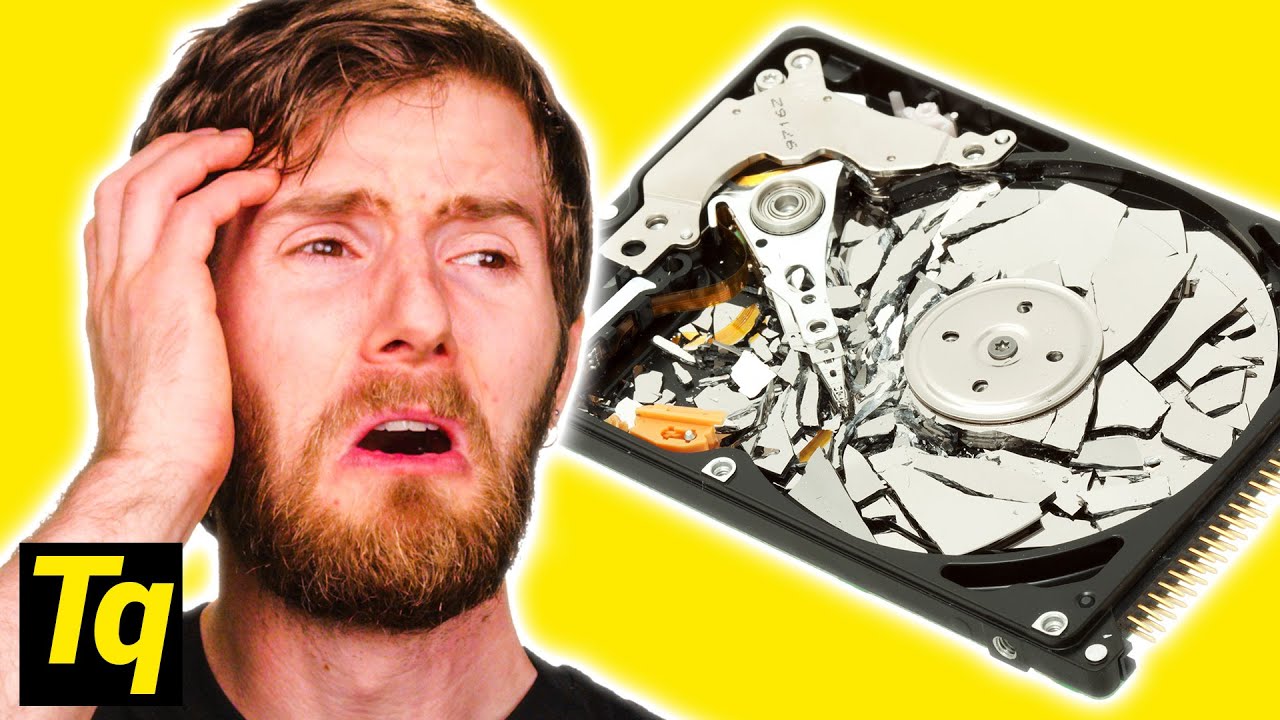
Data Recovery Services explains how data recovery works and what you can expect when you send a failed drive to a professional service. The video starts by outlining common failure symptoms such as a drive that power-ons but cannot reach the operating system, and it emphasizes that while professional recovery can restore data, it is not instantaneous and timelines vary depending on the complexity and whether the issue is logical or physical. It then dives into the difference between logical data recovery, which deals with issues like a damaged master file table or corrupted file systems, and physical recovery, which involves repairing circuit boards, moving platters, or transplanting components in cleanroom environments. The host also discusses SSDs, firmware problems, and scenarios where data might be unrecoverable, such as overwritten drives or aggressive trim commands. Guidance is provided on selecting a recovery service, including quotes in writing, security protocols, and avoiding providers that charge regardless of recovery outcomes. The sponsor, DriveSavers, is highlighted with details about their capabilities, including 24/7 access to engineers, ISO-certified cleanrooms, and no-charge if no data is recovered, along with tips to maximize recovery chances before engaging a service. Overall, the episode aims to demystify data loss, compare recovery paths, and equip viewers with practical steps to protect and recover valuable information.
Topics · technology · data_management · consumer_tech · repair_and_recovery
Questions answered
- What should you consider before choosing a data recovery provider?
- Look for a written quote, a results-based payment structure, comprehensive security protocols, and reviews showing reliable recovery outcomes. Ensure the provider can explain whether they expect a successful recovery and what costs apply if data cannot be recovered.
- What is the difference between logical and physical data recovery?
- Logical recovery deals with issues like file system corruption or a damaged master file table, often solvable with software or non-invasive methods. Physical recovery involves hardware problems such as head crashes or damaged PCBs and may require opening the drive in a cleanroom and more invasive techniques.