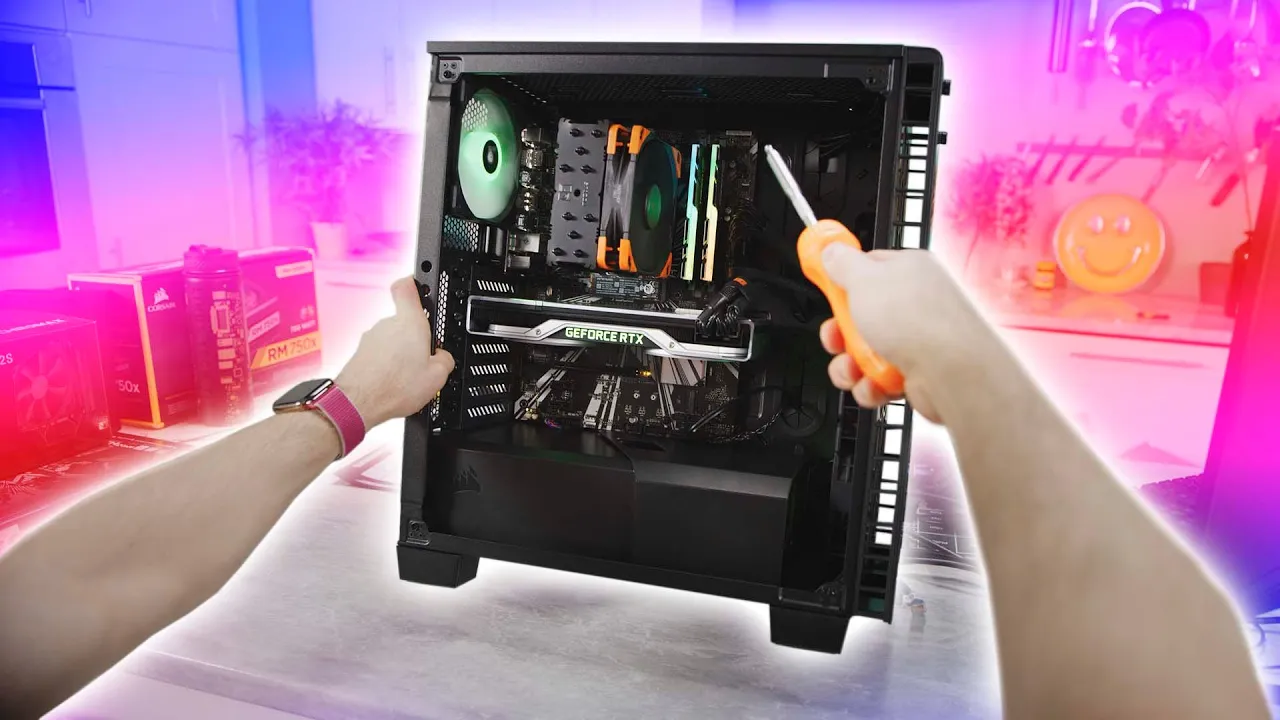
First Person View PC BUILD Guide! (POV)
0 up · 0 down · 0 ratings
Promos
We've updated this POV build guide for 2024! Check it out here: youtube.com Thanks Intel for sponsoring this video! Learn more about how to build your own gaming PC at lmg.gg Linus is taking the reins away from our film team and giving you his own view of building a gaming PC. This is a first person build guide featuring Intel's 9700K CPU will take you step by step through the entire build from scratch. Buy an Intel 9700K: geni.us Buy a Corsair 460X RGB: geni.us Buy Asus Prime Z390-P: geni.us Buy G.Skill Trident Z RGB RAM: geni.us Buy Intel 760P SSD: geni.us Buy Nvidia RTX 2080:: geni.us Buy Seagate Barracuda 8TB HDD: geni.us Buy Corsair RM750X PSU: geni.us Buy Noctua Chromax Black NH-U12S: geni.us Purchases made through some store links may provide some compensation to Linus Media Group. Discuss on the forum: linustechtips.com ► GET MERCH: lttstore.com ► AFFILIATES, SPONSORS & REFERRALS: lmg.gg ► PODCAST GEAR: lmg.gg ► SUPPORT US ON FLOATPLANE: floatplane.com FOLLOW US ELSEWHERE --------------------------------------------------- Twitter: twitter.com Facebook: @LinusTech Instagram: @linustech TikTok: @linustech Twitch: twitch.tv MUSIC CREDIT --------------------------------------------------- Intro: Laszlo - Supernova Video Link: youtube.com iTunes Download Link: itunes.apple.com Artist Link: soundcloud.com Outro: Approaching Nirvana - Sugar High Video Link: youtube.com Listen on Spotify: spoti.fi Artist Link: youtube.com
This video presents a first person view (POV) PC building guide, sponsored by Intel, with Linus from Linus Tech Tips guiding viewers through assembling a gaming PC from scratch. The host emphasizes a safe, static-free workspace and demonstrates how to prepare a workspace, select components, and organize tools before beginning assembly. Viewers are walked through installing the CPU, memory, M.2 drive, cooler, case, power supply, motherboard, and graphics card, with tips on alignment, securing components, and avoiding common mistakes. The guide covers nuanced decisions such as testing the motherboard, ensuring compatibility of mounting hardware, and choosing airflow configurations for cooling performance. The host demonstrates cable management strategies, including routing power cables behind the motherboard tray, using Velcro ties for tidy organization, and pre-routing fan and RGB hubs. The video also provides practical reminders about avoiding short circuits, testing with a BIOS check, and verifying system stability with basic benchmarks after the build. Throughout, Linus discusses the rationale for specific parts like the Noctua cooler, Corsair case, and G.Skill RAM, and explains typical variations across motherboards and cases that builders may encounter. The final portion of the video focuses on software setup, driver installation, and initial performance testing to confirm the build is functioning correctly. The viewer is left with a sense of achievement and a clear path to replicate the build, including tips for future upgrades and optimizations for higher performance gaming rigs.
Topics · technology · computers · hardware · pc_build · diy · gaming_pcs · overclocking · video_production