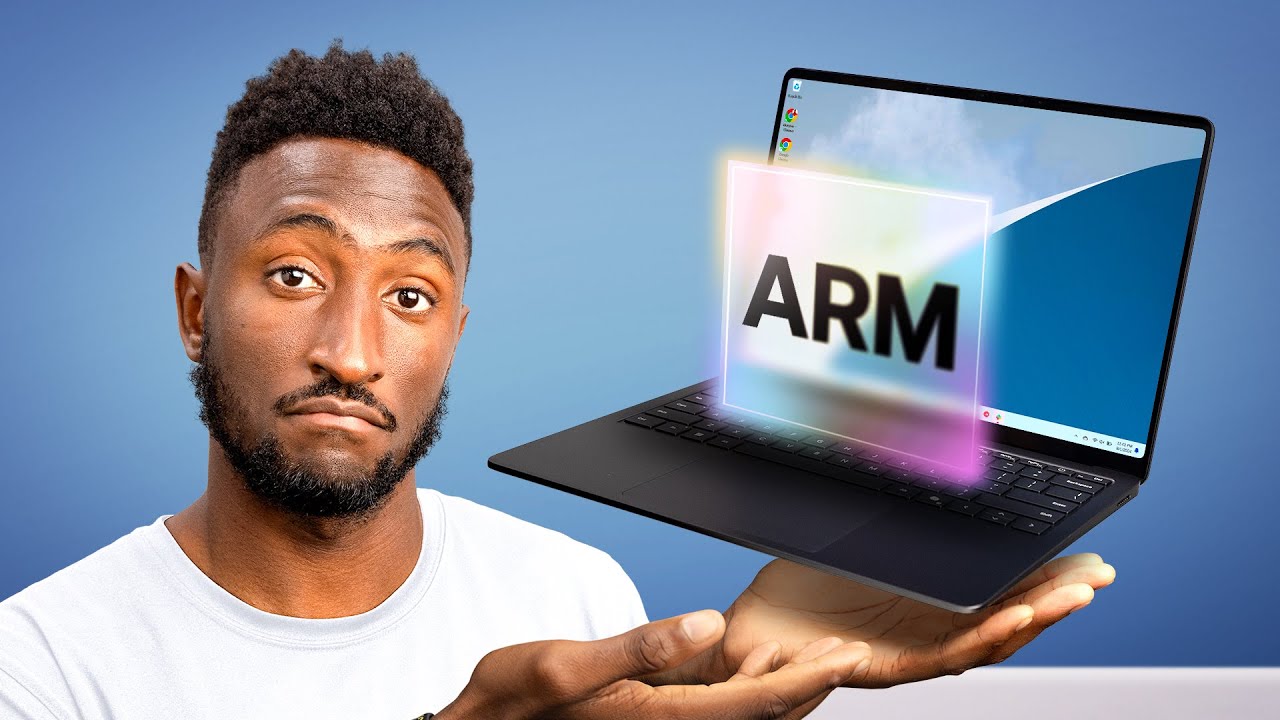
What's going on with Windows Laptops?
0 up · 0 down · 0 ratings
Promos
Windows ARM laptops are finally having a moment and I'm loving it. See inside your smartphone or laptop with dbrand at dbrand.com Microsoft Surface Laptop 7: geni.us MKBHD Merch: shop.mkbhd.com Tech I'm using right now: amazon.com Playlist of MKBHD Intro music: goo.gl Surface provided by Microsoft for review. ~ twitter.com @MKBHD @MKBHD
In the opening segment, the host sets the stage by questioning whether Windows laptops have finally caught up to the Apple Silicon transition. He highlights the new premium matte black Surface laptop that uses a Qualcomm Snapdragon X Elite ARM chip, marking a shift away from Intel and AMD. The discussion then pivots to battery life, with the host noting a real world all-day experience supported by a quoted 23 hour figure and practical use cases like web browsing, email, and video. He compares this to prior Surface attempts and emphasizes how efficiency improvements translate into longer endurance without constant charging, all within a 14-inch chassis. The middle portion dives into performance and everyday usability, stressing smoothness, responsive app behavior, and broad software compatibility, while contrasting native ARM apps with emulated x86 apps. He demonstrates capable everyday tasks such as photo editing, office work, and general multitasking, reassuring viewers that the device handles routine workloads without breaking a sweat. The discussion then shifts to a caveat about app compatibility, outlining three app categories observed in ARM transitions: native optimized apps, x86 apps via emulation, and apps that do not work yet. Real-world examples are given, including popular tools that run fine, those that run with some lag, and others that simply don’t work due to ARM compatibility or anti-cheat restrictions in games, stressing the importance of checking individual use cases before buying. The host provides practical guidance for potential buyers, urging them to verify that their essential software is ARM-friendly or emulatable and to be mindful of the uncertain status of many developers’ ARM support. He closes with hardware notes about build quality, the keyboard and trackpad experience, port selection, and a non OLED high refresh rate display trade-off, then links the sponsor and invites viewer feedback on Windows on ARM. Finally, the host reinforces the core takeaway: the software you rely on is the deciding factor when considering Windows ARM laptops, and invites viewers to weigh their own app needs before purchasing.
Topics · technology · laptops · hardware · reviews · mobile_computing
Questions answered
- Are Windows ARM laptops delivering noticeable battery life improvements in real-world use?
- Yes, the host reports all-day battery life with high brightness and mixed usage, citing about 23 hours on paper and practical endurance that avoids frequent charging.
- What should buyers check before choosing a Windows ARM laptop?
- Buyers should verify that their essential apps have ARM native versions or are at least capable of emulation, as some popular apps may still lack ARM support or run poorly.
- How does the Surface laptop with ARM fare for everyday tasks and gaming?
- The device offers smooth performance for everyday tasks like photo editing and office work, but it is not aimed at high-end gaming and does not pair with a dedicated GPU, limiting maximum frame rates.