XMP Memory Profiles as Fast As Possible
0 up · 0 down · 0 ratings
Description
Not sure how to get memory that's optimized for your system? XMP makes things simple.
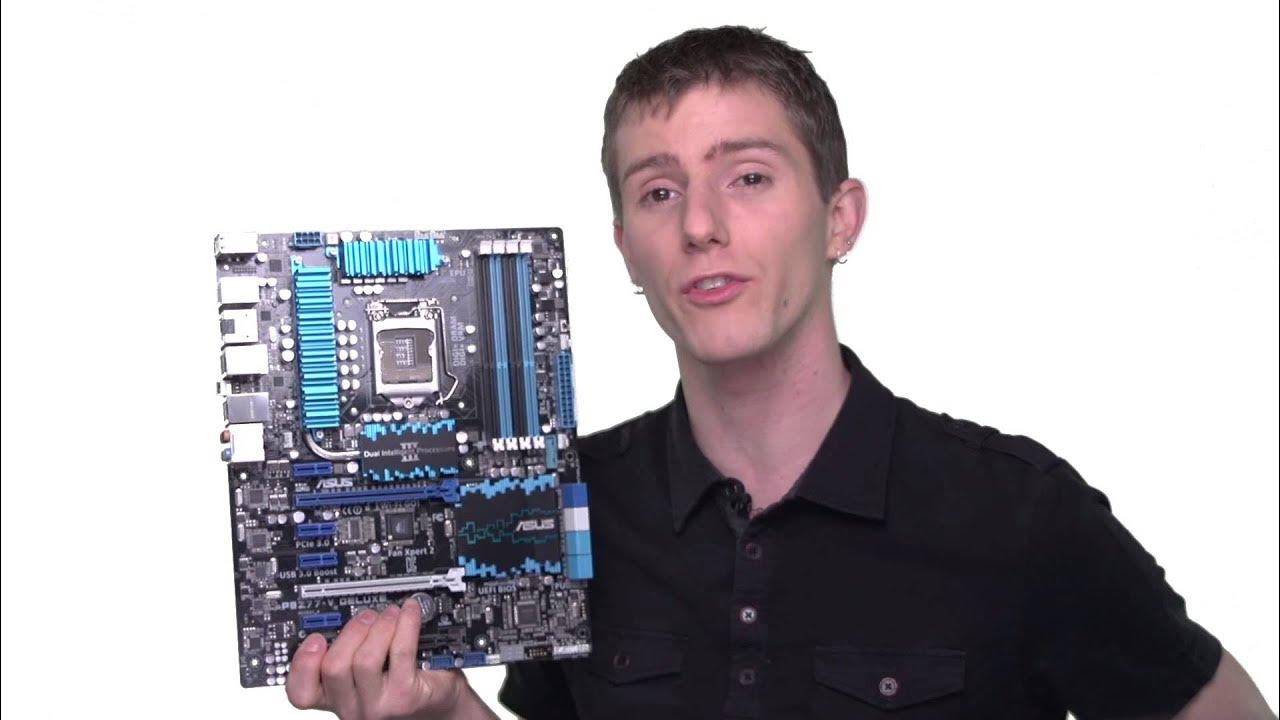
XMP memory profiles are presented as a straightforward way to run RAM at its rated speeds without manual tuning. The video explains that by default motherboards set memory to a safe profile to guarantee bootability, which provides a baseline that users can adjust in the BIOS or UEFI if they want higher performance. If your memory modules are performance-oriented, they usually come with one or two XMP profiles designed to run at their advertised speeds, provided the motherboard supports XMP, which most performance Intel boards do. The presenter walks through how to enable XMP in the BIOS, noting that the interface typically shows options like auto, profile one, and profile two, and that a preview often appears before committing with F10 and rebooting. A key caution is given: fully populating all memory slots can require different tuning, so an 8 GB or 16 GB configuration might behave differently than a larger multi-dim kit, and a different kit composition could be needed for stability. The segment ends with practical tips, urging viewers to check the motherboard manual for exact naming like extreme memory profile or XMP and to consider kit configuration when upgrading, while also encouraging viewers to subscribe and share the information. Overall, the video aims to demystify XMP for Intel platforms, emphasizing ease of use, safe default settings, and the benefits of selecting memory kits that align with motherboard support to achieve the intended performance gains without manual dialing of voltages and timings.
Topics · technology · hardware · tutorial · overclocking · computer-science · education