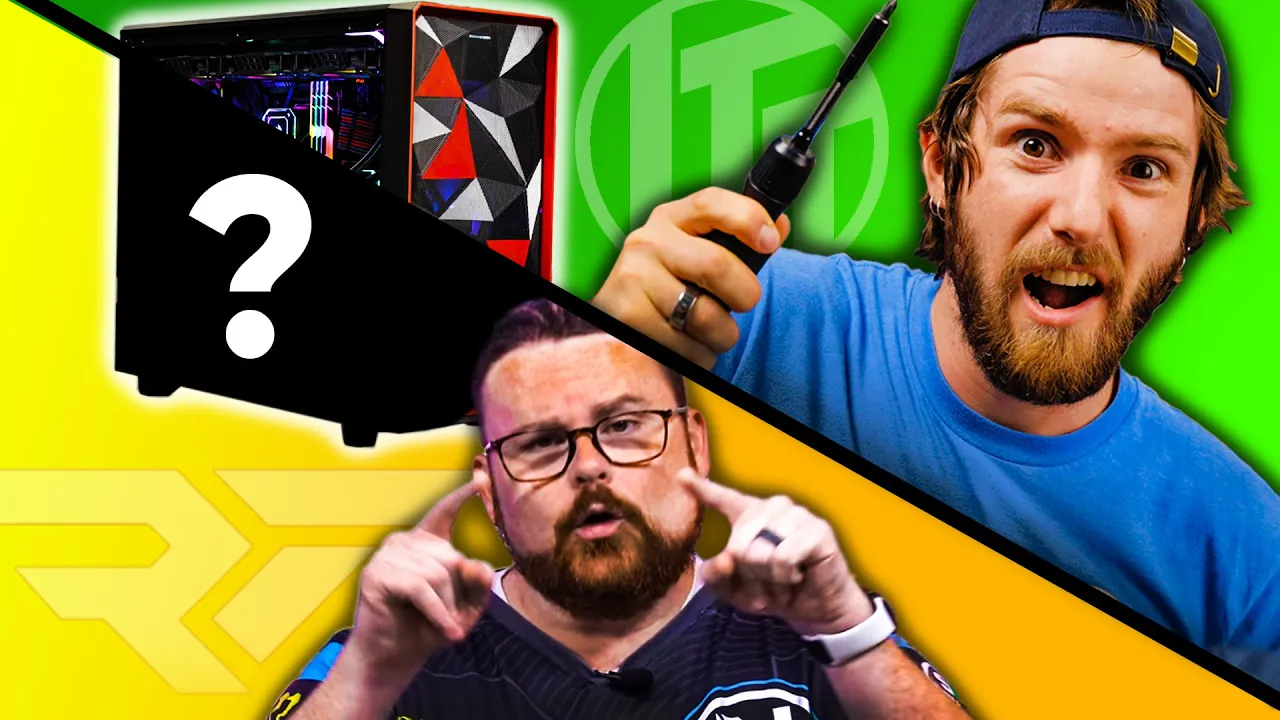
Custom $5000 Gaming PC CHALLENGE - Linus vs RobeyTech
0 up · 0 down · 0 ratings
Description
Check out their paints: lmg.gg
Promos
Check out their airbrushes: lmg.gg Discuss on the forum: linustechtips.com ►GET MERCH: lttstore.com ►SUPPORT US ON FLOATPLANE: floatplane.com ►LTX EXPO: ltxexpo.com AFFILIATES & REFERRALS --------------------------------------------------- ►Affiliates, Sponsors & Referrals: lmg.gg ►Check out our podcast gear: kit.co ►Private Internet Access VPN: lmg.gg ►Our Official Charging Partner Anker: lmg.gg ►Secretlabs Gaming Chairs: lmg.gg ►MK Keyboards: lmg.gg ►Nerd or Die Stream Overlays: lmg.gg ►Green Man Gaming lmg.gg ►Amazon Prime: lmg.gg ►Audible Free Trial: lmg.gg ►Our Gear on Amazon: geni.us FOLLOW US ELSEWHERE --------------------------------------------------- Twitter: twitter.com Facebook: @LinusTech Instagram: @linustech Twitch: twitch.tv FOLLOW OUR OTHER CHANNELS --------------------------------------------------- Mac Address: lmg.gg Techquickie: lmg.gg TechLinked: lmg.gg ShortCircuit: lmg.gg LMG Clips: lmg.gg Channel Super Fun: lmg.gg Carpool Critics: lmg.gg MUSIC CREDIT --------------------------------------------------- Title: Laszlo - Supernova Video Link: youtube.com iTunes Download Link: itunes.apple.com Artist Link: soundcloud.com Outro Screen Music Credit: Approaching Nirvana - Sugar High youtube.com Intro animation by MBarek Abdelwassaa @mbarek_abdel Monitor And Keyboard by vadimmihalkevich / CC BY 4.0 geni.us Mechanical RGB Keyboard by BigBrotherECE / CC BY 4.0 geni.us Mouse Gamer free Model By Oscar Creativo / CC BY 4.0 geni.us CHAPTERS --------------------------------------------------- 0:00 Taking on Robeytech! 0:43 CPU 1:06 Motherboard 2:04 Robeytech-themed PC 2:28 RAM 3:13 Storage 4:00 AIO Cooler 4:46 AIO fitment problems? Nah 5:32 NEW! Retro GPU shirts! LTTSTORE.com ( ͡° ͜ʖ ͡°) 5:49 PSU 6:10 GPU 7:08 PSU Cables install 7:36 Does the PC post? 7:52 The "finishing touch" 9:04 Case reveal 9:18 12.7% CPU usage for RGB lol 9:50 Build b-roll 10:55 Vote to win our PC! Link below! 11:55 Robeytech's build reaction
Channels and socials
Thanks to Newegg and Intel for sponsoring this video! Enter to win the PC we made at newegg.io Intel Gamer Days Deals! newegg.io All Intel Gamer Days gamerdays.intel.com The 3080 Intel-powered Gigabyte Aero 15 OLED laptop the winning channel will get to giveaway: newegg.io
Check out Robeytech's video: youtube.com
Check out the parts used for this build on Newegg: Intel Core i9-11900K CPU - lmg.gg ASUS ROG Strix Z590-E Gaming WiFi - lmg.gg G.SKILL TridentZ Neo 4x 8GB DDR4-3600 - lmg.gg AORUS RTX 3090 XTREME - lmg.gg Fractal Meshify 2 Light Tint - lmg.gg ASUS ROG THOR 1200 - lmg.gg WD BLACK SN750 1TB - lmg.gg ADATA XPG SX8100 4TB - lmg.gg Corsair H170i ELITE CAPELLIX - lmg.gg Phanteks NEON LED strip 2x 400mm - lmg.gg Phanteks NEON LED strip 1x 1000mm - lmg.gg Cooler Master Master Accessory GPU Bracket - lmg.gg Corsair ML140 PRO RGB - lmg.gg Corsair ML140 PRO RGB 2-pack - lmg.gg Follow Robeytech on social youtube.com @robeytech twitter.com @robeytech discord.com Thanks to Iwata for providing the paint and airbrush!
The video presents a head to head custom gaming PC build off between Linus and RobeyTech, each working within a $5,000 budget sponsored by Intel Gamer Days and Newegg. The hosts outline core choices for their builds, including a CPU around an i9 platform, a Z590-E Gaming WIFI motherboard, and high end components aimed at top performance with a focus on balance between price and speed. The first segment establishes the baseline hardware and the constraints, including no custom water cooling and no vinyl wrapping, while also setting up a RobeyTech themed visual style. As the builds progress, the video dives into memory configuration, storage strategy, and cooling solutions, with both teams aiming for maximum performance while keeping the aesthetic distinct to their brands. The host commentary emphasizes practical decisions, like memory speed compatibility, PCIe Gen 4 storage, and careful cable management, all leading toward a dramatic reveal and a viewer vote to determine who built the better PC. The ending ties into the giveaway mechanics and contrasts the two finished machines, inviting viewers to participate in the sweepstakes and compare the builds side by side for voting. In the middle section, the RAM selection and storage strategy are highlighted, showcasing a 32 GB kit of high speed DDR4 with RGB synchronization and a 1 TB Gen 4 boot drive plus a 4 TB mass storage drive, emphasizing a no mechanical storage policy in this challenge. The build process includes paint work and a Robeytech themed aesthetic, with the Corsair iCue cooling solution adapted to fit the case, including a display on the power supply that the crew notes as a feature, though it doesn’t always align perfectly with the physical layout. The GPU choice is positioned as a strategic centerpiece, described as extremely large and powerful, designed to deliver peak cooling performance and high frame rates, with attention to cable management and finish touches like cable combs. Throughout, the narrative balances performance brag with humor and self-deprecating banter, culminating in a post-build evaluation of the case, RGB setup, and the overall look of the Robeytech machine. The call to action closes the loop with voting instructions, the promise of multiple PC giveaways, and a tease about the potential laptop prize for viewers, capped by a quick reference to Robeytech’s own build as a challenger to Linus’s design. The culminating moments highlight the final hardware details and the live voting setup, inviting viewers to compare the two rigs and decide which one deserves the win based on performance, aesthetics, and value. The hosts reiterate key specs like RTX 3090 class graphics, 32 GB RAM at 3600 MT/s, and the Core i9 11900K with potential tuning, along with a unique cooling layout that doubles as a space heater test for cold days. The overall presentation blends technical justification with entertaining on-screen dynamics, aiming to maximize both informative content and viewer engagement through the built-in competition and submission link. The video ends by directing viewers to the Intel Gamer Days details and the Robeytech channel, while keeping the spotlight on the competition and the prize package for participants.
Topics · technology · hardware · gaming · review · pc-build · sponsorship · giveaway · competition
Questions answered
- What is the main objective of the Linus vs RobeyTech build-off?
- The objective is to build the best $5,000 gaming PC within sponsor constraints and have viewers vote on which build is better.
- Which hardware highlights are used to emphasize performance in Linus's build?
- Key highlights include an Intel Core i9 processor, a Z590-E motherboard, an RTX 3090 class GPU, 32 GB of DDR4 RAM at 3600 MT/s, and Gen 4 NVMe storage.
- What are the giveaway details mentioned in the video description?
- Intel Gamer Days sweepstakes offer multiple PCs, with voting ending on September 4th and the sweepstakes open until September 27th, plus a laptop prize for a viewer winner.