ASUS TS Mini Windows Home Server WHS Basic Configuration & Setup Guide Linus Tech Tips
0 up · 0 down · 0 ratings
Description
I walk you through the basics of how to set up the ASUS TS Mini Windows Home Server including how to connect it to your home network without a display, and how to set up your user account
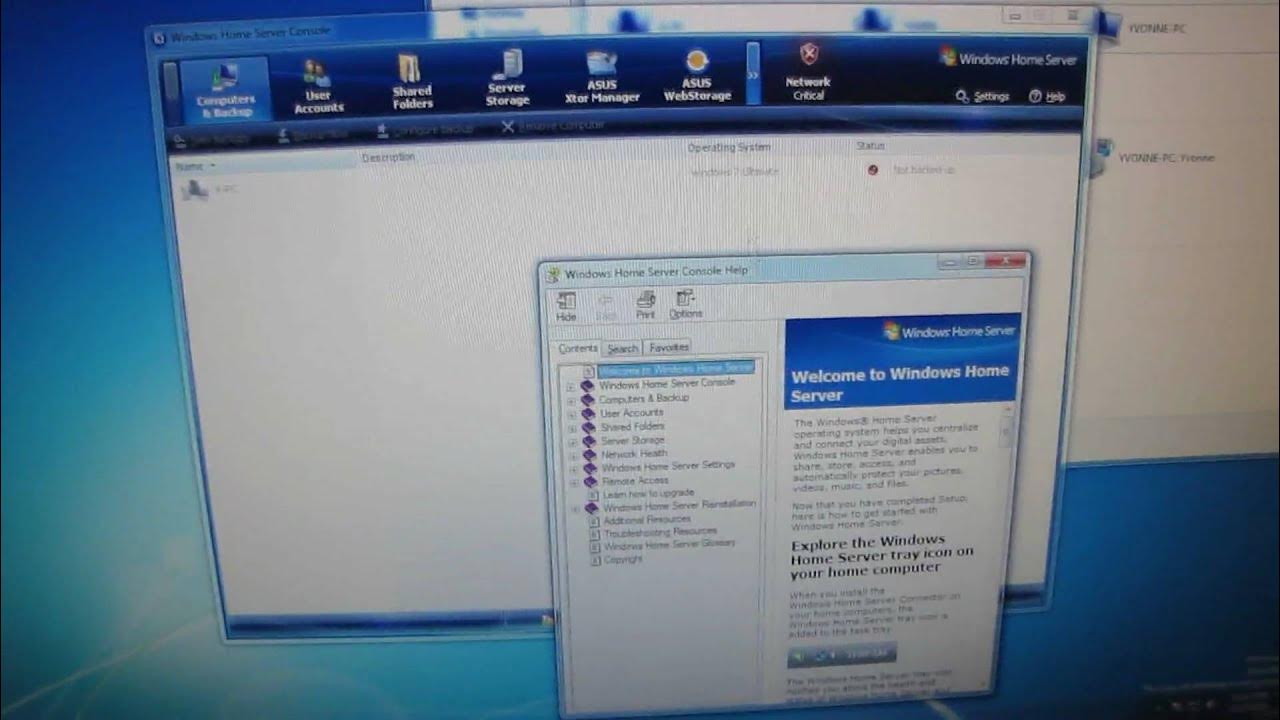
This Linus Tech Tips episode provides a hands-on introduction to the ASUS TS Mini Windows Home Server, focusing on basic configuration and setup in a home environment. The video starts by outlining the hardware characteristics, such as the TS Mini’s lack of a VGA port and its onboard expansion options via USB and eSATA, which necessitate network-based administration. The host demonstrates connecting the device to a home network using a wired gigabit link, stressing that Windows Home Server requires a wired connection for the server itself, not for client devices. A software installation flow is shown where the Windows Home Server Connector is downloaded from the server to enable remote management from a connected PC, including initial steps like accepting the license and locating the server on the network. Throughout, the host highlights key setup decisions such as enabling automatic backups, naming the server, and creating a strong administrator password to protect remote access. The process includes creating the first user account, configuring remote access permissions, and setting up shared folders and backups, with emphasis on security and future management through the Windows Home Server console. In the middle section, the host continues with practical setup tips, including selecting recommended settings to keep the server up to date and ensuring the network is wired to avoid connectivity issues during updates. He walks through the first administration console prompts, explains the status indicators, and demonstrates adding a user account with a unique login and strong password policy. The walkthrough demonstrates how to configure which folders are accessible by each user and how to enable remote access responsibly. The video also notes practical considerations like the importance of having antivirus coverage on connected PCs and how features such as media streaming to other devices (e.g., a PC or Xbox 360) are supported by Windows Home Server, which adds value for home entertainment setups. By the close of the video, the host summarizes the basic setup outcomes: a functioning Windows Home Server with a configured user account, initial backup settings, and an accessible administration console. The tutorial emphasizes that the TS Mini can expand storage through its ports and that the server must be wired for optimal performance. The episode ends with a reminder to securely store the administrator password, review network configurations, and plan for future topics like more advanced server features, additional backups, and media sharing capabilities. The overall message is that with a minimal hardware footprint and a straightforward setup process, Windows Home Server on the Asus TS Mini can become a centralized home storage and media server solution, suitable for users looking to learn the basics before expanding their network storage strategy.
Topics · technology · hardware · setup_guide · home_networking · network_storage
Questions answered
- What is the main benefit of using the ASUS TS Mini with Windows Home Server for a home network setup?
- The main benefit is centralized storage and easy media sharing across home devices, with automatic backups and remote access management via a Windows-based console.
- Do you need a wired connection for the Windows Home Server to function, and why?
- Yes, the server requires a wired network connection for administration and data transfer performance, while client devices can connect over wireless if desired.