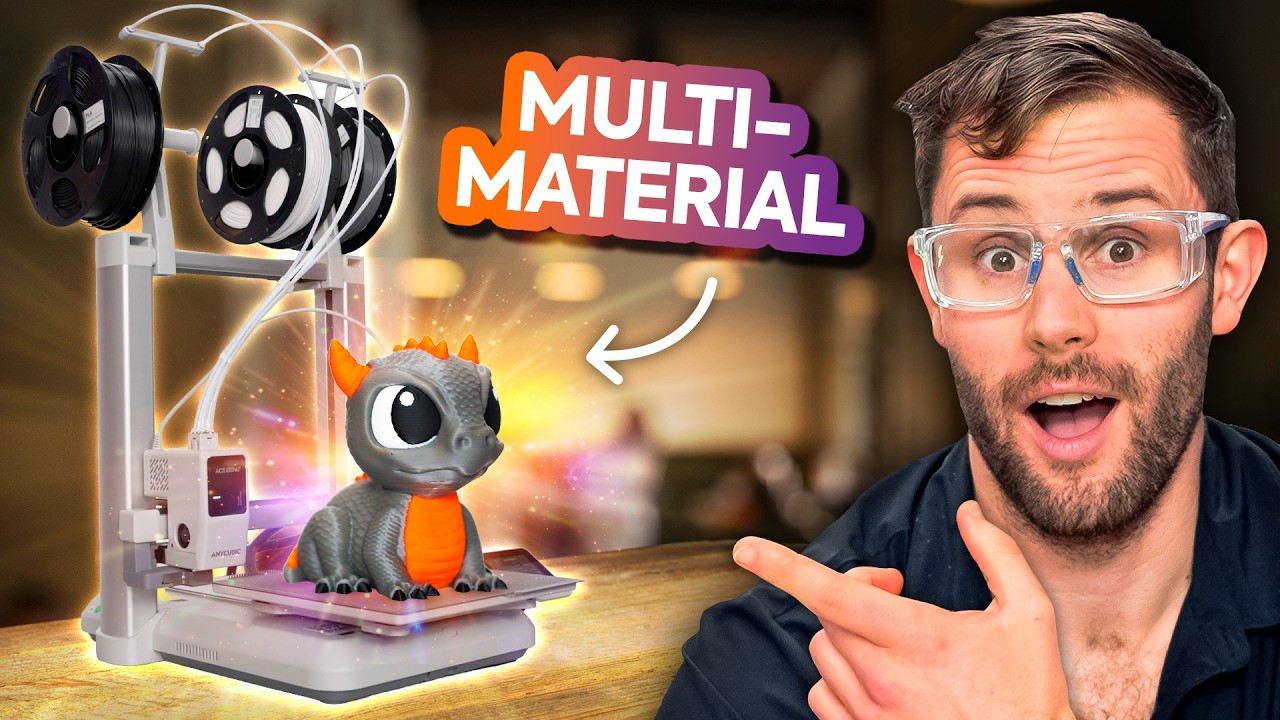
More Colors, Less Waste - Anycubic Kobra X
0 up · 0 down · 0 ratings
Description
Thanks to Anycubic for sponsoring this video!
Channels and socials
Check out the Anycubic Kobra X 3D printer using our link: store.anycubic.com The all new Kobra X 3D printer promises to bring multi-color printing, faster speeds, and improved material efficiency at a more affordable price point, but how does it hold up? In this video, Tynan unboxes the Kobra X to find out just that. Want us to unbox something? Make a suggestion at lmg.gg Thanks to our channel partner Secretlab! - Grab a TITAN Evo ergonomic gaming chair: lmg.gg - Grab a MAGNUS Pro sit/stand gaming table: lmg.gg ► SHOP OUR PRODUCTS: lttstore.com ► GET A VPN: piavpn.com ► GET EXCLUSIVE CONTENT ON FLOATPLANE: lmg.gg ► DIVE DEEPER ON THE LTT LABS WEBSITE: lmg.gg ► SPONSORS, AFFILIATES, AND PARTNERS: lmg.gg Purchases made through some store links may provide some compensation to Linus Media Group. Affiliate links powered in part by affilimate.com Studio lighting by Aputure: aputure.com Linus Sebastian is an investor in Framework Computer, Inc and HexOS by Eshtek. CHAPTERS --------------------------------------------------- 0:00 Intro 0:23 Unboxing 0:58 Setup 4:40 Thoughts 7:15 Wrap-up 7:45 Outro
The video focuses on the Anycubic Kobra X, presenting an unboxing and initial hands-on exploration of a multi-material 3D printer designed to print with multiple filaments at once. The host notes that the Kobra X ships with a fairly complete package including a print base, extraneous spools, and a sturdy frame assembled from aluminum extrusion with plastic connectors. The setup process is described as straightforward but involving several steps, including careful Z-axis mounting and belt-driven axes that promise durability at this price point. As calibration begins, the host highlights features like the Ace Gen 2 system, adaptive filament handling, and a short melt zone designed to reduce waste and speed up prints. In addition, the video discusses practical usability details such as a magnetic bed, a PEI surface, and a simple RFID spool loading workflow that can load spools quickly into designated locations. By the end of the first half, the host evaluates the user interface as intuitive, with color selection and print management feeling responsive and easy to navigate. The overall verdict at this stage is cautiously optimistic, praising the price performance ratio and the potential for multi-color printing while acknowledging that multi-filament workflows inherently generate more waste than single-color printing. The host concludes that the Kobra X looks like a compelling entry point for multi-filament printing on a budget, while noting questions about long-term durability and the environmental footprint still linger. Based on the hands-on impressions, the video positions the Kobra X as a strong contender for makers who want more color variety without breaking the bank, and it hints at future tests to validate print quality and sustained reliability over time.
Topics · technology · 3d printing · unboxing · sustainability · home lab
Questions answered
- What makes the Anycubic Kobra X stand out for multi-filament printing at a budget price?
- It ships with Ace Gen 2 multi-functional system, four-filament capability by default, adaptive filament handling, and a magnetic bed with a textured PEI surface, all designed to reduce waste and speed up multi-color prints while staying affordable.
- How does the Kobra X handle filament changes and potential filament outages?
- The printer includes RFID spool detection for automatic loading and an intelligent detection feature that, if a spool runs out, lightly ejects a short scrap piece instead of forcing a full re-feed, helping to minimize waste and simplify recovery.