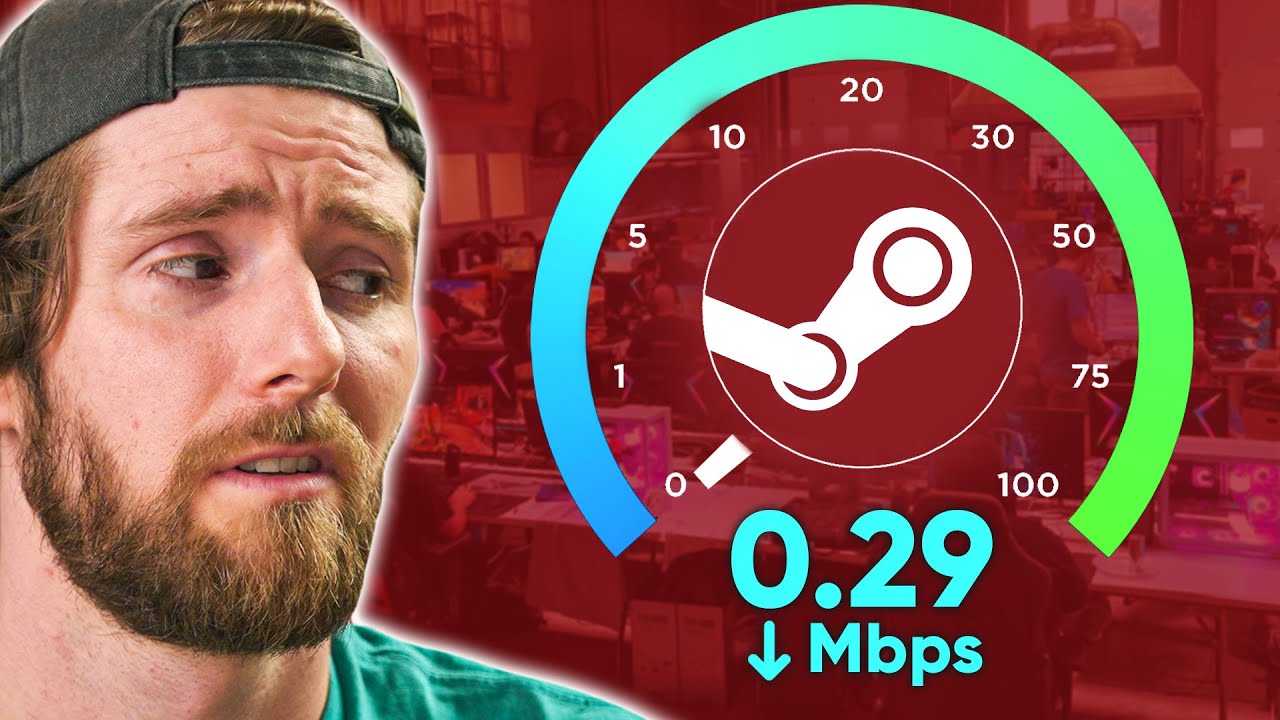
We’re running out of internet - Steam Game Caching Server
0 up · 0 down · 0 ratings
Description
Thanks to Intel for sponsoring this video and a portion of our WHALE LAN Event! Buy an Intel CORE 12700K: geni.us Discuss on the forum: linustechtips.com
Check out the Supermicro SYS-510P-WTR server: lmg.gg
Check out Kioxia CM6 Enterprise NVMe SSDs: lmg.gg
Promos
Check out InfiniteCable's ethernet cables: infinitecables.com Purchases made through some store links may provide some compensation to Linus Media Group. ► GET MERCH: lttstore.com ► SUPPORT US ON FLOATPLANE: floatplane.com ► AFFILIATES, SPONSORS & REFERRALS: lmg.gg ► PODCAST GEAR: lmg.gg FOLLOW US --------------------------------------------------- Twitter: twitter.com Facebook: @LinusTech Instagram: @linustech TikTok: @linustech Twitch: twitch.tv MUSIC CREDIT --------------------------------------------------- Intro: Laszlo - Supernova Video Link: youtube.com iTunes Download Link: itunes.apple.com Artist Link: soundcloud.com Outro: Approaching Nirvana - Sugar High Video Link: youtube.com Listen on Spotify: spoti.fi Artist Link: youtube.com Intro animation by MBarek Abdelwassaa @mbarek_abdel Monitor And Keyboard by vadimmihalkevich / CC BY 4.0 geni.us Mechanical RGB Keyboard by BigBrotherECE / CC BY 4.0 geni.us Mouse Gamer free Model By Oscar Creativo / CC BY 4.0 geni.us CHAPTERS --------------------------------------------------- 0:00 Intro 1:26 What is caching? 2:59 What’s changed since our last Steam cache? 3:46 The hardware 6:30 We get creative 9:08 One small problem 10:43 Booting it up 12:15 Editing the config 14:33 Our first test 16:00 The boys quarrel 17:05 Take two 19:17 Live test on location at the WHALE LAN and conclusion
The video opens by outlining a problem many LAN events face: limited internet bandwidth when hundreds of gamers try to download or update games simultaneously. The hosts propose a solution called LanCache, a local caching server that sits between DNS services and the game stores, so that frequently requested game data is served from local storage rather than the internet. They explain the basic workflow where DNS resolution redirects to a local NGINX server, which then checks a cache for content from stores like Steam, Origin, or Battle.net and serves it locally if available. The concept is framed with the goal of dramatically increasing effective download speeds at a large event, especially when many clients request the same files at once. Over the course of the video, they compare two deployment approaches, discuss hardware choices, and walk through the setup steps including OS installation, Docker prerequisites, and the LanCache configuration. The narrative emphasizes the shift from earlier Docker-only approaches to a more integrated LanCache solution, highlighting improved robustness and easier deployment at scale. The presenters then dive into the hardware specifics, showcasing a Supermicro SYS-510P-WTR server, describing CPU, RAM, storage, and networking capabilities, and explaining why a powerful CPU plus ample NVMe storage is essential for caching performance. The dialogue includes hands-on tinkering, like attempting to wire NVMe drives, integrating PCIe adapters, and addressing logistical constraints at the event. As they begin the software phase, they install Ubuntu Server, update the system, and pull LanCache components via Docker, while carefully configuring network settings, cache roots, and RAM-to-cache size ratios to maximize throughput. They experiment with different cache strategies, including RAID 0 for storage, and stress-test the system by pre-caching large data sets to RAM before the live event. The climax centers around a live LAN stress test with around 150 to 200 players, where the LanCache server achieves impressive throughput, with measured speeds in the hundreds of megabytes per second per client and CPU usage remaining modest. The crew reflects on the success, credits Intel for sponsorship, and notes that the caching solution effectively mitigated network bottlenecks, enabling smooth game downloads for all attendees. The final takeaway reinforces the value of local caching for large-scale gaming events and points viewers to related Linus Tech Tips content for further exploration of network-oriented builds.
Topics · technology · gaming · networking · hardware
Questions answered
- What is LanCache and how does it work in a LAN party environment?
- LanCache is a caching proxy that sits between DNS and the game stores. It uses NGINX to check requests against a cache of content from stores like Steam and Origin, and serves cached data from local storage if available, significantly speeding up downloads when many clients request the same files.
- What hardware is used for the Steam caching server in this video?
- The setup centers on a Supermicro SYS-510P-WTR server with an Intel Xeon Gold 6314U processor, 256 GB of RAM, and NVMe storage. The build emphasizes CPU and storage capacity to handle high throughput for caching multiple game downloads.
- What performance did they observe during the live test?
- During the live test with around 150 to 200 players, the LAN caching server delivered substantial throughput, with measurements around 260 MB/s per client and overall high saturation of the local network while CPU usage remained modest.