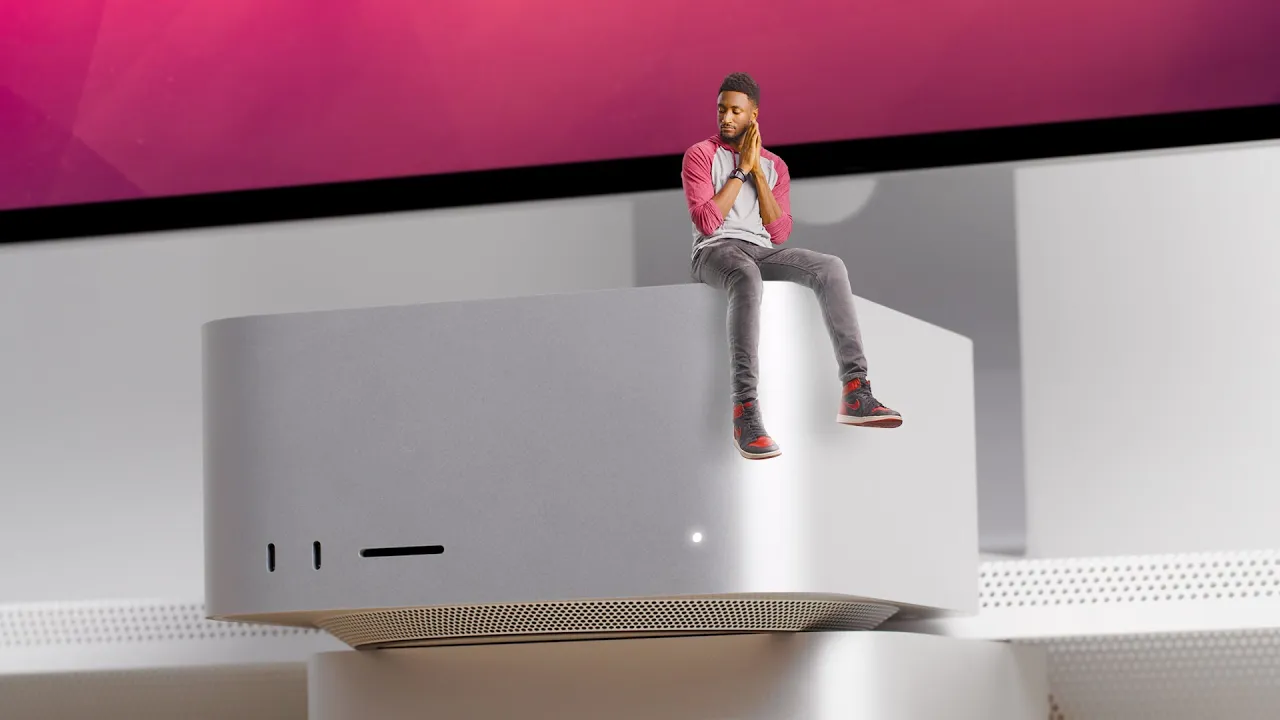
Mac Studio Review: Double Trouble!
0 up · 0 down · 0 ratings
Promos
This M1 Ultra machine is incredible, but I'm not switching YET M1 Max MacBook Pro review: youtu.be BluDot Desk: bludot.com Scott Simmons: provideocoalition.com MKBHD Merch: shop.mkbhd.com Review spec: M1 Ultra, 128GB, 2TB, 64-core 0:00 Intro 1:52 The Design/Ports 4:00 Modular? 6:00 Benchmarks 8:06 Real World Performance 11:45 Incredible Packaging 12:35 You Probably Don't Need One Tech I'm using right now: amazon.com Intro Track: Jordyn Edmonds smarturl.it Playlist of MKBHD Intro music: goo.gl Computer provided by Apple for review. ~ twitter.com @MKBHD @MKBHD
The Mac Studio is introduced as a compact powerhouse designed for studio environments, positioned as a small form factor that Houses an M1 Ultra or M1 Max, effectively doubling many core capabilities over the previous M1 Max configuration. The reviewer emphasizes its physical design, noting the cube-like footprint and the dense I/O including four Thunderbolt 4 ports, a 10 Gbps Ethernet port, USB-A, HDMI, and an SD card reader, all arranged to support a professional workflow with multiple displays and external devices. He argues against the idea of true modularity, pointing out that internal components are soldered and not upgradable, which ties into a broader discussion about vertical integration and the tradeoffs Apple makes to achieve size and efficiency. Throughout the session, the host tests the M1 Ultra’s potential through synthetic benchmarks and real-world workloads, comparing it to the M1 Max, iMac Pro, and even the Mac Pro, while noting how software optimizations impact observed performance. The review also highlights practical workflow implications, such as improved 8K ProRes handling in Final Cut Pro, faster exports in some scenarios, and sustained quiet operation with minimal heat, all framed within the context of a professional editor evaluating whether the Mac Studio justifies its cost for demanding tasks. Packaging and sustainability are touched on, with praise for recyclable materials and the elaborate, protective packaging, as well as a nod to the energy efficiency claims that promise lower electricity usage over time. In conclusion, the host suggests that while the Mac Studio represents a leap in performance and efficiency, it remains an overkill for many users, with the Mac Pro still offering the pinnacle of raw horsepower; nonetheless, for many video editors and creators, the Mac Studio substantially raises the ceiling for what can be accomplished in a compact desktop.
Topics · technology review · hardware · apple · video editing · performance benchmarks · sustainability
Questions answered
- What are the key design benefits of the Mac Studio for a studio environment?
- The Mac Studio has a compact cube form factor with a rich I/O set, including four Thunderbolt 4 ports, 10 Gbps Ethernet, USB-A, HDMI, an SD card slot, and front USB-C ports, making it easy to connect multiple displays, storage, and peripherals without needing extra desk space.
- Does the Mac Studio offer upgradeability?
- No, the internal components such as RAM and GPU are not upgradable after purchase; Apple positions this as a permanently integrated system to achieve its small size and efficiency.
- How does the Mac Studio perform in real-world video workflows compared to the Mac Pro?
- In many tasks, the Mac Studio with M1 Ultra offers strong performance and can handle 8K ProRes workflows with headroom, often outperforming less capable Macs, but the Mac Pro still holds an edge in some heavy, multi-layer scenarios or very large projects.