Intel Quick Sync + OBS - Big performance increase - PAX East 2014
0 up · 0 down · 0 ratings
Channels and socials
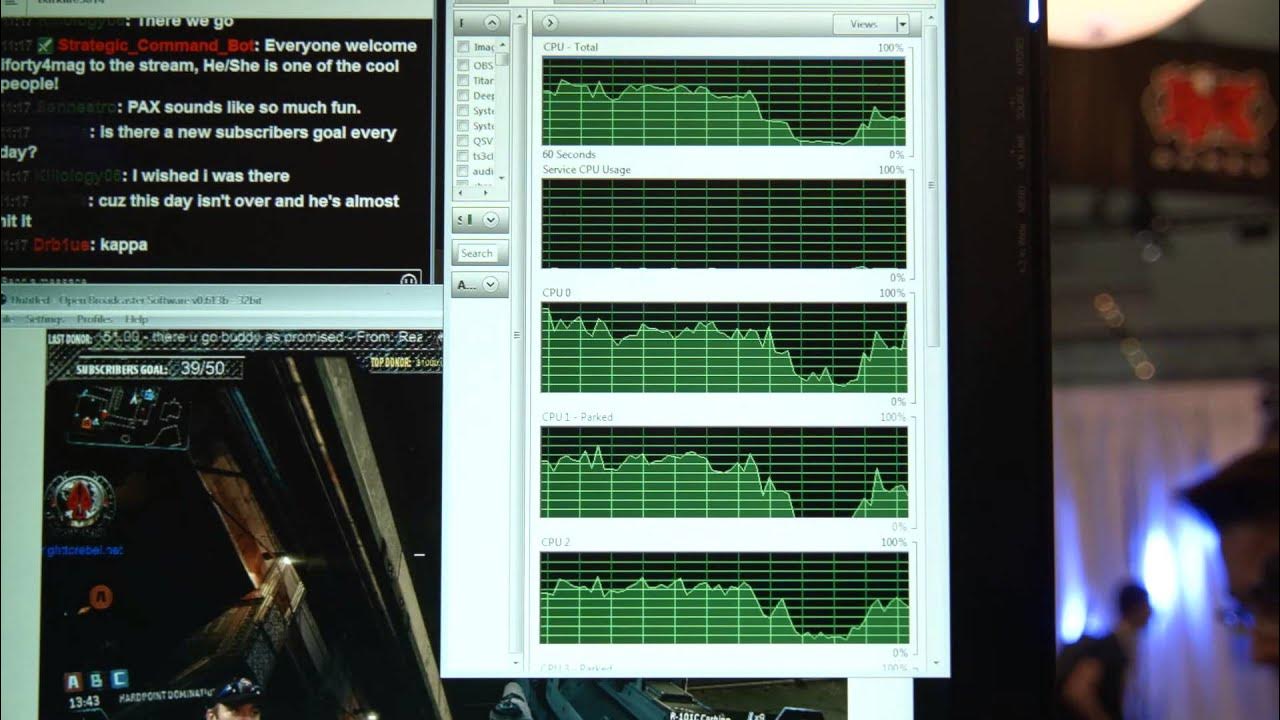
Intel Quick Sync and OBS coming together is great - More performance is good performance and when it is backwards compatible with products you may already own that's just awesome. Our PAX East 2014 Intel Sponsor Info + Giveaways!: linustechtips.com A special Thank you to Corsair as well! twitter.com @LinusTech Join our community forum: bit.ly
This video demonstrates how Intel Quick Sync can be used with OBS to significantly increase encoding performance for streaming and recording. The presenter explains that Quick Sync leverages the GPU portion of an Intel CPU to perform video encoding, moving work away from the CPU to free up processing power for other tasks. The result is a noticeable performance boost when using OBS, especially for users who already own an Intel processor with Quick Sync. The setup is described as simple: simply switch the OBS encoder setting from the current option to Quick Sync, and the system should immediately benefit from the GPU-accelerated encoding. The video reinforces that this capability is available to existing Intel users, not just future purchases, which adds value for current owners. Overall, the segment positions Quick Sync as an easy, backwards-compatible upgrade that can maximize existing hardware without additional investments beyond enabling the feature in OBS. The creator also plugs the channel and related promotions, but the core takeaway remains the straightforward switch to Quick Sync for a substantial performance gain.
Topics · technology · hardware · video-encoding · streaming
Questions answered
- What is Intel Quick Sync and how does it affect OBS encoding performance?
- Intel Quick Sync is a GPU-based encoder that allows the encoding workload to be moved from the CPU to the integrated graphics hardware, improving encoding performance in OBS without requiring new hardware beyond what users already own.
- How can a user enable Quick Sync in OBS?
- In OBS, go to the encoder setting and switch from the current encoder to Quick Sync, then apply the changes to start using GPU-assisted encoding.
- Who can benefit from Quick Sync with OBS according to the video?
- Any user who has an Intel processor with Quick Sync capability can benefit, not just users with future CPUs.