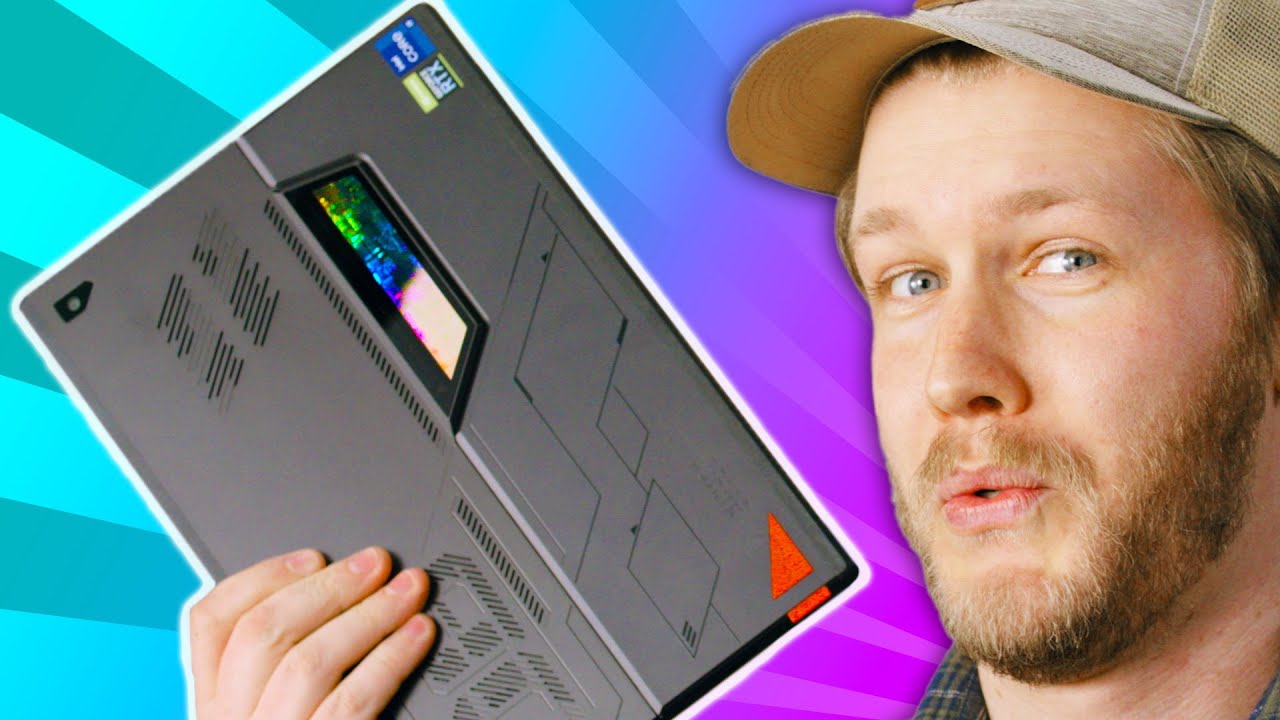
ASUS ROG did what Microsoft couldn't - Flow Z13
0 up · 0 down · 0 ratings
Description
Thanks to ASUS ROG for sponsoring this video!
Promos
Check out the ASUS ROG Flow Z13 at geni.us The ASUS Flow Z13 laptop/tablet might look a bit confusing at first glance, as once tablets aren't really known to be for performance or gaming, but it sure does look like a Microsoft Surface Pro. Well, ASUS actually did it, and well, it's a bit more powerful than what you think. Buy an Xbox Wireless Controller: geni.us Purchases made through some store links may provide some compensation to Linus Media Group. ► GET MERCH: lttstore.com ► AFFILIATES, SPONSORS & REFERRALS: lmg.gg ► PODCAST GEAR: lmg.gg ► SUPPORT US ON FLOATPLANE: floatplane.com FOLLOW US ELSEWHERE --------------------------------------------------- Twitter: twitter.com Instagram: @shortcircuityt TikTok: @linustech Facebook: @ShortCircuitYT CHAPTERS --------------------------------------------------- 0:00 - ASUS Crate arrives 0:26 - Unboxing 1:29 - XG Mobile connector 2:07 - Unboxing continued 2:47 - Exterior impressions 3:57 - Power it on 4:15 - Trackpad and keyboard impressions 5:20 - Size impressions 5:30 - ASUS Flow Z13 Specs 6:03 - Pricing 6:19 - Connecting the Xbox wireless controller 7:20 - Display specs 7:40 - Gaming performance impressions 8:15 - Speaker impressions 8:40 - XG Mobile gaming time! 10:25 - Vapor Chamber cooling information 11:09 - Upgradeability 11:44 - Can't open it, but we'll tell you about it 12:15 - Webcam and microphone impressions 12:39 - Outro
The video opens with an unboxing sequence of the ASUS ROG Flow Z13, highlighting its surprising mix of tablet form factor and high-end performance. The presenters discuss the packaging contents, noting the included XG Mobile eGPU, a power brick, a Fusion II 500 headset, and an Xbox Wireless Controller with an ROG motif. They explain the key concept: the Flow Z13 is a compact tablet that can dock with an external GPU for desktop-class gaming and heavy workloads, using a dedicated XG Mobile connector for high bandwidth and low latency compared with Thunderbolt alternatives. The discussion then pivots to hardware design choices, including see-through plastics, back RGB, and a practical array of ports such as USB Type-A, USB-C, Thunderbolt, and the XG port, which collectively beat the typical Surface Pro IO in both connectivity and expansion. The hosts test the device’s cooling approach, noting a vapor chamber and liquid metal, and contrast it with conventional laptop cooling, while expressing optimism about sustained performance during gaming sessions. They emphasize the Flow Z13’s upgradeability potential via a single-access SSD, and they praise the front-facing camera as respectable for a tablet, while noting that the device remains surprisingly quiet during intense workloads. The segment culminates in a hands-on gaming evaluation, where Forza Horizon 5 runs at 60 to 70 FPS in 1080p on the tablet with a 120 Hz display, aided by the RTX 3050 Ti and 16 GB of RAM, and the experience is augmented further when the eGPU is connected for higher frame rates. The hosts conclude by reflecting on the portability-versus-performance trade-off, suggesting the Z13 is a portable gaming powerhouse that can double as a compact home gaming PC, while acknowledging the premium price of around $1899 and the practical limitations of a tablet form factor for traditional clamshell use. They end with a brief verdict praising ASUS for the engineering feat, while teasing future tests and confirming the 4K60 version availability but advising against it for most buyers.
Topics · technology · gaming · hardware · mobile_computing · pc_gaming
Questions answered
- What is the Flow Z13 primarily designed to do when docked with the XG Mobile?
- When docked with the XG Mobile, the Flow Z13 can offload graphics processing to a dedicated mobile GPU, enabling desktop-class gaming performance and higher frame rates than the tablet alone.
- What is the main cooling technology used in the Flow Z13 and why is it important?
- The Flow Z13 uses a vapor chamber cooling system with liquid metal, which helps manage the heat from both the CPU and GPU, allowing higher performance in a compact tablet form factor without excessive throttling.
- What are the notable connectivity options that outperform typical Surface Pro devices?
- Notable options include USB Type-A, USB-C with Thunderbolt, a dedicated XG Mobile port for the eGPU, and a robust external GPU docking setup for enhanced gaming performance.