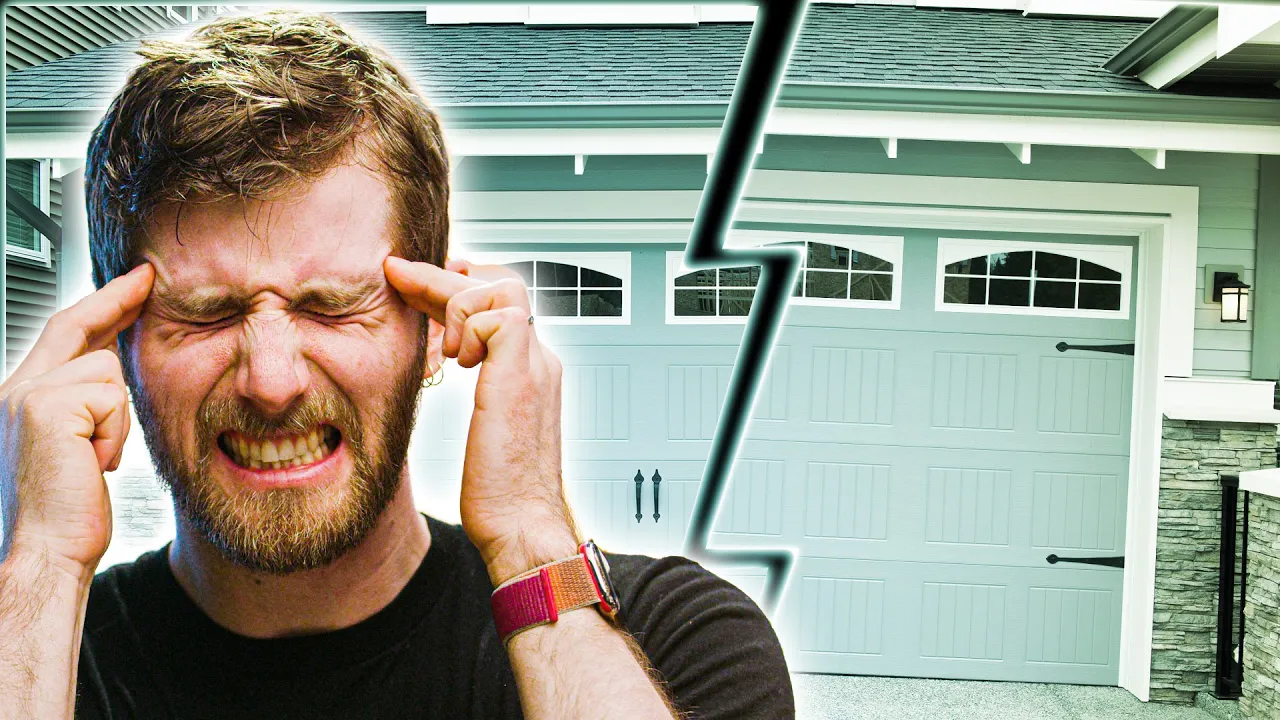
Nothing EVER Works! - Making a dumb door smart
0 up · 0 down · 0 ratings
Promos
Thanks to Pulseway for sponsoring this video! Remotely monitor and manage your server or PC using Pulseway at geni.us Trying to make my old school garage door openers "smart" has left me with a multi-year-long nightmare of different solutions that never all worked properly. Today, we fix it for good with the help of HomeAssistant and Pulseway. Buy Chamberlain Smart Garage Door Opener (PAID LINK): geni.us Purchases made through some store links may provide some compensation to Linus Media Group. Discuss on the forum: linustechtips.com Tutorial: linustechtips.com ► GET MERCH: lttstore.com ► AFFILIATES, SPONSORS & REFERRALS: lmg.gg ► PODCAST GEAR: lmg.gg ► SUPPORT US ON FLOATPLANE: floatplane.com FOLLOW US ELSEWHERE --------------------------------------------------- Twitter: twitter.com Facebook: @LinusTech Instagram: @linustech TikTok: @linustech Twitch: twitch.tv MUSIC CREDIT --------------------------------------------------- Intro: Laszlo - Supernova Video Link: youtube.com iTunes Download Link: itunes.apple.com Artist Link: soundcloud.com Outro: Approaching Nirvana - Sugar High Video Link: youtube.com Listen on Spotify: spoti.fi Artist Link: youtube.com Intro animation by MBarek Abdelwassaa @mbarek_abdel Monitor And Keyboard by vadimmihalkevich / CC BY 4.0 geni.us Mechanical RGB Keyboard by BigBrotherECE / CC BY 4.0 geni.us Mouse Gamer free Model By Oscar Creativo / CC BY 4.0 geni.us
Nothing EVER Works! is a deep dive into the sausage factory of home automation, focusing on turning an old garage door into a smart device using a mix of commercial hardware, DIY hacks, and self hosting. The video begins by recalling the 1980s opener and the initial attempt to add smart remote control, including a cheap relay that could press the button remotely but lacked real status awareness. The host then recounts a cascading series of failures: a failed hardware reset after a WiFi switch change, a move to a more expensive four-channel relay, and then a change in the cloud-enabled ecosystem when eWeLink and IFTTT altered their policies. This sets up the central thesis that smart home ecosystems are fragile when policy changes or interoperability gaps disrupt a working setup. The narrative pivots to a practical, self-hosted solution with Home Assistant, showing that a local server can unify disparate devices, reduce cloud dependency, and provide robust status reading and control. The practical steps include setting up a domain, SSL, and remote access, followed by wiring in a MyQ device to Home Assistant and enabling Google Assistant integration. The host emphasizes that while the DIY route is longer and more complicated, it yields a system that works reliably across multiple commands and devices, reducing outages and privacy concerns. In a concluding reveal, the demonstrated setup with two garage doors finally works via Google Assistant, after a long journey through failures, and the sponsor Pulseway is tied in as a monitoring layer for the broader server ecosystem. The video ends with a reminder that the core takeaway is about tradeoffs between convenience, cost, security, and interoperability in smart home projects, and that a self-hosted approach can substantially improve reliability if the user is willing to invest the time.
Topics · home automation · DIY technology · cloud dependency · smart home challenges · security and privacy · open source software · self hosting · tech tutorials