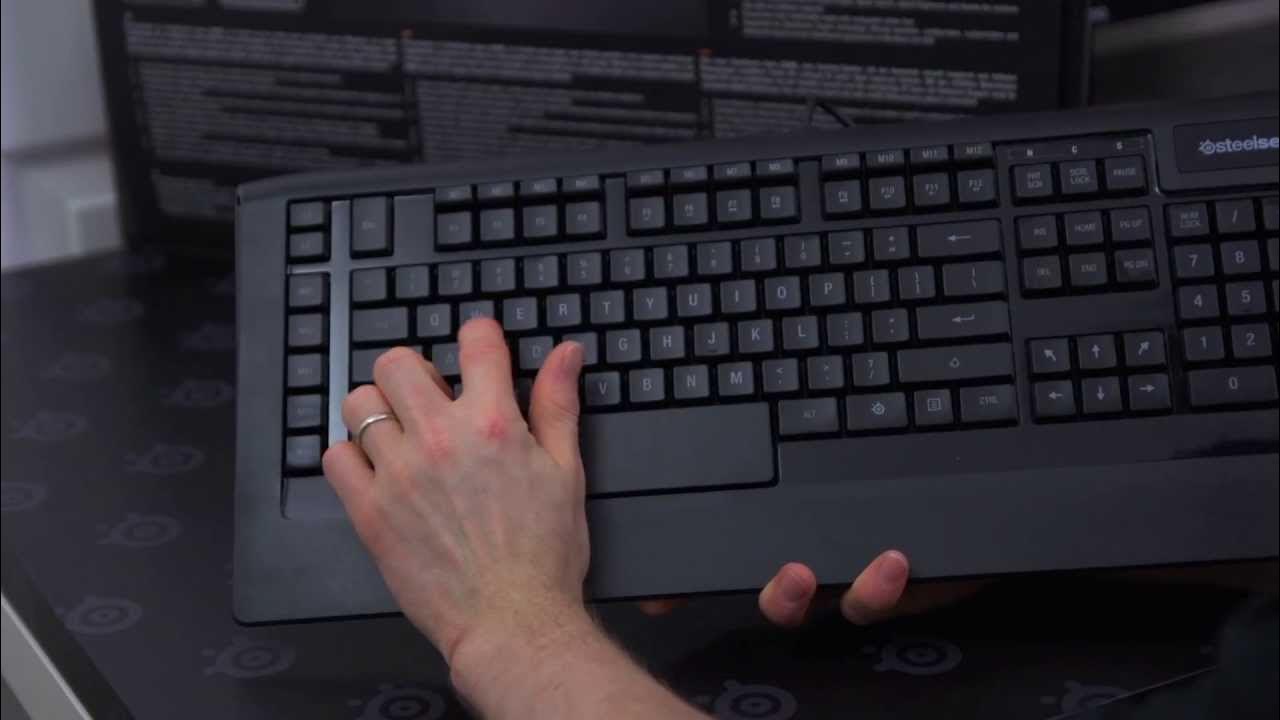
Steelseries Apex [RAW] Gaming Keyboard Unboxing
0 up · 0 down · 0 ratings
Channels and socials
Steelseries' APEX [RAW] keyboard is optimized for quicker response with its low profile design. If 8 minutes is too long for you to watch a video about a keyboard, there's a more concise one that Steelseries had me make here: bit.ly Join our community forum: bit.ly twitter.com @LinusTech Buy it now at NCIX: ncix.com
The SteelSeries Apex RAW Gaming Keyboard unboxing presents a compact overview of a low-profile, membrane-key keyboard aimed at quick reflexes and ease of use for gamers. The video walks through the unboxing experience, starting with the packaging and contents, including a quick start guide and optional accessories such as rubber feet for angle adjustment. The presenter highlights the keyboard's layout, emphasizing the relocated Windows key and SteelSeries key, which align with user feedback and ergonomic preferences. Throughout the review, there is a focus on macro keys located on the left side, designed for rapid access to binding and combo actions, and an explanation of the SteelSeries Engine software that enables multiple profiles and key remapping. The speaker also notes practical design choices such as the longer space bar to accommodate gaming thumb placement, and mentions the eight levels of backlighting along with the diagonal keys that had been restored after user demand. Finally, the video demonstrates plugging in the keyboard, testing the backlight, and showcasing the eight brightness levels while offering final impressions and a sign-off to subscribe for more unboxings and product videos.
Topics · Technology · Computer hardware · Gaming · Reviews
Questions answered
- What makes the Apex RAW suitable for gamers who prefer quick key presses over mechanical switches?
- The Apex RAW uses low-profile membrane key switches that require less actuation distance, enabling faster, lighter key presses ideal for rapid gaming actions.
- How does the macro key system work on the Apex RAW?
- The keyboard features 17 macro keys arranged on the left and top areas, with five on the left and 12 along the top. These keys can be programmed to perform single or multi-key actions, and you can switch between macro layers using the L1 and L2 keys to manage multiple profiles within SteelSeries Engine.
- What ergonomic feature is highlighted in the unboxing regarding the space bar?
- The space bar is designed longer and positioned to be more natural for gaming thumb placement, reducing interference with typing while maintaining comfort during long sessions.