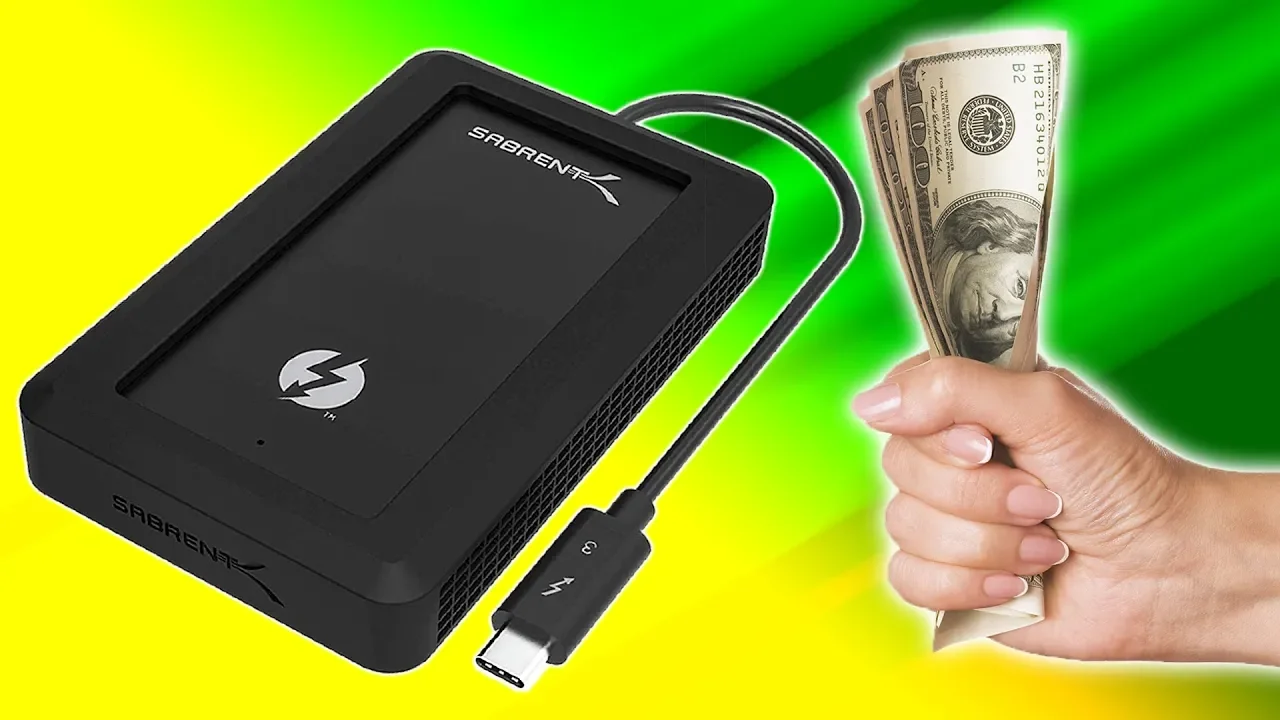
The ONLY Way to Upgrade Your MacBook...
0 up · 0 down · 0 ratings
Promos
Thanks, Sabrent for sponsoring this Techquickie video! Use promo code 15OFFLINUS to get 15% Off an XTRM or Rocket Pro on Amazon at: XTRM - lmg.gg Rocket Pro - lmg.gg What should you know when buying an external SSD? Techquickie Merch Store: lttstore.com Follow: twitter.com Join the community: linustechtips.com Leave a reply with your requests for future episodes, or tweet them here: twitter.com
The video discusses how to upgrade storage for Macs using external solutions, emphasizing that performance hinges on both the interface and the underlying drive. The host explains that external storage can range from simple USB sticks to full enclosure systems that house internal NVMe SSDs, with NVMe designed for high speeds compared to SATA. He covers key choices like USB 3.1 Gen 2 and Thunderbolt 3, comparing their theoretical maximums and real-world implications, and cautions viewers to avoid slower interfaces such as USB 3.1 Gen 1 or USB 2.0. The host also notes that Thunderbolt 3, while faster, comes at a higher cost and with more limited compatibility across systems, so users should balance speed, price, and computer support. He highlights that a metal-bodied enclosure can help with heat dissipation and stresses checking product specs to ensure the connection supports 10 Gbps or higher for optimal NVMe performance. The sponsor segment briefly introduces Sabrent external SSDs, pointing to Rocket Pro and Rocket XTRM for different use cases, from everyday storage to bandwidth-heavy tasks like video editing. The closing portion invites viewers to like, subscribe, and comment with future video requests, underscoring the channel’s goal of producing practical, technically grounded content about storage upgrades and performance considerations.
Topics · technology · computers · storage · hardware · consumer_electronics
Questions answered
- What are the best external interfaces for NVMe drives according to the video?
- The video recommends USB 3.1 Gen 2 and Thunderbolt 3 as the best interfaces for NVMe external drives, with Thunderbolt 3 offering the highest potential speeds and USB 3.1 Gen 2 providing broad compatibility.
- Why should you consider heat dissipation in external enclosures?
- Metal-bodied enclosures can help dissipate heat, which can maintain performance and longevity of high-speed NVMe SSDs during heavy use.